

- Update04.09.2026
- Latest Version4.46.3
- Android OS6.0+
- LicenseFree
-
LanguagesEnglish English, العربية, Deutsch, Español, Eesti, Suomi, Français, हिन्दी, Magyar, Bahasa Indonesia, Italiano, 日本語, 한국어, Bahasa Melayu, Nederlands, Polski, Português, Русский, Svenska, ไทย, Türkçe, Українська, Tiếng Việt, 中文
- Content RatingEveryone
- DeveloperBluestem Mobile Apps
- Package Namecom.bluestem.fingerhut.android
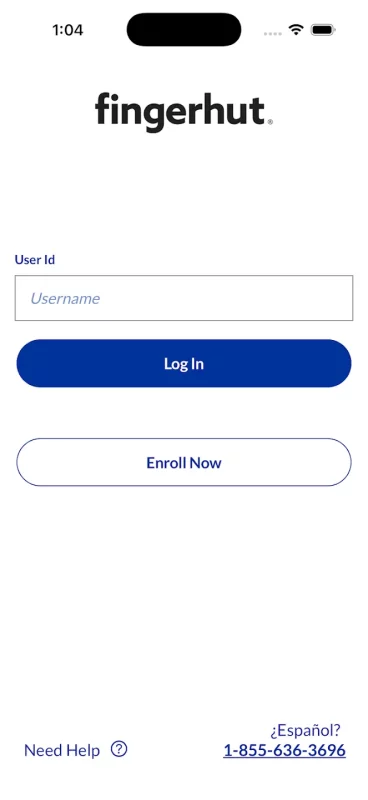
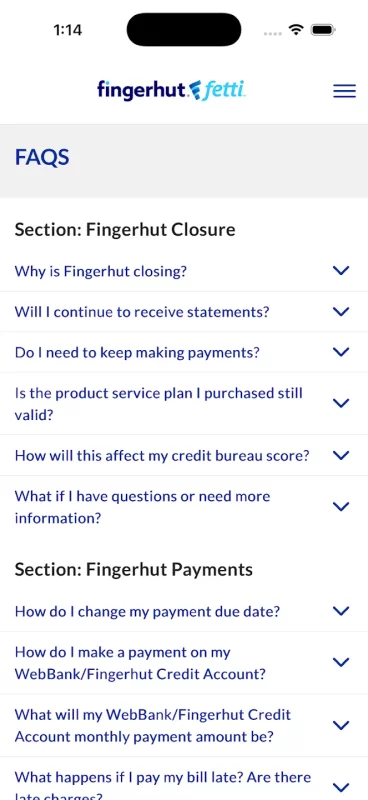
The shopping experience has been removed. You will be required to set up new credentials, Face ID, and Touch ID.
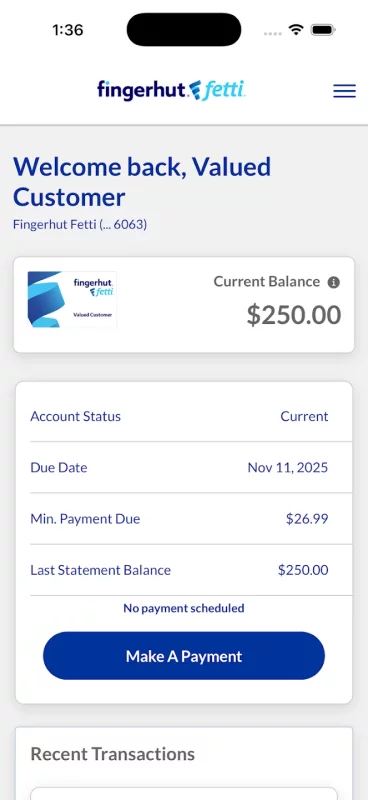
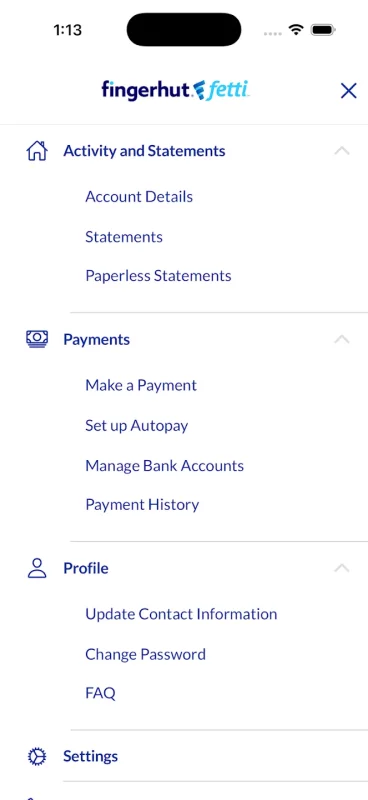
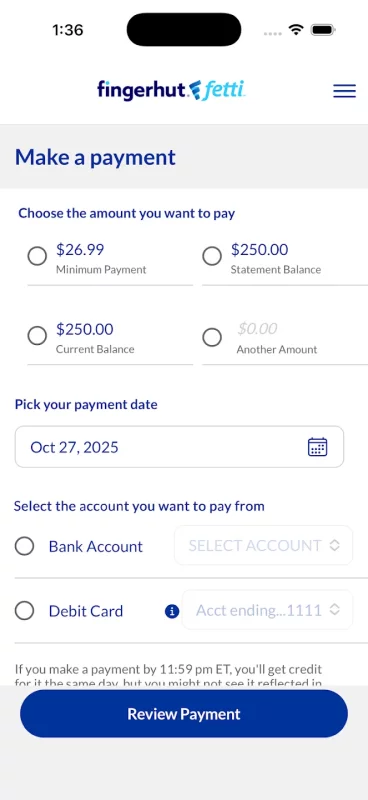
Here’s a short list of what you can do once you’re signed in:
• View your available credit and current balance
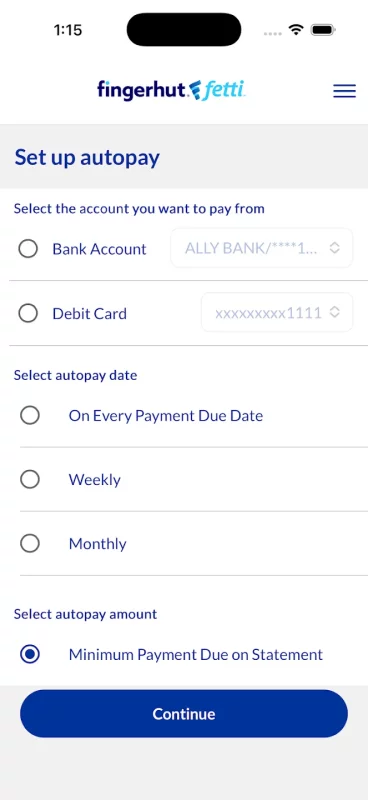
• Make payments on Fingerhut Fetti and Advantage accounts
• Set up and view recurring payment schedules
• Review past payments
Download Fingerhut Mobile for Android for free
How to install APKS
- Download the APKS file to your Android device.
- Install one of these installers from our website:
- Open the installer and select the downloaded file from the Downloads folder.
- Allow installation from this source if Android asks for permission.
- Start installation. To update the app, install the newer file without uninstalling the current version.
⚠If the download fails or gets stuck, try enabling a VPN, disabling your ad blocker, or switching to a different network.
See also

AliExpress - Shopping App
Shop Smart, Save Big: Your Ultimate Global Online Shopping Destination Welcome to AliExpress, the

Walmart: Shopping & Savings
Save money. Live better. The Walmart app is the easiest way to shop for everything on your list,
Comments (0)
Loading comments...