GoPro Quik: Video Editor

GoPro Quik: Video Editor

0 votes
  • Update
    26.09.2026
  • Latest Version
    13.41
  • Android OS
    13+
  • License
    Free
  • Languages
    English
  • Content Rating
    Everyone
  • Developer
  • Package Name
    com.gopro.smarty

With Quik, editing just got easier. Get the most out of your favorite shots with Automatic Highlight videos and a suite of premium tools for custom edits [1]. Everything is backed up to the GoPro cloud so you can access and edit your footage on-the-go [1].

--- Key Features ---
Automatic Edits
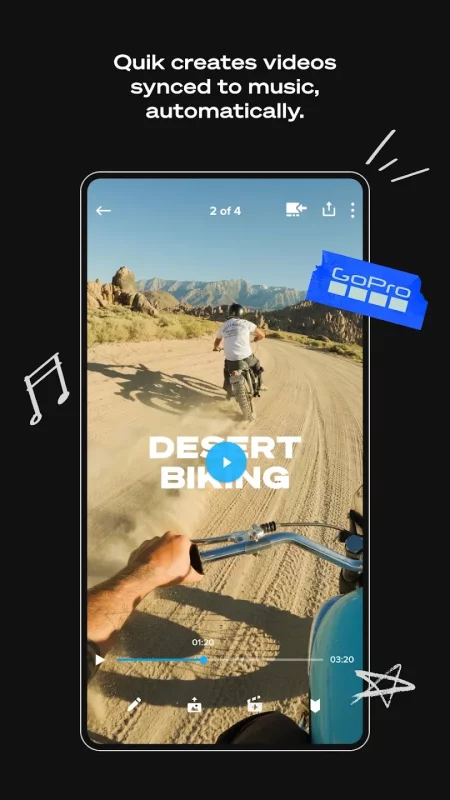
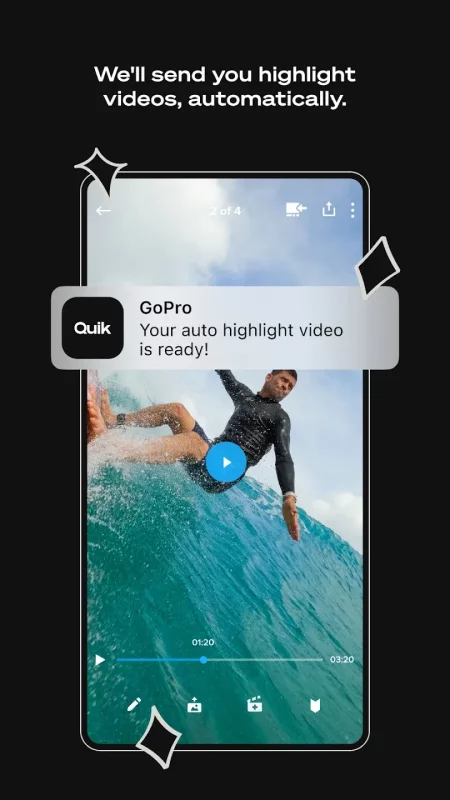
The Quik app finds your best shots, syncs them to music, adds transitions and automatically creates a shareable video. [1]

Unlimited Cloud Storage at 100% Quality
Get UNLIMITED cloud storage of ALL your GoPro footage and up to 500GB from other cameras with a Premium or Premium+ subscription. All at 100% quality. [2]

Auto Upload + Cross Device Sync
Once imported into the Quik app, photos, videos, and edits automatically upload to the cloud for backup and sync across your devices for seamless cross-platform editing and content management. [1]

Premium Editing Tools
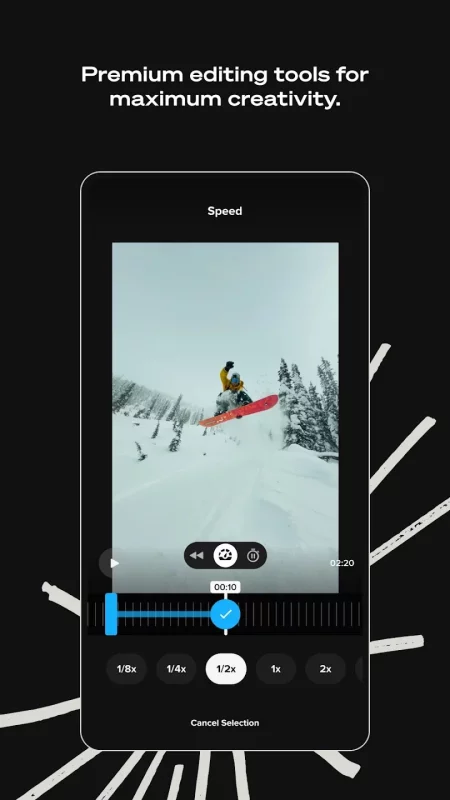
Play with color and light, trim video length, add stickers and more to take your footage to the next level.

Beat Sync
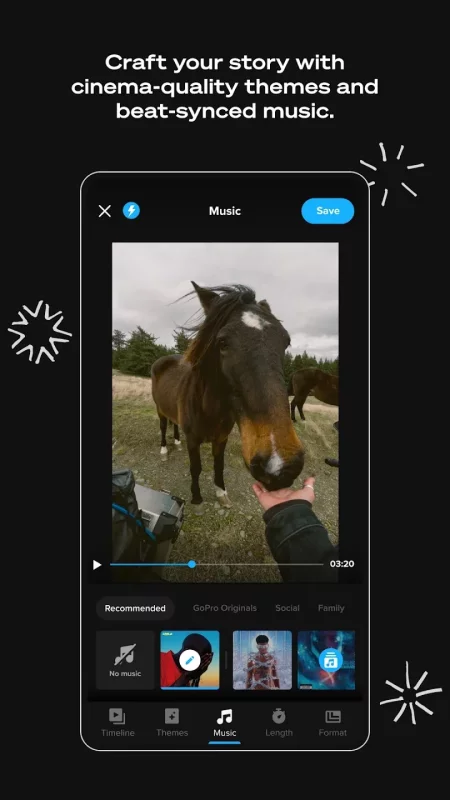
Syncs clips, transitions, and effects to the beat of the music. [1]

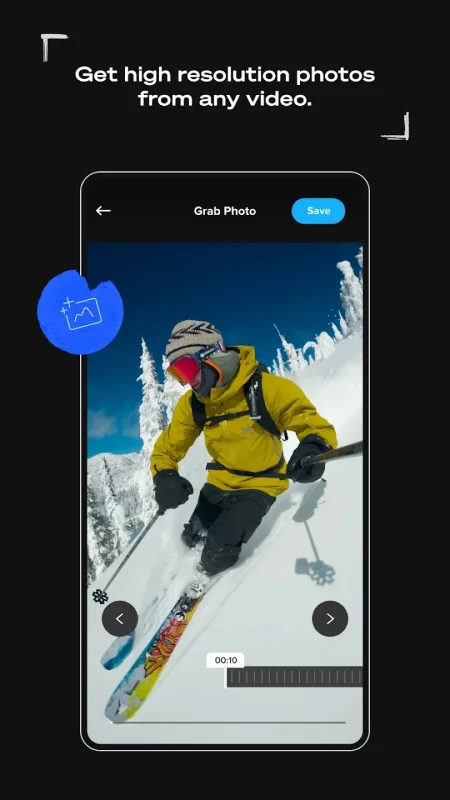
Frame Grab
Get high resolution photos by capturing a frame from any video.

Themes
Find a theme that tells your story with cinematic transitions, filters, and effects. [1]

Filters
Exclusive filters optimized for environments like snow and water.

Frame Adjust
Adjust the aspect ratio for photos and videos. You can also level the horizon, rotate and flip media.

Text Overlays
Add text and emojis for another dimension to your story. [1]

Transform 360 into Traditional Video with Reframe
Use Reframe to experiment with countless views, choose the best shots and instantly create cinematic transitions with the click of a keyframe. Then, export a traditional video or photo you can edit and share.

--- GoPro Camera Owner Features ---
Auto GoPro Detection + Transfer
Automatically detects connected GoPro cameras and transfers footage across a wired USB connection for fast and easy transfers.

Preview Shots + Delete
Check out GoPro camera photos and videos on your computer before you transfer them or delete unwanted shots from your camera's SD card.

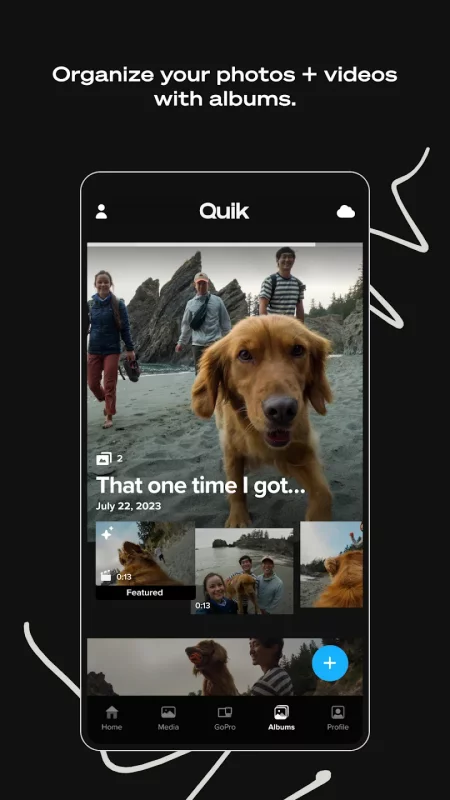
Content Management
View and manage both local and cloud media in a single view, while camera media is organized in another view. Easily view and find media in a large, easy-to-read grid with search filters and icon overlays.

--- Footnotes ---
[1] Premium or Premium+ Subscription required. Available in select countries. Cancel anytime. See terms + conditions at our official website.
[2] Subscribe to Premium for unlimited cloud storage for footage captured with a GoPro camera plus up to 100GB (or up to 500GB with a Premium+ subscription) of footage captured on non-GoPro cameras or phones. GoPro cloud storage does not support content captured with GoPro Fusion. Cloud storage for footage captured on non-GoPro cameras or phones is limited to supported file types. See supported file types at our official website.
Download GoPro Quik: Video Editor for Android for free

Download GoPro Quik: Video Editor 13.41 xapk Android 13+ ARMV8
264.25 Mb
No viruses found
Permissions (28)
Detections: 0
Check date: 26 September 2026, 15:50
The file was scanned for viruses using VirusTotal.
ACCESS_COARSE_LOCATION - allows an app to access approximate location.
ACCESS_FINE_LOCATION - allows an app to access precise location.
ACCESS_MEDIA_LOCATION - allows an application to access any geographic locations persisted in the user's shared collection.
ACCESS_NETWORK_STATE - allows applications to access information about networks.
ACCESS_WIFI_STATE - allows applications to access information about wi-fi networks.
BLUETOOTH_CONNECT - required to be able to connect to paired bluetooth devices.
BLUETOOTH_SCAN - required to be able to discover and pair nearby bluetooth devices.
CHANGE_NETWORK_STATE - allows applications to change network connectivity state.
CHANGE_WIFI_STATE - allows applications to change wi-fi connectivity state.
FOREGROUND_SERVICE - allows a regular application to use service.startforeground.
FOREGROUND_SERVICE_CONNECTED_DEVICE - allows a regular application to use service.startforeground with the type "connecteddevice".
FOREGROUND_SERVICE_DATA_SYNC - allows a regular application to use service.startforeground with the type "datasync".
GET_ACCOUNTS - allows access to the list of accounts in the accounts service.
INTERNET - allows applications to open network sockets.
NEARBY_WIFI_DEVICES - required to be able to advertise and connect to nearby devices via wi-fi.
POST_NOTIFICATIONS - allows an app to post notifications
READ_MEDIA_AUDIO - allows an application to read audio files from external storage.
READ_MEDIA_IMAGES - allows an application to read image files from external storage.
READ_MEDIA_VIDEO - allows an application to read video files from external storage.
READ_MEDIA_VISUAL_USER_SELECTED - allows an application to read image or video files from external storage that a user has selected via the permission prompt photo picker.
READ_PHONE_STATE - allows read only access to phone state, including the current cellular network information, the status of any ongoing calls, and a list of any phoneaccounts registered on the device.
READ_SYNC_SETTINGS - allows applications to read the sync settings.
READ_SYNC_STATS - allows applications to read the sync stats.
RECEIVE_BOOT_COMPLETED - allows an application to receive the intent.action_boot_completed that is broadcast after the system finishes booting.
VIBRATE - allows access to the vibrator.
WAKE_LOCK - allows using powermanager wakelocks to keep processor from sleeping or screen from dimming.
WRITE_SYNC_SETTINGS - allows applications to write the sync settings.
INSTALL_SHORTCUT - allows an application to install a shortcut in launcher.
SHA1 signature: 4a54fbf25470f8831f2567ed662a9cafeb4a0544
SHA256 signature: 1978e026da201cab6f7c610fef9c609b41f0f7b391f7fcf0f9cb61f4158a12be
How to install XAPK
  1. Download the XAPK file to your Android device.
  2. Install one of these installers from our website:
  3. Open the installer and select the downloaded file from the Downloads folder.
  4. Allow installation from this source if Android asks for permission.
  5. Start installation. To update the app, install the newer file without uninstalling the current version.

⚠If the download fails or gets stuck, try enabling a VPN, disabling your ad blocker, or switching to a different network.
See also
Funimate Video Editor & Maker
Funimate is the best video editing app you can find on mobile! Join millions of Funimate users who
Video Player All Format
Video Player All Format is a professional video playback tool. XPlayer supports setting passwords
Screen Recorder - XRecorder
NO watermark NO root needed NO recording time limit Screen Recorder & Video Recorder -
Video Downloader
Video Downloader
Easily download videos and music directly from the Internet onto your device. All formats are
VLC for Android
VLC for Android
VLC media player is a free and open source cross-platform multimedia player that plays most
YouTube
YouTube
Get the official YouTube app on Android phones and tablets. See what the world is watching -- from
Google TV
Google TV
Google TV, previously Play Movies & TV, makes it easy to find and enjoy the entertainment you
Streamlabs: Live Streaming
Streamlabs is the best free video live streaming app for creators. Stream mobile games or your
Comments (0)
Loading comments...