
- Update10.09.2026
- Latest Version3.7.1
- Android OS4.2+
- LicenseFree
-
LanguagesEnglish English, Afrikaans, አማርኛ, العربية, অসমীয়া, Asturianu, Azərbaycan dili, Беларуская, Български, বাংলা, Brezhoneg, Bosanski, Català, Corsu, Čeština, Cymraeg, Dansk, Deutsch, Ελληνικά, Español, Eesti, Euskara, فارسی, Suomi, Føroyskt, Français, Frysk, Gaeilge, Gàidhlig, Galego, ગુજરાતી, עברית, हिन्दी, Hrvatski, Magyar, Հայերեն, Bahasa Indonesia, Íslenska, Italiano, 日本語, ქართული, Taqbaylit, Қазақ тілі, ខ្មែរ, ಕನ್ನಡ, 한국어, Kurdî, Кыргызча, ລາວ, Lietuvių, Latviešu, Македонски, മലയാളം, Монгол, मराठी, Bahasa Melayu, မြန်မာ, Norsk bokmål, नेपाली, Nederlands, Norsk nynorsk, ଓଡ଼ିଆ, ਪੰਜਾਬੀ, Polski, Português, Română, Русский, ᱥᱟᱱᱛᱟᱲᱤ, Sardu, සිංහල, Slovenčina, Slovenščina, Shqip, Српски, Svenska, Kiswahili, தமிழ், తెలుగు, ไทย, Tagalog, Türkçe, Татар теле, ئۇيغۇرچە, Українська, اردو, Oʻzbekcha, Tiếng Việt, Walon, 中文, isiZulu
- Content RatingEveryone
- DeveloperVideolabs
- Package Nameorg.videolan.vlc
VLC media player is a free and open source cross-platform multimedia player that plays most multimedia files as well as discs, devices, and network streaming protocols.
This is the port of VLC media player to the Android™ platform. VLC for Android can play any video and audio files, as well as network streams, network shares and drives, and DVD ISOs, like the desktop version of VLC.
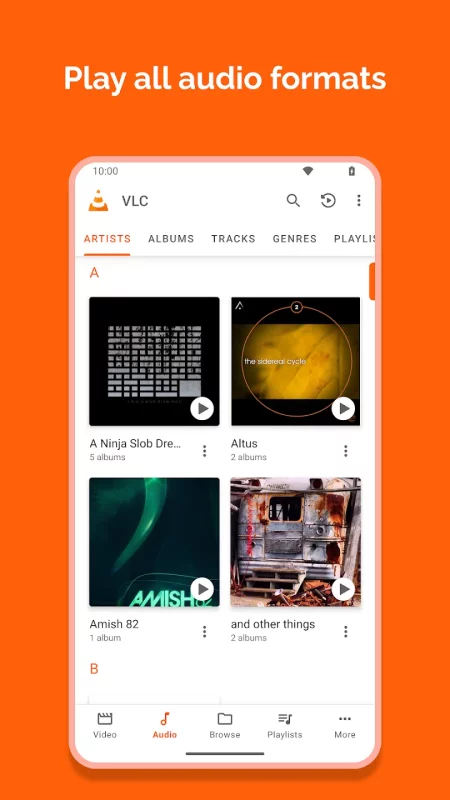
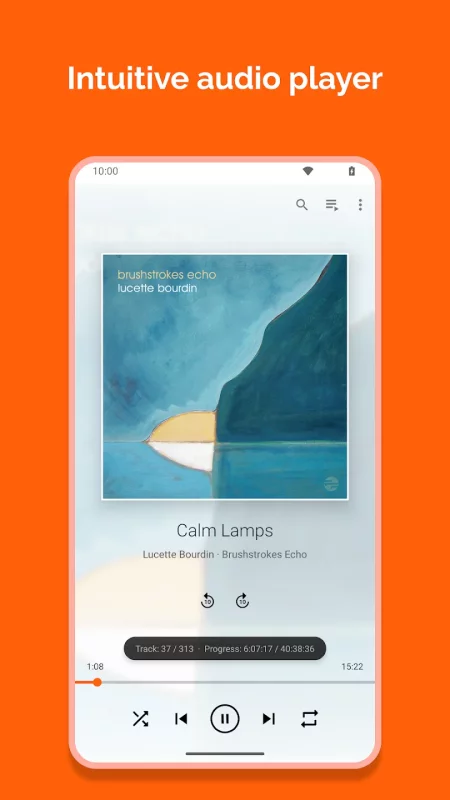
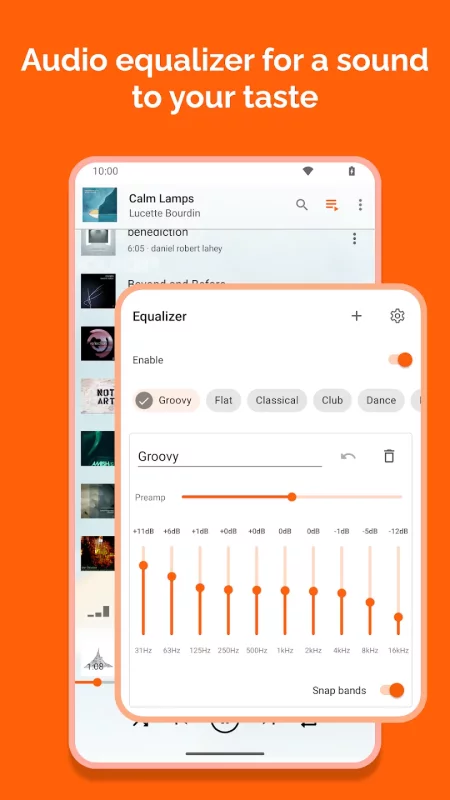
VLC for Android is a full audio player, with a complete database, an equalizer and filters, playing all weird audio formats.
VLC is intended for everyone, is totally free, has no ads, no in-app-purchases, no spying and is developed by passionate volunteers. All the source code is available for free.
Features
––––––––
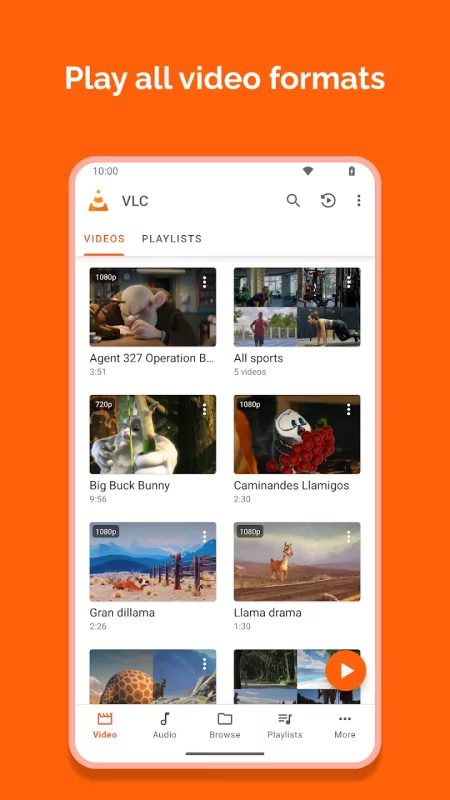
VLC for Android™ plays most local video and audio files, as well as network streams (including adaptive streaming), DVD ISOs, like the desktop version of VLC. It also support disk shares.
All formats are supported, including MKV, MP4, AVI, MOV, Ogg, FLAC, TS, M2TS, Wv and AAC. All codecs are included with no separate downloads. It supports subtitles, Teletext and Closed Captions.
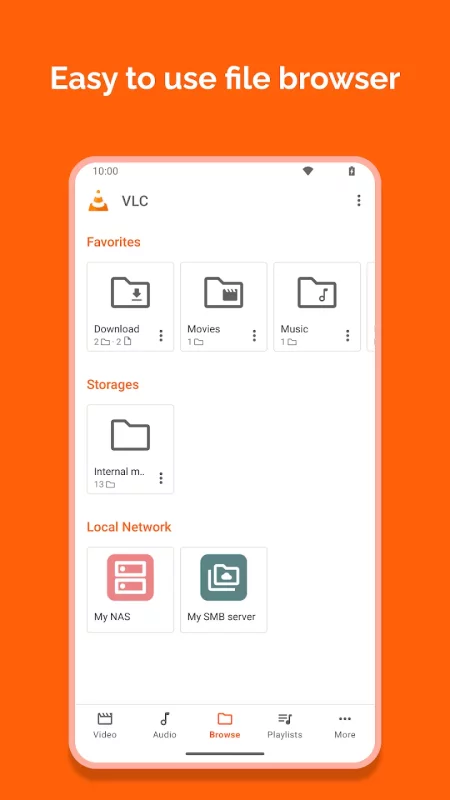
VLC for Android has a media library for audio and video files, and allows to browse folders directly.
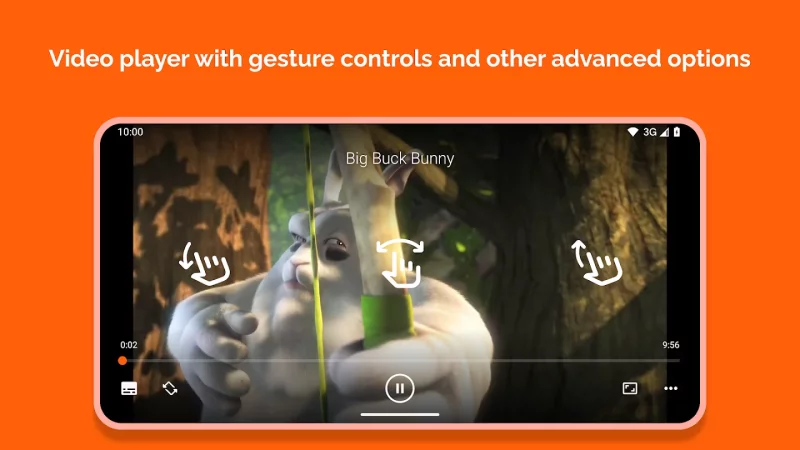
VLC has support for multi-track audio and subtitles. It supports auto-rotation, aspect-ratio adjustments and gestures to control volume, brightness and seeking.
It also includes a widget for audio control, supports audio headsets control, cover art and a complete audio media library.
Permissions
––––––––––––
VLC for Android needs access to those categories:
• "Photos/Media/Files" to read your all media files :)
• "Storage" to read your all media files on SD cards :)
• "Other" to check network connections, change the volume, set the ringtone, run on Android TV and display the popup view, see below for details.
Permission Details :
• It needs "read the contents of your USB storage", in to order to read your media files on it.
• It needs "modify or delete the contents of your USB storage", in order to allow deletion of files and store subtitles.
• It needs "full network access", to open network and internet streams.
• It needs "prevent phone from sleeping" in order to prevent... your phone from sleeping when watching a video.
• It needs "change your audio settings", in order to change audio volume.
• It needs "modify system settings", in order to allow you to change your audio ringtone.
• It needs "view network connections" in order to monitor whether device is connected or not.
• It needs "draw over other apps" to start the custom picture-in-picture widget.
• It needs "control vibration" to give feedback on the controls.
• It needs "run at startup" to set recommendations on Android TV launcher screen, only used on Android TV devices.
• It needs "microphone" to provide voice search on Android TV devices, only asked on Android TV devices.
Download VLC for Android for Android for free
- Download the APK file to your Android device.
- Find the file in the Downloads folder and open it.
- Allow installation from this source if Android blocks it.
- Tap Install. To update the app, install the newer APK without uninstalling the current version.