Design Space: DIY with Cricut

Design Space: DIY with Cricut

0 votes
  • Update
    26.09.2026
  • Latest Version
    6.78.1
  • Android OS
    12.1+
  • License
    Free
  • Languages
    English
  • Content Rating
    Everyone
  • Developer
  • Package Name
    com.cricut.designspace

Turn your ideas into something you can hold. With Design Space®, you can connect to your Cricut® machine and bring your designs to life. Create everything from personalized T-shirts, custom stickers, home decor, and so much more.

Quick setup from the start
Set up and activate your Cricut machine right from the app, with step-by-step guidance to get you ready to make.

Project-specific guidance
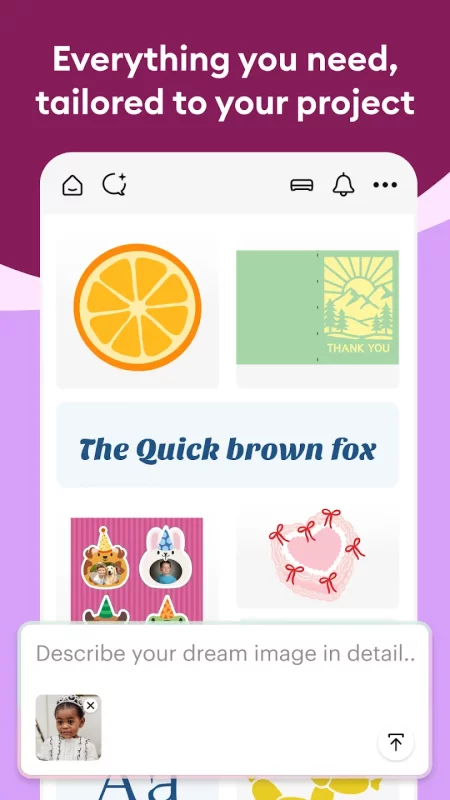
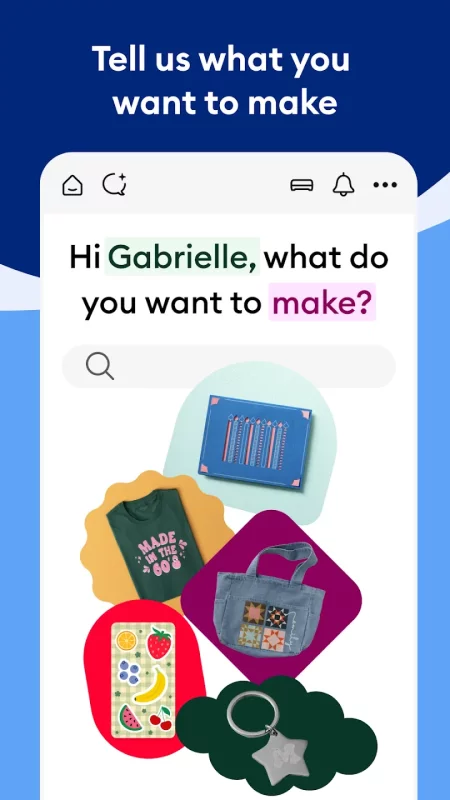
Tell us what you want to make and get everything you need, tailored to your project — including a custom-sized canvas, relevant content, contextual tools, and step-by-step assembly instructions.

Millions of ways to make it yours
Get started with thousands of images, fonts, projects, and templates included for free. Subscribe to Cricut Access™ to unlock the full library of 1.8+ million images, 100,000+ projects, 10,000+ templates, and 1,000+ fonts — plus monthly AI credits, exclusive discounts to cricut.com, and more.*

Powerful editing tools
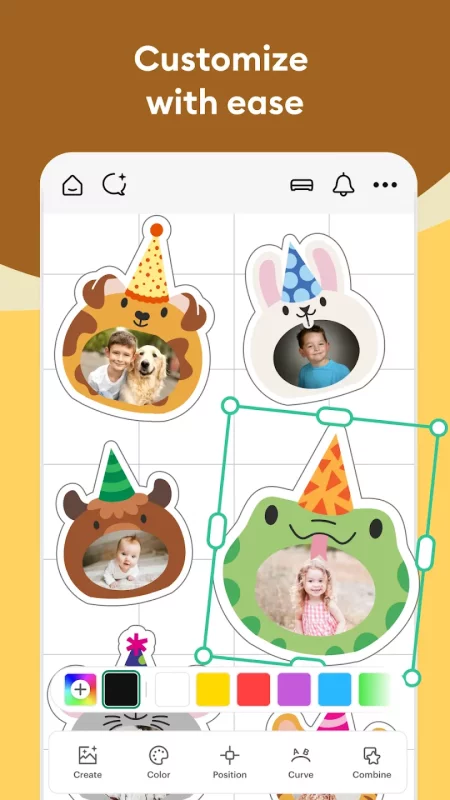
Personalize every detail with easy-to-use tools like Contour, Weld, and Offset. There are also subscriber-exclusive tools* like Background Remover, Convert to Layers, and Warp.

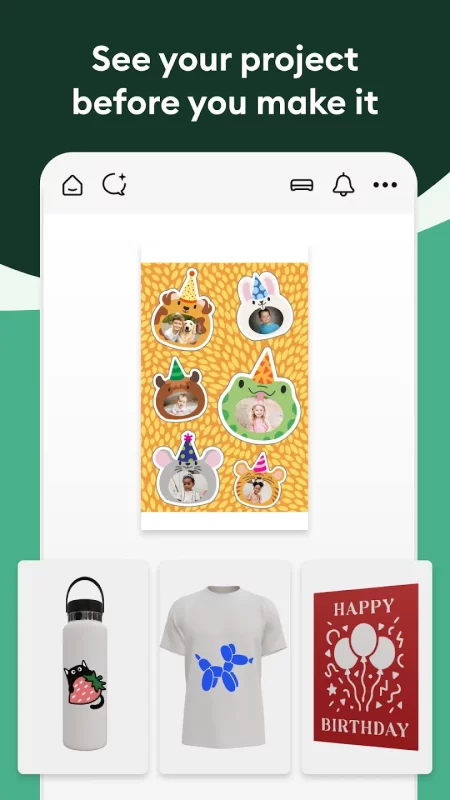
See it before you make it
Preview your finished project before you make it, so you can create with confidence.

Automatic settings
Choose your material and Design Space automatically applies the right settings for your Cricut machine.

Make it with Cricut
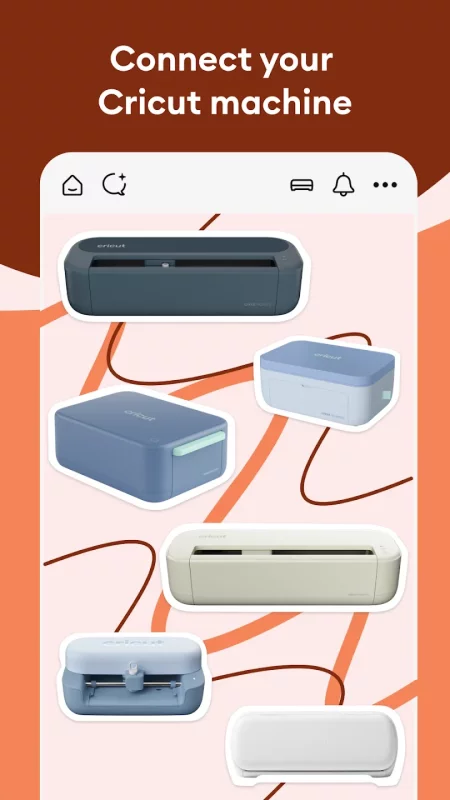
Connect to your compatible Cricut machine using Bluetooth® or Wi-Fi and follow guided steps to bring your project to life.

*Certain software features & full content library require paid subscription. See cricut.com for terms and details.

Download Design Space: DIY with Cricut for Android for free

Download Design Space: DIY with Cricut 6.78.1 xapk Android 12.1+ ARMV8
257.49 Mb
Permissions (21)
ACCESS_FINE_LOCATION - allows an app to access precise location.
ACCESS_NETWORK_STATE - allows applications to access information about networks.
ACCESS_WIFI_STATE - allows applications to access information about wi-fi networks.
BLUETOOTH - allows applications to connect to paired bluetooth devices.
BLUETOOTH_ADMIN - allows applications to discover and pair bluetooth devices.
BLUETOOTH_CONNECT - required to be able to connect to paired bluetooth devices.
BLUETOOTH_SCAN - required to be able to discover and pair nearby bluetooth devices.
CHANGE_WIFI_STATE - allows applications to change wi-fi connectivity state.
DETECT_SCREEN_CAPTURE - allows an application to get notified when a screen capture of its windows is attempted.
FOREGROUND_SERVICE - allows a regular application to use service.startforeground.
FOREGROUND_SERVICE_CONNECTED_DEVICE - allows a regular application to use service.startforeground with the type "connecteddevice".
FOREGROUND_SERVICE_MEDIA_PROJECTION - allows a regular application to use service.startforeground with the type "mediaprojection".
HIGH_SAMPLING_RATE_SENSORS - allows an app to access sensor data with a sampling rate greater than 200 hz.
INTERNET - allows applications to open network sockets.
POST_NOTIFICATIONS - allows an app to post notifications
RECEIVE_BOOT_COMPLETED - allows an application to receive the intent.action_boot_completed that is broadcast after the system finishes booting.
REQUEST_IGNORE_BATTERY_OPTIMIZATIONS - permission an application must hold in order to use settings.action_request_ignore_battery_optimizations.
USE_BIOMETRIC - allows an app to use device supported biometric modalities.
USE_FINGERPRINT - this constant was deprecated in api level 28. applications should request use_biometric instead
VIBRATE - allows access to the vibrator.
WAKE_LOCK - allows using powermanager wakelocks to keep processor from sleeping or screen from dimming.
SHA1 signature: d9bbf63325e480c60209547e612f982e55e9fb7a
SHA256 signature: bfe438832e3e3bfd58f4b5dfc1b219041e2991399cab31a36ad4f1ac7c24516a
How to install XAPK
  1. Download the XAPK file to your Android device.
  2. Install one of these installers from our website:
  3. Open the installer and select the downloaded file from the Downloads folder.
  4. Allow installation from this source if Android asks for permission.
  5. Start installation. To update the app, install the newer file without uninstalling the current version.

⚠If the download fails or gets stuck, try enabling a VPN, disabling your ad blocker, or switching to a different network.
See also
Swagbucks Play Games + Surveys
Swagbucks is the place to get paid for your opinion. Take thousands of paid surveys for money on
Great Clips Online Check-in
WHAT IS ONLINE CHECK-IN? Online Check-In saves you time by seeing estimated wait times for hair
Life360: Family Safety & GPS
Stay connected and secure with Life360, the ultimate family connection and safety company. With
Disneyland® Paris
Disneyland® Paris
Whether you’re planning your visit or you’re already in the heart of the magic, the Disneyland
Relatio
Relatio
Relatio is your trusted companion for enhancing relationship and intimate well-being. Offering
Amazon Alexa
Amazon Alexa
Use the Amazon Alexa App to set up your Alexa-enabled devices, listen to music, create shopping
My Verizon
My Verizon
Meet the My Verizon app. It’s everything Verizon, all in one place. Launch the app and get your
Petfinder - Adopt a Pet
Ready to find your fur-ever? Petfinder makes it easy to adopt a dog, adopt a cat, or find other
Comments (0)
Loading comments...