
- Update11.09.2026
- Latest Version6.87.0 (2026071704)
- Android OS12.1+
- LicenseFree
- Content RatingEveryone
- DeveloperGreat Clips, Inc.
- Package Namecom.greatclips.android
WHAT IS ONLINE CHECK-IN?
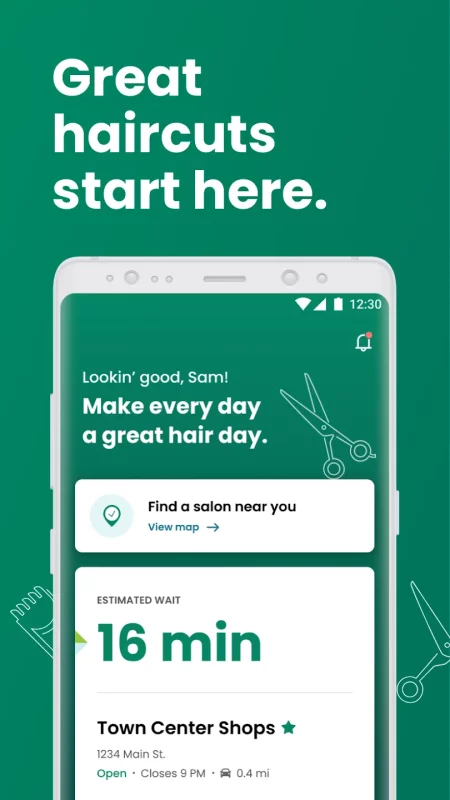
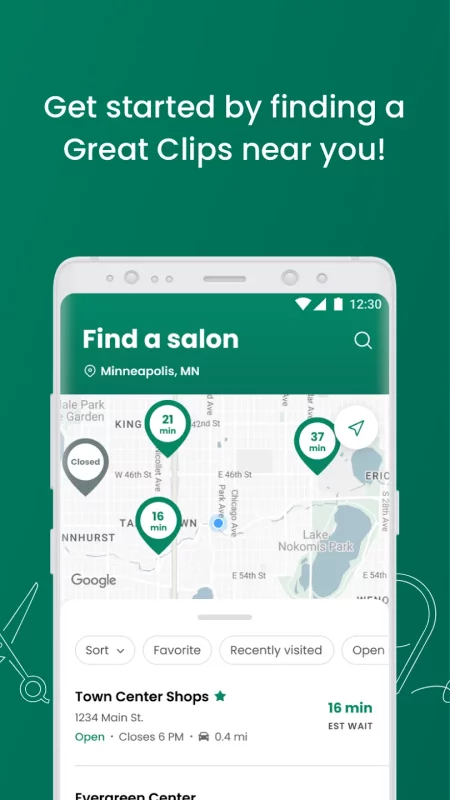
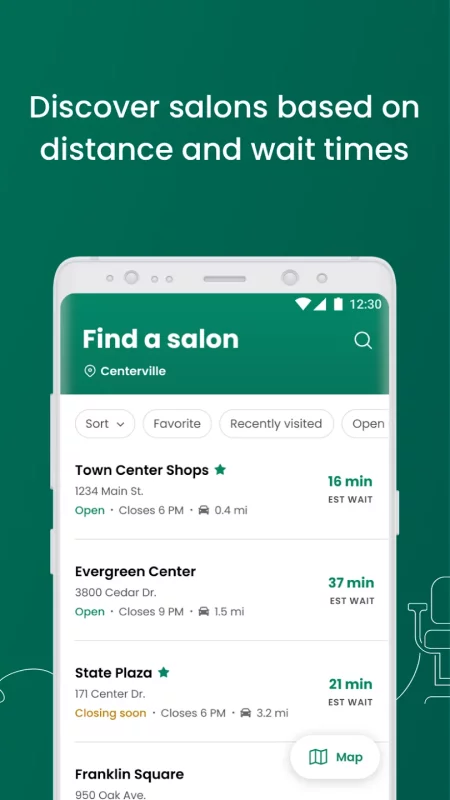
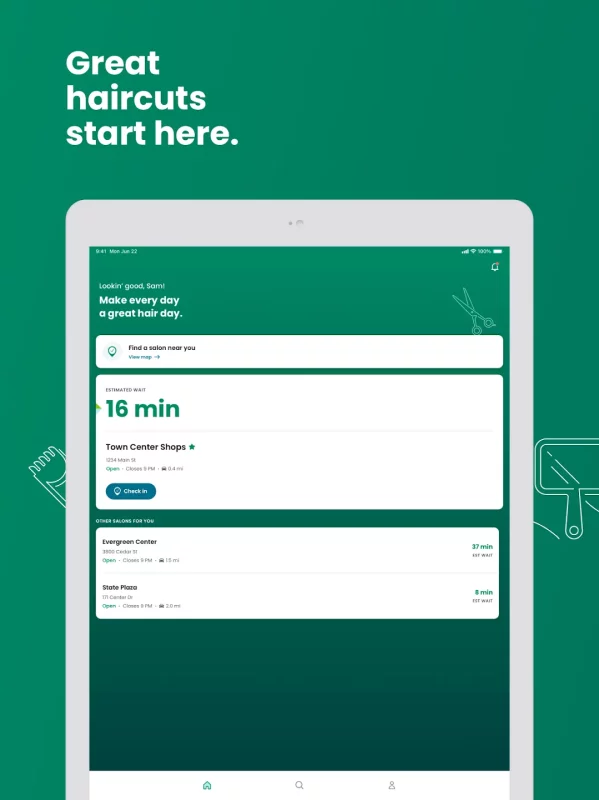
Online Check-In saves you time by seeing estimated wait times for hair salons near you. From there, just pick your favorite salon, and get on the waitlist from wherever you are.
FEATURES:
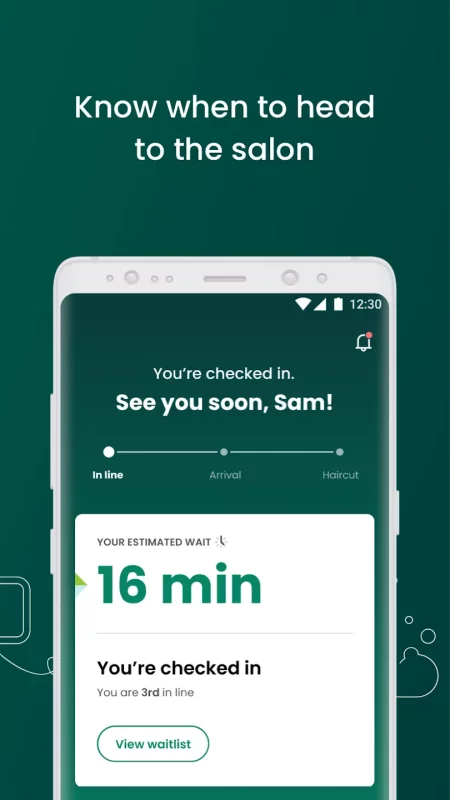
-Check estimated wait times based on current conditions in the salon and updates in real time.
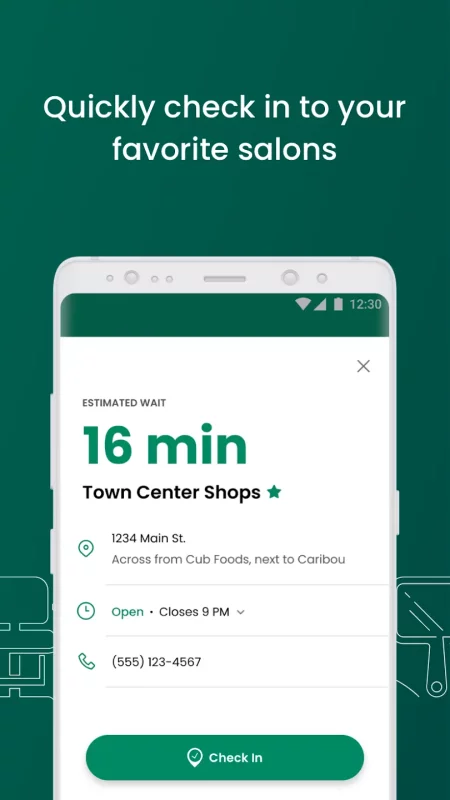
-Online Check-In: You save time by checking in to the salon ahead of time - saving your place in line.
-ReadyNext®: Get text alerts to notify you when your estimated wait time reaches 15 minutes as your cue to head to the salon.
-Save your favorite hair salon so it’s even quicker next time you check in!
HOW TO USE:
-Tap the Search icon
-Pick a hair salon near you
-Tap the Check In button
-Enter your name and phone number
-Tap Check In again to be added to the wait list – no login, email, or profile required.
-Let the salon know when you arrive.
After you check in, you can watch your estimated wait time countdown and arrive at the salon when it's nearly your turn to get your service.
ESTIMATED WAIT TIME
Estimated wait times assume you are getting the next available stylist. You can request a stylist upon arrival at the salon but your wait may be longer. For safety and privacy reasons, we do not publish stylist schedules.
WHEN IS ONLINE CHECK-IN AVAILABLE?
Customers can check in online during the hours the salon is open. Online Check-In will not be available during the first five minutes a salon is scheduled to be open. This gives customers who are physically in the salon when it opens a chance to be checked in and have their names added to the waitlist. We accept online check-in up until 30 minutes before closing time. You can still get a haircut at closing time, you just can't check in on the app.
CAN I USE ONLINE CHECK-IN FOR MORE THAN A HAIRCUT?
Yes, you can use Online Check-In for all services except perms and formal updos. Please note that not all salons offer perms. And, most salons require an appointment for these services, so please call the salon to inquire.
WHAT DO I DO IF I DON’T HAVE A MOBILE DEVICE?
You can check in from any device that has internet (a smartphone, tablet, computer, etc.). Go to greatclips.com, click on Find a Salon or Check In. Enter your postal code or address and you'll be using Online Check-In in no time! If you don't have an Internet connection, you can always walk right in to any salon and add your name to the list.
WHEN SHOULD I ARRIVE AT THE SALON?
After you've checked in online, you will see what place you are in on the waitlist. You'll want to arrive to the salon before you are next in line. If you'd like to receive a text message when your estimated wait time reaches 15 minutes, you can sign up for ReadyNext® text alerts. Once you arrive at the salon, let the stylists know you're there, and they will confirm your information and finish your check in.
WHAT HAPPENS IF I ARRIVE LATE?
We understand: Things happen! Don't worry if you lose your keys, spill something, or get stuck in traffic. We'll keep your name on the list for a short period of time.
HOW DO I CANCEL MY CHECK IN?
Once you are checked in, the salon will appear on the home screen. Cancel at any time by tapping Cancel check-in.
Download Great Clips Online Check-in for Android for free
- Download the APK file to your Android device.
- Find the file in the Downloads folder and open it.
- Allow installation from this source if Android blocks it.
- Tap Install. To update the app, install the newer APK without uninstalling the current version.