
- Update26.09.2026
- Latest Version11.9.3
- Android OS11+
- LicenseFree
-
LanguagesEnglish Afrikaans, አማርኛ, العربية, অসমীয়া, Azərbaycan dili, Беларуская, Български, বাংলা, Bosanski, Català, Čeština, Dansk, Deutsch, Ελληνικά, English, Español, Eesti, Euskara, فارسی, Suomi, Filipino, Français, Galego, ગુજરાતી, हिन्दी, Hrvatski, Magyar, Հայերեն, Bahasa Indonesia, Íslenska, Italiano, עברית, 日本語, ქართული, Қазақ тілі, ខ្មែរ, ಕನ್ನಡ, 한국어, Кыргызча, ລາວ, Lietuvių, Latviešu, Македонски, മലയാളം, Монгол, मराठी, Bahasa Melayu, မြန်မာ, Norsk bokmål, नेपाली, Nederlands, ଓଡ଼ିଆ, ਪੰਜਾਬੀ, Polski, Português, Română, Русский, සිංහල, Slovenčina, Slovenščina, Shqip, Српски, Svenska, Kiswahili, தமிழ், తెలుగు, ไทย, Tagalog, Türkçe, Українська, اردو, Oʻzbekcha, Tiếng Việt, 中文, isiZulu
- Content RatingEveryone
- DeveloperEpic Systems Corporation
- Package Nameepic.mychart.android
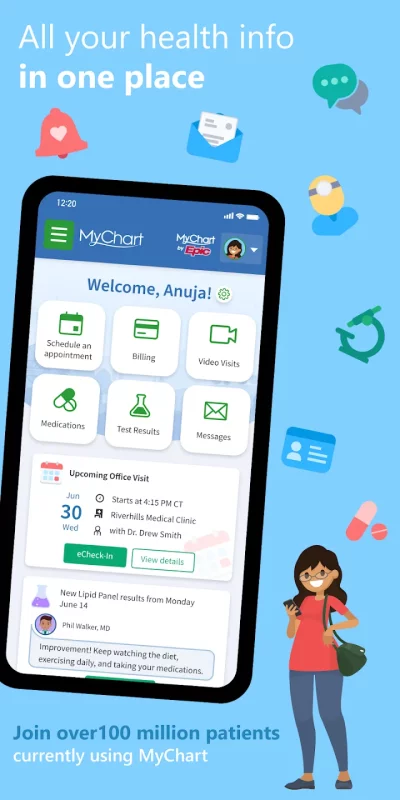
MyChart puts your health information in the palm of your hand and helps you conveniently manage care for yourself and your family members. With MyChart you can:
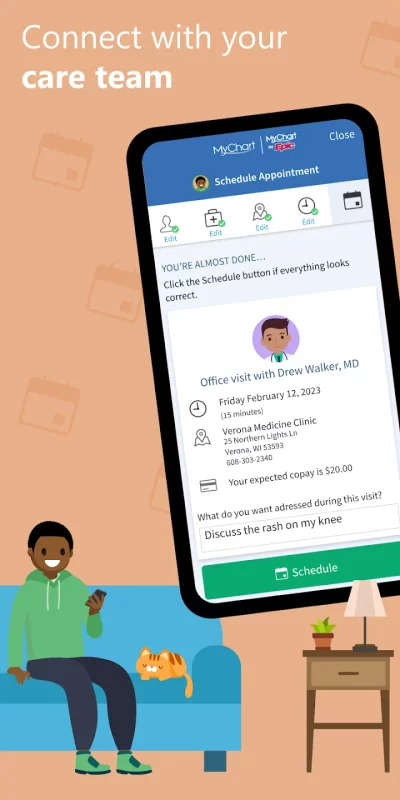
• Communicate with your care team.
• Review test results, medications, immunization history, and other health information.
• Connect your account to Health Connect to pull health-related data from your personal devices right into MyChart.
• View your After Visit Summary® for past visits and hospital stays, along with any clinical notes your provider has recorded and shared with you.
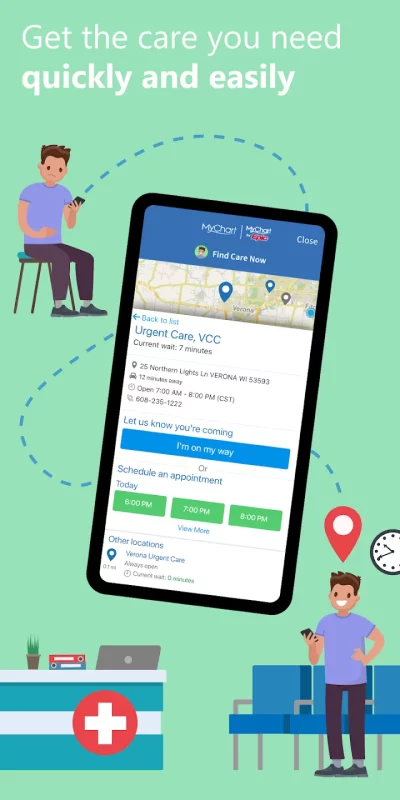
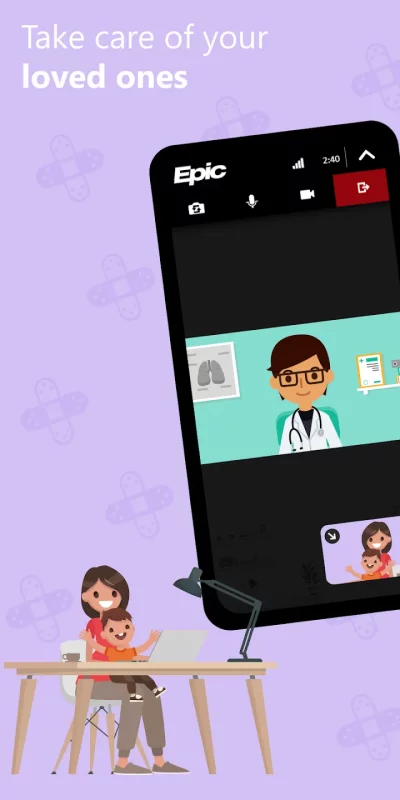
• Schedule and manage appointments, including in-person visits and video visits.
• Get price estimates for the cost of care.
• View and pay your medical bills.
• Securely share your medical record from anywhere with anyone who has Internet access.
• Connect your accounts from other healthcare organizations so you can see all your health information in one place, even if you've been seen at multiple healthcare organizations.
• Receive push notifications when new information is available in MyChart. You can check whether push notifications are enabled under the Account Settings within the app.
Note that what you can see and do within the MyChart app depends on which features your healthcare organization has enabled and whether they’re using the latest version of Epic software. If you have questions about what’s available, contact your healthcare organization.
To access MyChart, you must create an account with your healthcare organization. To sign up for an account, download the app and search for your healthcare organization or go to your healthcare organization’s MyChart website. After you’ve signed up, turn on fingerprint authentication or set up a four-digit passcode to quickly log in without needing to use your MyChart username and password each time.
For more information about MyChart’s features or to find a healthcare organization that offers MyChart, visit www.mychart.com.
Have feedback about the app? Email us at [email protected].
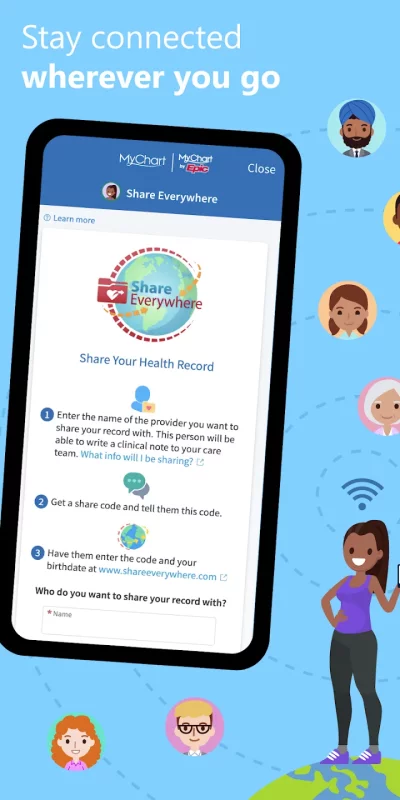
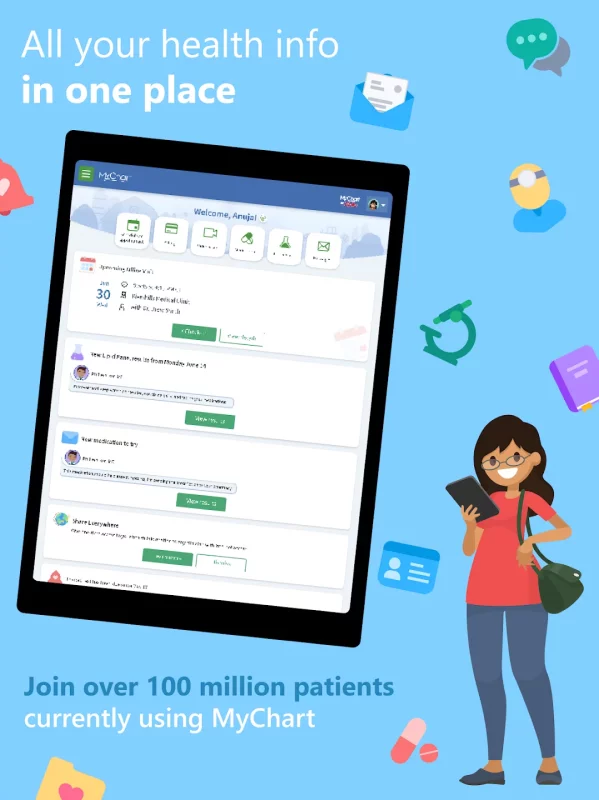
Download MyChart for Android for free
- Download the XAPK file to your Android device.
- Install one of these installers from our website:
- Open the installer and select the downloaded file from the Downloads folder.
- Allow installation from this source if Android asks for permission.
- Start installation. To update the app, install the newer file without uninstalling the current version.