Allina Health

Allina Health

0 votes
  • Update
    18.09.2026
  • Latest Version
    11.6.0
  • Android OS
    11+
  • License
    Free
  • Languages
    English
  • Content Rating
    Everyone
  • Developer
  • Package Name
    org.allinahealth.android

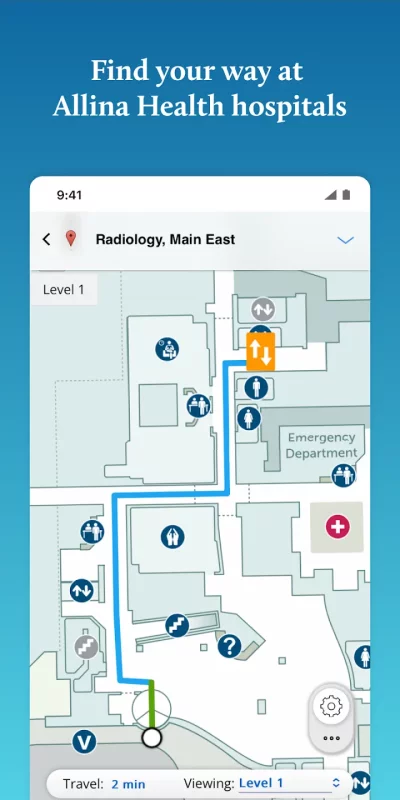
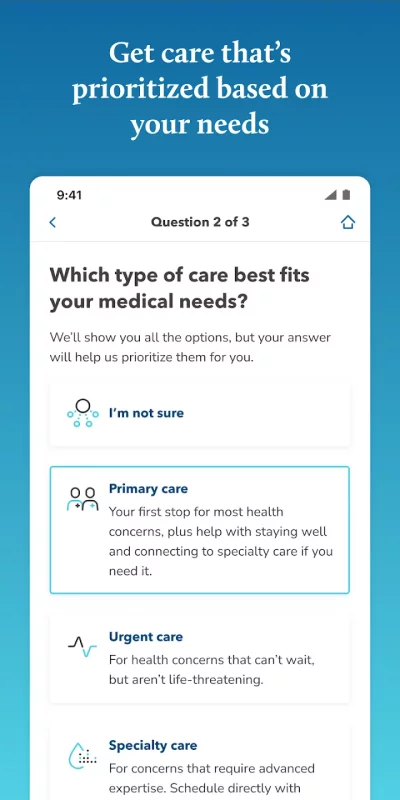
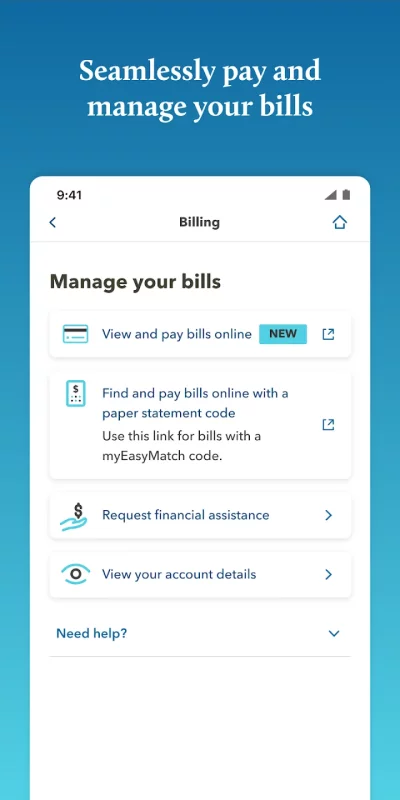
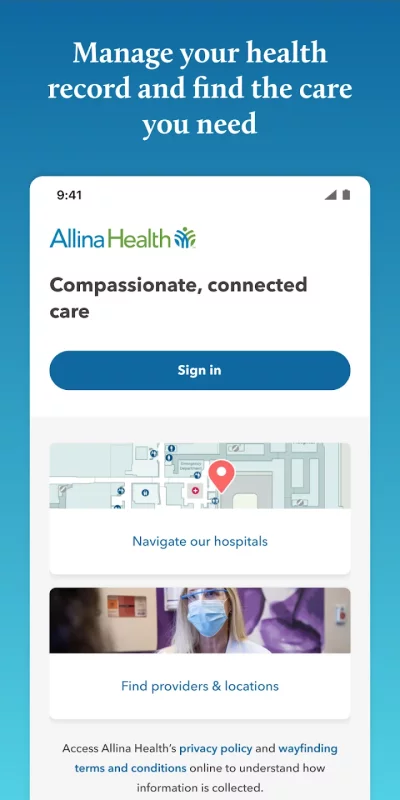
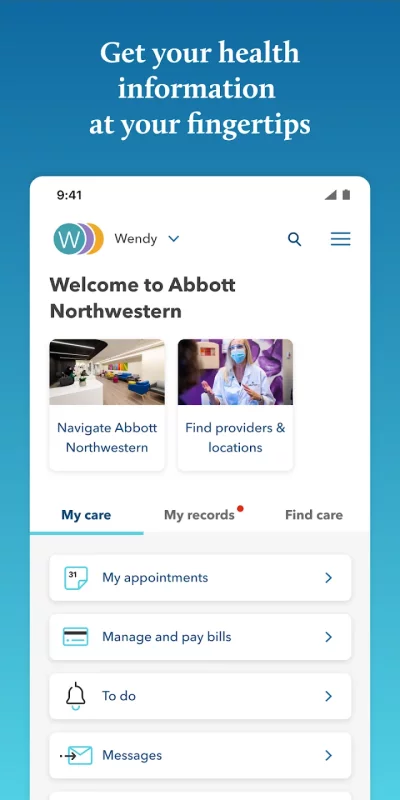
The Allina Health app puts your health information at your fingertips and makes managing your health care quick and simple. The app also gives you turn-by-turn directions to and around multiple Allina Health hospitals so you can confidently find your destination.

Download the Allina Health app for quick access to the following:

• access your health records through MyChart
• schedule and manage appointments
• communicate with your care team via secure messaging
• get turn-by-turn directions to and around multiple Allina Health hospitals
• find a doctor or care location
• connect your account to Google Fit to pull health related data from your personal devices right into MyChart.

To access health record information (MyChart) you must be an Allina Health patient and have an Allina Health account. If you already have an account, you are ready to use all features of this app. To create an account with Allina Health go to allinahealth.org.

You do not need a username or password to get directions, find a health care provider or a location.
Download Allina Health for Android for free

Download Allina Health 11.6.0 xapk Android 11+ ARMV8
59.77 Mb
No viruses found
Permissions (27)
Detections: 0
Check date: 18 September 2026, 07:35
The file was scanned for viruses using VirusTotal.
ACCESS_BACKGROUND_LOCATION - allows an app to access location in the background.
ACCESS_COARSE_LOCATION - allows an app to access approximate location.
ACCESS_FINE_LOCATION - allows an app to access precise location.
ACCESS_NETWORK_STATE - allows applications to access information about networks.
BLUETOOTH - allows applications to connect to paired bluetooth devices.
BLUETOOTH_ADMIN - allows applications to discover and pair bluetooth devices.
BLUETOOTH_CONNECT - required to be able to connect to paired bluetooth devices.
BLUETOOTH_SCAN - required to be able to discover and pair nearby bluetooth devices.
CALL_PHONE - allows an application to initiate a phone call without going through the dialer user interface for the user to confirm the call.
CAMERA - required to be able to access the camera device.
FOREGROUND_SERVICE - allows a regular application to use service.startforeground.
FOREGROUND_SERVICE_CONNECTED_DEVICE - allows a regular application to use service.startforeground with the type "connecteddevice".
FOREGROUND_SERVICE_LOCATION - allows a regular application to use service.startforeground with the type "location".
INTERNET - allows applications to open network sockets.
MODIFY_AUDIO_SETTINGS - allows an application to modify global audio settings.
POST_NOTIFICATIONS - allows an app to post notifications
READ_EXTERNAL_STORAGE - allows an application to read from external storage.
READ_PHONE_STATE - allows read only access to phone state, including the current cellular network information, the status of any ongoing calls, and a list of any phoneaccounts registered on the device.
RECEIVE_BOOT_COMPLETED - allows an application to receive the intent.action_boot_completed that is broadcast after the system finishes booting.
RECORD_AUDIO - allows an application to record audio.
SCHEDULE_EXACT_ALARM - allows applications to use exact alarm apis.
USE_BIOMETRIC - allows an app to use device supported biometric modalities.
USE_FINGERPRINT - this constant was deprecated in api level 28. applications should request use_biometric instead
VIBRATE - allows access to the vibrator.
WAKE_LOCK - allows using powermanager wakelocks to keep processor from sleeping or screen from dimming.
WRITE_EXTERNAL_STORAGE - allows an application to write to external storage.
SHA1 signature: 48c38ba24364455147d24adcc37ecfbf634f8138
SHA256 signature: 43b6fa83acf7e5b8cb7949ebb6f811402a41b720676fabbc7dd0126cf1d15616
How to install XAPK
  1. Download the XAPK file to your Android device.
  2. Install one of these installers from our website:
  3. Open the installer and select the downloaded file from the Downloads folder.
  4. Allow installation from this source if Android asks for permission.
  5. Start installation. To update the app, install the newer file without uninstalling the current version.

⚠If the download fails or gets stuck, try enabling a VPN, disabling your ad blocker, or switching to a different network.
See also
Diagnosaurus DDx
Diagnosaurus DDx
** Top-Selling App Used by Tens of Thousands of Health Professionals, Worldwide ** Preview, Buy, or
Comments (0)
Loading comments...