- Update22.09.2026
- Latest Version1.0.955078536
- Android OS6.0+
- LicenseFree
-
LanguagesEnglish Afrikaans, አማርኛ, العربية, অসমীয়া, Azərbaycan dili, Беларуская, Български, বাংলা, Bosanski, Català, Čeština, Dansk, Deutsch, Ελληνικά, English, Español, Eesti, Euskara, فارسی, Suomi, Filipino, Français, Galego, ગુજરાતી, हिन्दी, Hrvatski, Magyar, Հայերեն, Bahasa Indonesia, Íslenska, Italiano, עברית, 日本語, ქართული, Қазақ тілі, ខ្មែរ, ಕನ್ನಡ, 한국어, Кыргызча, ລາວ, Lietuvių, Latviešu, Македонски, മലയാളം, Монгол, मराठी, Bahasa Melayu, မြန်မာ, Norsk bokmål, नेपाली, Nederlands, Norsk, ଓଡ଼ିଆ, ਪੰਜਾਬੀ, Polski, Português, Română, Русский, සිංහල, Slovenčina, Slovenščina, Shqip, Српски, Svenska, Kiswahili, தமிழ், తెలుగు, ไทย, Tagalog, Türkçe, Українська, اردو, Oʻzbekcha, Tiếng Việt, 中文, isiZulu
- Content RatingEveryone
- DeveloperGoogle LLC
- Package Namecom.google.android.apps.wearables.maestro.companion
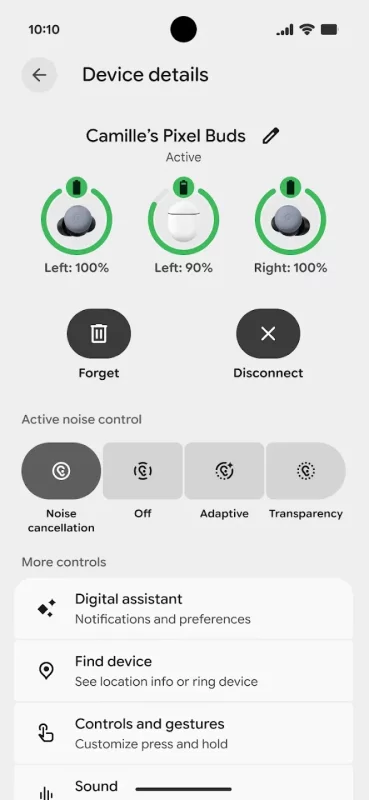
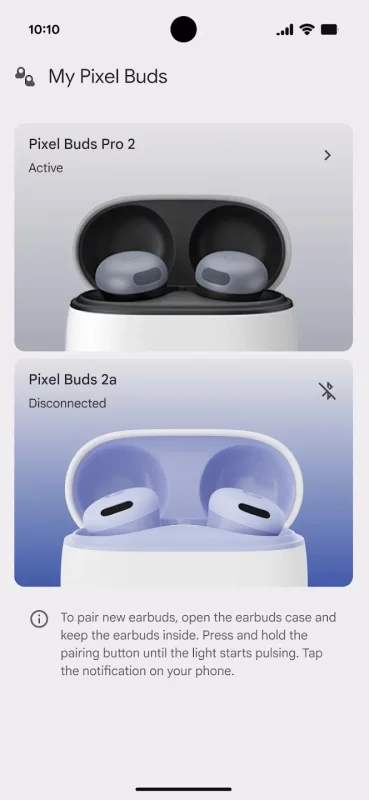
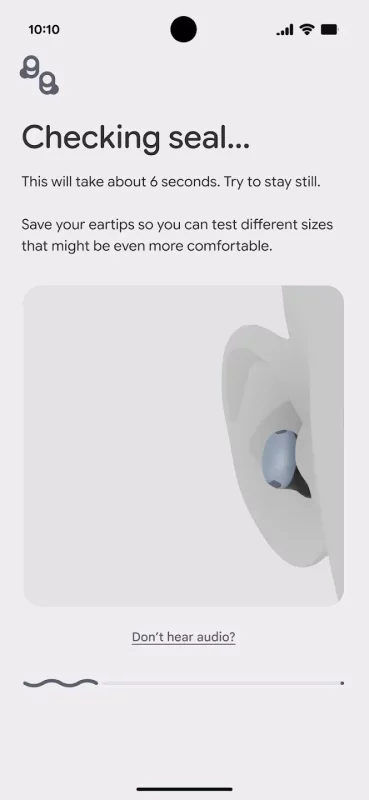
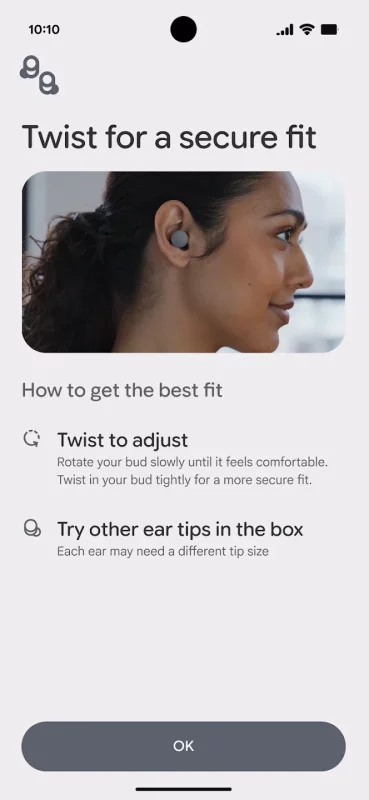
The Pixel Buds app serves as your all-in-one command center, providing a centralized hub for intuitive feature discovery, streamlined device management, and tailored audio experiences designed to optimize your earbuds.
Unlock the full potential of your Google Pixel Buds with these capabilities:
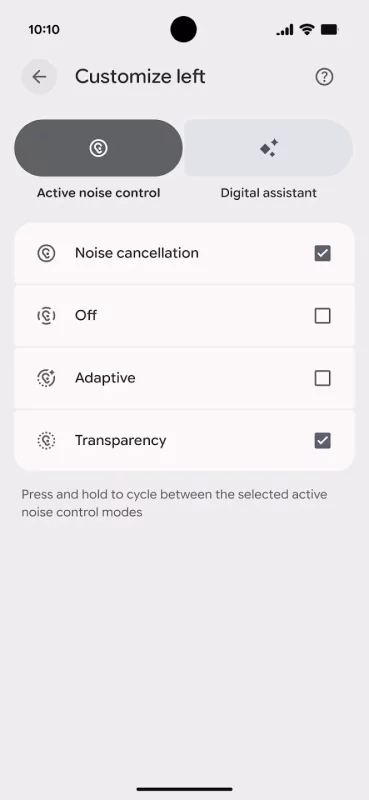
• Fine-tune your environment by managing noise controls like Active Noise Cancellation and Transparency.
• Keep your device current with the latest software updates.
• Explore and master new features as they are released.
• Personalize your experience by customizing touch controls.
• Optimize connectivity through multipoint and other seamless integration tools.
• Integrate Gemini directly on your buds for enhanced assistance.
• Easily recover your device by ringing your earbuds to find them.
• Access a wide array of additional features and settings.
We value your feedback as we continue to enhance your Pixel Buds experience!
Download Google Pixel Buds for Android for free
- Download the XAPK file to your Android device.
- Install one of these installers from our website:
- Open the installer and select the downloaded file from the Downloads folder.
- Allow installation from this source if Android asks for permission.
- Start installation. To update the app, install the newer file without uninstalling the current version.