
- Update14.09.2026
- Latest Version2609.1
- Android OS7.0+
- LicenseFree
-
LanguagesEnglish English, Afrikaans, አማርኛ, العربية, অসমীয়া, Azərbaycan dili, Беларуская, Български, বাংলা, Bosanski, Català, Čeština, Dansk, Deutsch, Ελληνικά, Español, Eesti, Euskara, فارسی, Suomi, Filipino, Français, Galego, ગુજરાતી, עברית, हिन्दी, Hrvatski, Magyar, Հայերեն, Bahasa Indonesia, Íslenska, Italiano, 日本語, ქართული, Қазақ тілі, ខ្មែរ, ಕನ್ನಡ, 한국어, Кыргызча, ລາວ, Lietuvių, Latviešu, Македонски, മലയാളം, Монгол, मराठी, Bahasa Melayu, မြန်မာ, Norsk bokmål, नेपाली, Nederlands, Norsk, ଓଡ଼ିଆ, ਪੰਜਾਬੀ, Polski, Português, Română, Русский, සිංහල, Slovenčina, Slovenščina, Shqip, Српски, Svenska, Kiswahili, தமிழ், తెలుగు, ไทย, Tagalog, Türkçe, Українська, اردو, Oʻzbekcha, Tiếng Việt, 中文, isiZulu
- Content RatingTeen
- DeveloperPandora
- Package Namecom.pandora.android
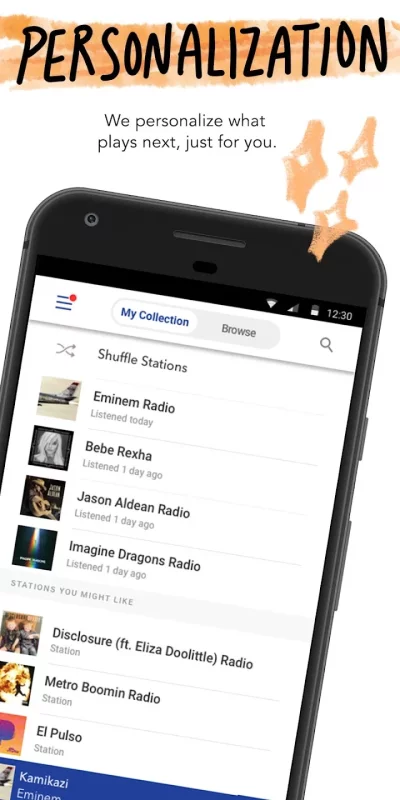
Pandora gives you a personalized listening experience that continually evolves with your tastes.
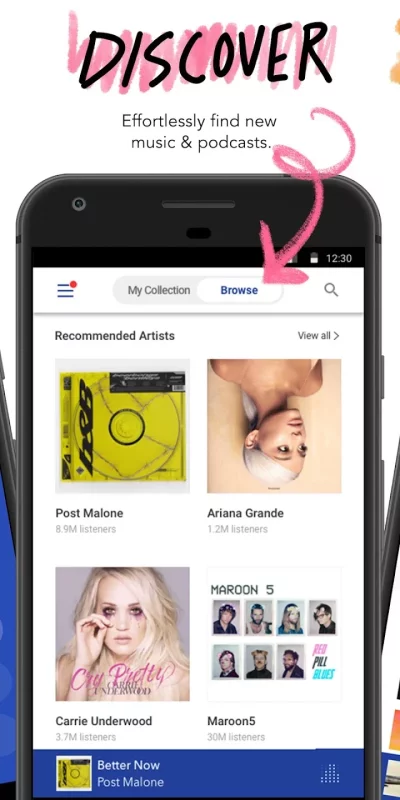
Create stations from your favorite songs, artists or genres, search or browse to find recommended stations for your mood or activity, and discover podcasts that speak to you. Download today and get instant access to your favorite artists and podcasts, while staying up to date on the most recent singles and releases. From rap and pop to rock and country, play your favorite artists and stay up to date on today’s top hits and releases. Start streaming all of the current global hits and enjoy your own personalized music experience.
Take Pandora with you wherever you go with Android Auto for your daily commute or your next road trip. Enjoy your own personalized music or podcast experience from anywhere on the world’s most powerful music discovery platform. The new voice mode lets you search, play, pause, skip adjust volume & thumb up music with a simple voice command. Start streaming your favorite artist, song, genre, or podcast instantly today for free in your car.
Take your favorite stations with you—right from your wrist using Wear OS. Perfect for workouts, walks, or when you’re traveling light. No phone? No problem. Stream music directly over Wi-Fi or cellular.
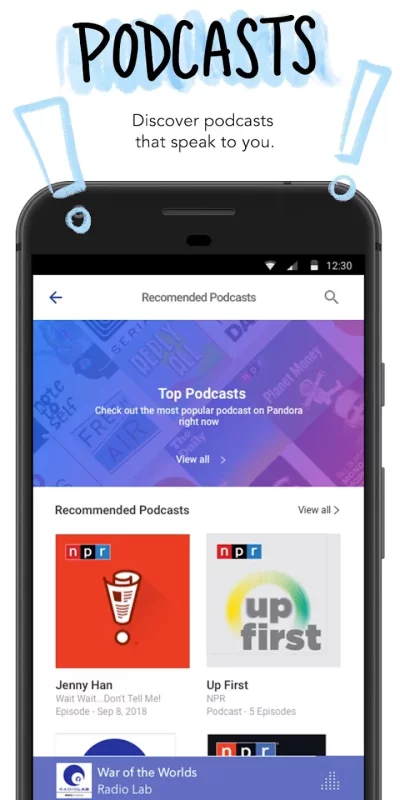
With Podcasts on Pandora, find your favorites and listen to personalized recommendations that actually make sense. Just search on your mobile phone or tablet and play to start listening, then tap + to add to your collection. Find something new by simply browse and tap recommended podcasts including SiriusXM shows, on-demand whether you're on Pandora Premium, Plus or Radio.
Looking for more?
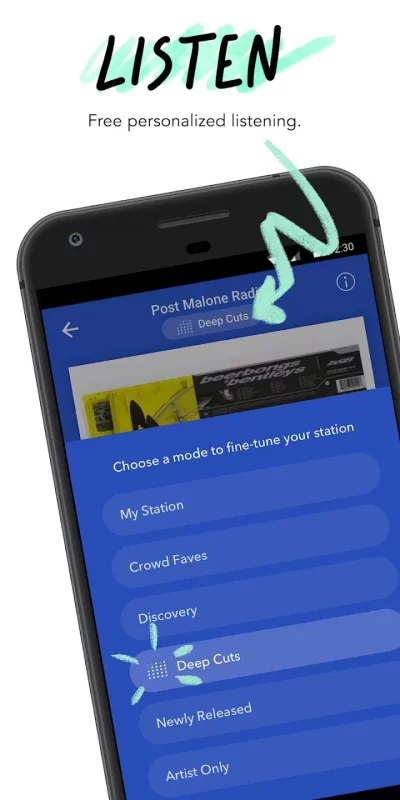
Meet Pandora Modes - The new way to customize your station experience. Choose from six different modes to switch up the kind of music you're hearing:
•My Station: The station experience you know and love.
•Crowd Faves: Hear the most 👍songs by other listeners.
•Deep Cuts: Hear less familiar songs from station artists.
•Discovery: Hear more artists who don't usually play on this station.
•Newly Released: Hear the newest releases from station artists.
•Artist Only: Hear songs from the station artist.
Pandora Premium™
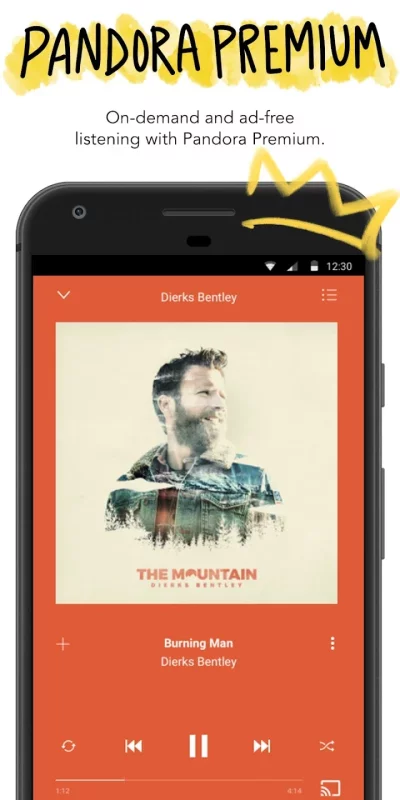
Subscribe to enjoy personalized on-demand music and podcasts
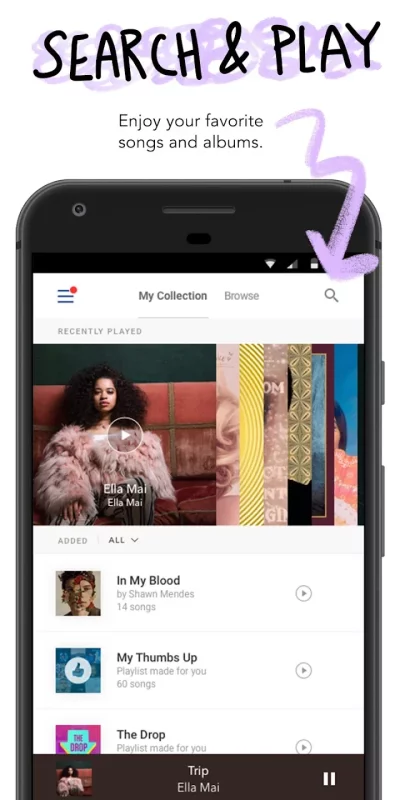
• Search and play your favorite songs, podcasts, albums and playlists on-demand
• Create playlists, not worklists – on your own or powered by Pandora
• Download the music you want for offline listening
• Unlimited skips and replays
• Higher quality audio
• Listen with ad-free music
Pandora Plus™
Subscribe to enjoy personalized radio with ad-free music
• Unlimited personalized stations and podcasts
• Up to four stations for offline listening
• Unlimited skips and replays
• Higher quality audio
• Listen with ad-free music
Pandora Plus subscriptions are $5.99 per month. Pandora Premium subscriptions are $10.99 per month. You’ll be charged as a recurring transaction through your Google Play account. Pending trial eligibility, charges for Plus >($5.99/month) or Premium ($10.99/month) begin at the end of a free trial unless you cancel 24 hours prior to the end of the current subscription month. Any unused portion of a free Pandora Plus trial period will be forfeited if you upgrade to Pandora Premium. You can manage your subscription, cancel or turn off auto-renewal through Account Settings in your Google Play account. Pandora is available to US customers only.
Some advertising exclusions apply. Skips, replays and offline features may be limited by certain licensing restrictions. Pandora may use large amounts of data, and carrier data charges may apply. For best results, we recommend you connect your device to trusted Wi-Fi networks when available.
Download Pandora - Music & Podcasts for Android for free
- Download the APK file to your Android device.
- Find the file in the Downloads folder and open it.
- Allow installation from this source if Android blocks it.
- Tap Install. To update the app, install the newer APK without uninstalling the current version.