
- Update27.08.2026
- Latest Version16.19.1
- Android OS9+
- LicenseFree
-
LanguagesEnglish English, العربية, Deutsch, Español, Français, हिन्दी, Bahasa Indonesia, Italiano, 日本語, Bahasa Melayu, Nederlands, Polski, Português, Русский, ไทย, Tiếng Việt, 中文
- Content RatingEveryone
- DeveloperThe Weather Channel
- Package Namecom.weather.Weather
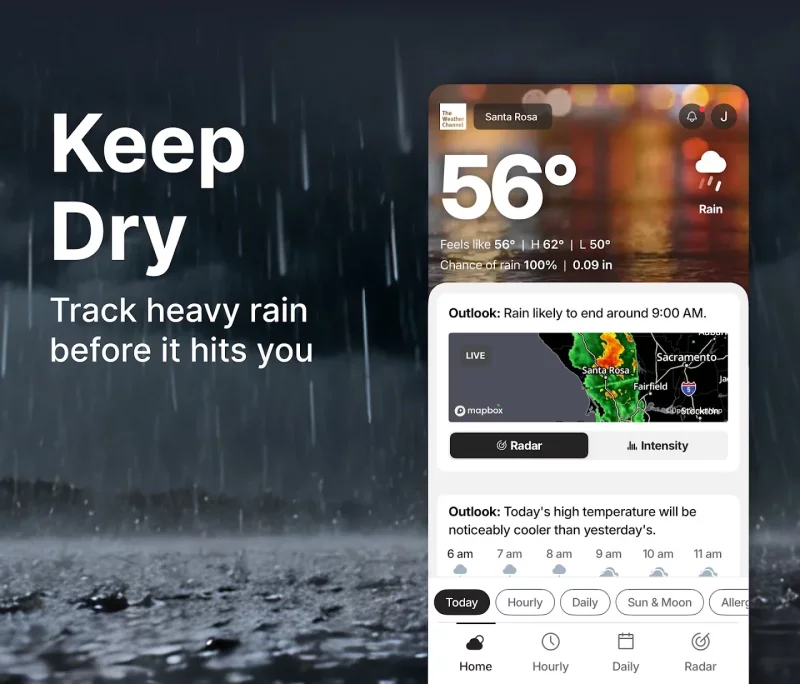
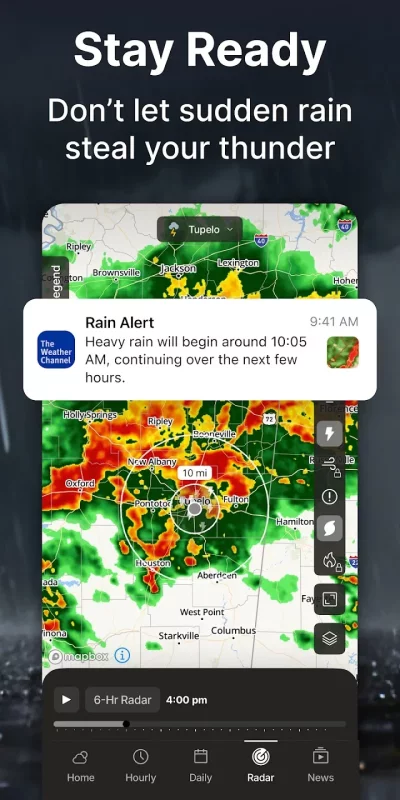
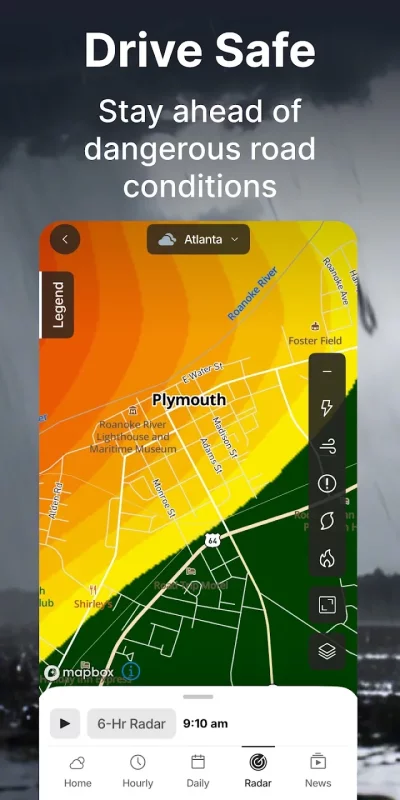
The Weather Channel is the World's Most Accurate Forecaster*. Prepare for rain, storm, and allergy season with our local rain radar and real-time notifications to keep you informed and safe. Get the latest forecasts alongside storm tracker features that help prepare for storms and heavy rain. Get storm warnings and severe weather alerts for rain, snow, and more. The Weather Channel provides everything you need to stay one step ahead – real-time alerts, 24-hour future radar, hourly rain tracker, storm radar news, and local weather forecast.
Get live storm maps, rain radar updates, accurate local weather alerts, allergy tracker, and activities forecasts in a complete weather app. Get severe weather alerts for heavy rain, snow and more thanks to reliable storm radar features. The Weather Channel provides seamless storm preparedness with weather alerts and your very own local forecast for even the most severe weather.
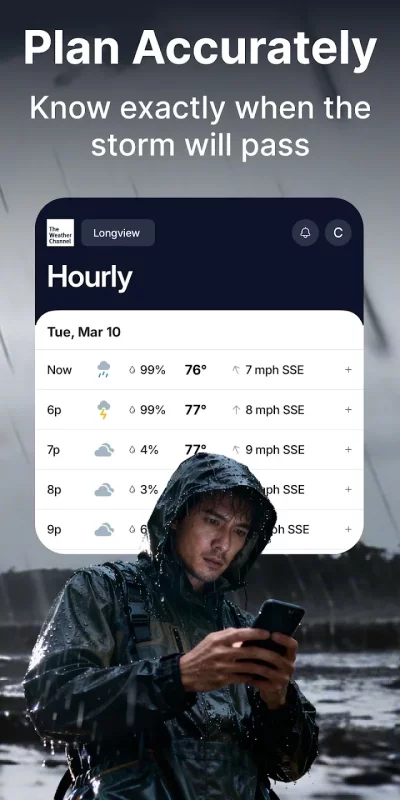
Our daily forecast tracker provides up-to-date precipitation info so you can plan confidently. Enjoy an up to 15-day forecast from the world’s most accurate weather forecaster*. Monitor our air quality index to stay updated during this allergy season. Our live Doppler radar updates your weather widget and alerts you to forecast changes right on your home screen. Local weather maps provide live rain radar readings, storm radar alerts, and more to help you face whatever the clouds may bring.
The Weather Channel Features:
Weather Tracker & Storm Radar:
- Rain radar & storm tracker
- Allergy tracker
- 24-Hour Future Radar
- Storm radar alerts keep you informed
- Rain or shine – our local weather radar & weather alerts helps plan outdoor activities with ease
- Adjust today’s outfit with the ‘Feels Like’ feature
- Forecast updates hourly & daily so you can confidently plan ahead
Severe Weather Features:
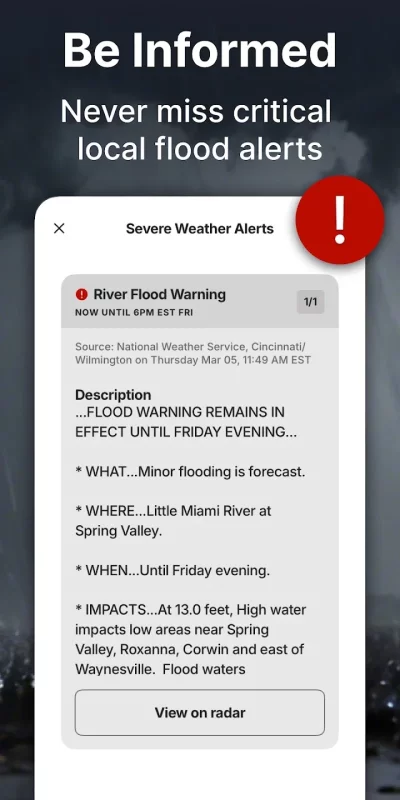
- Live radar & weather alerts let you follow weather patterns
- Storm maps help track incoming storms and severe weather
- Get a storm radar and local weather alerts for rain, snow, and other inclement weather conditions
- Forecast alerts for the next 3 hours – available right on your home screen
Additional Features:
- Weather widget & features compatible with dark mode
- Forecast details with sunset times, allergies, & pollen
- Monitor our air quality index
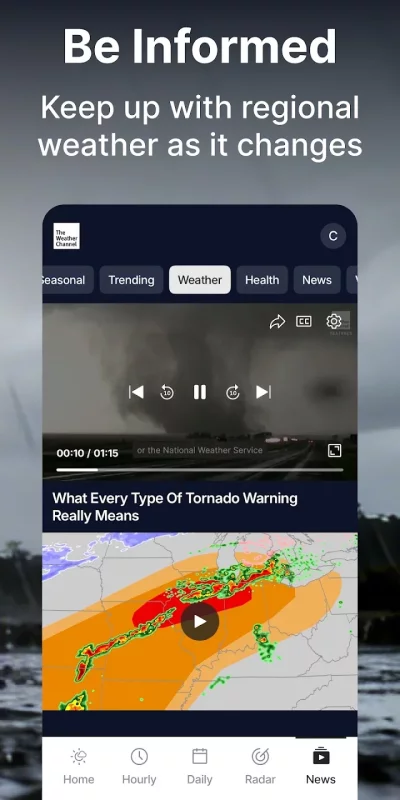
- Get the latest local weather news
---
Get The Weather Channel Premium for our most comprehensive, dynamic, and precise weather experience for exclusive access to:
- Ad-free weather
- 15-minute forecast details
- Advanced radar
- & more!
*The World's Leading Weather Provider: According to Comscore, The Weather Company, parent of The Weather Channel, is the largest provider of weather forecasts worldwide based on total monthly unique visitors in 2020. Comscore Media Metrix®, Worldwide Rollup Media Trend, News/Information – Weather category incl. [P] Weather Company, The and [M] Weather Channel, The, Jan-Dec. 2020 avg.
Download The Weather Channel - Radar for Android for free
- Download the APKS file to your Android device.
- Install one of these installers from our website:
- Open the installer and select the downloaded file from the Downloads folder.
- Allow installation from this source if Android asks for permission.
- Start installation. To update the app, install the newer file without uninstalling the current version.