
- Update14.09.2026
- Latest Version2.6.11
- Android OS10+
- LicenseFree
-
LanguagesEnglish English, العربية, Deutsch, Español, Français, हिन्दी, Bahasa Indonesia, Italiano, 日本語, 한국어, မြန်မာ, Português, Русский, ไทย, Türkçe, Tiếng Việt, 中文
- Content RatingEveryone
- Developervaxtech
- Package Namecom.vaxtech.nextbus.nyc
Bus time, subway times in NYC.
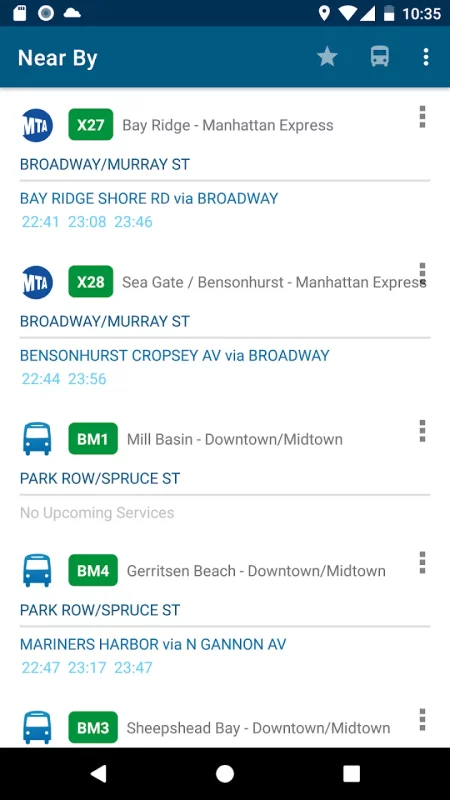
Next Bus New York includes all stops and schedules for New York public transit in areas of Bronx, Brooklyn, Manhattan, Queens,and Staten Island, bus company, metro north rail road and subway.
The first application includes all public transits in NYC (New York City).
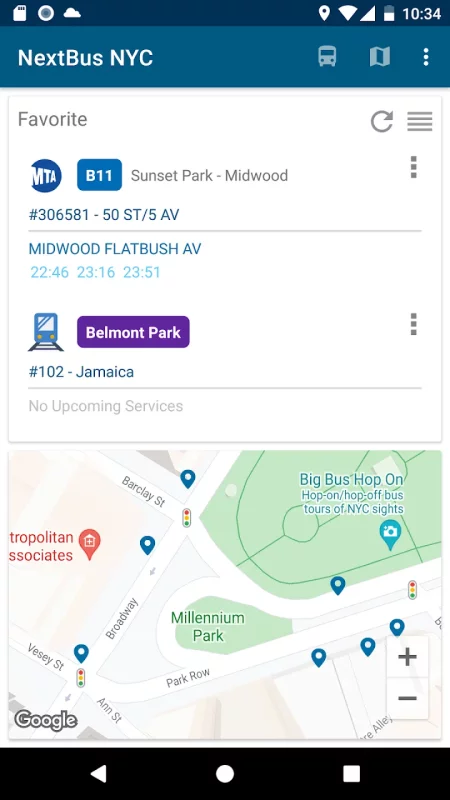
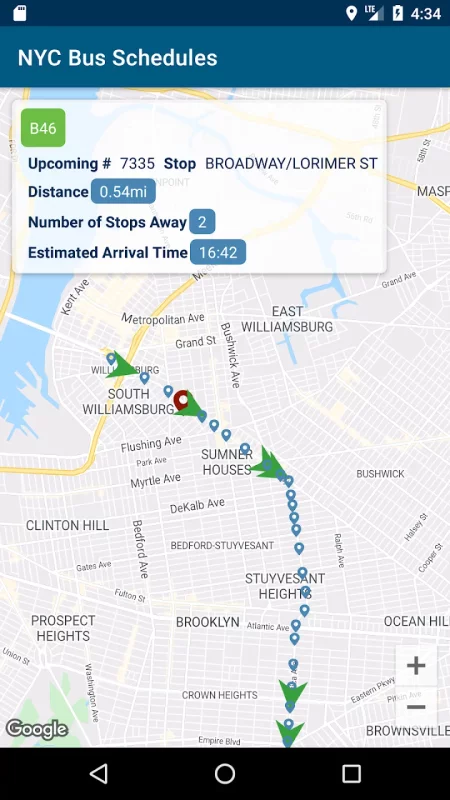
1. Use Google map to find public transit stops and routes near you
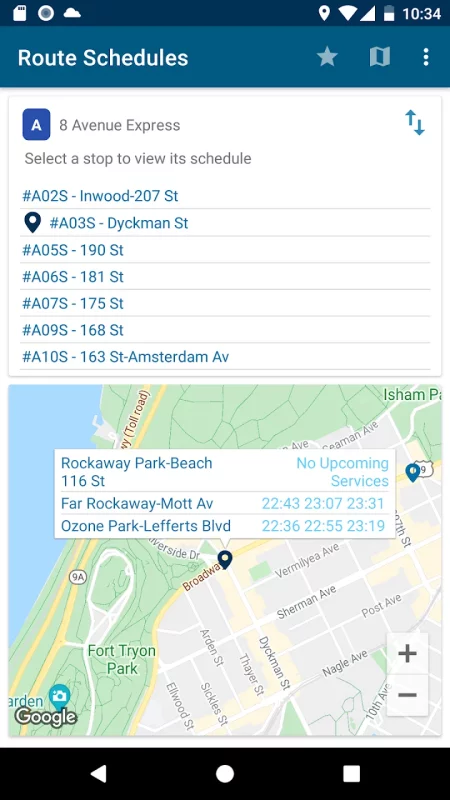
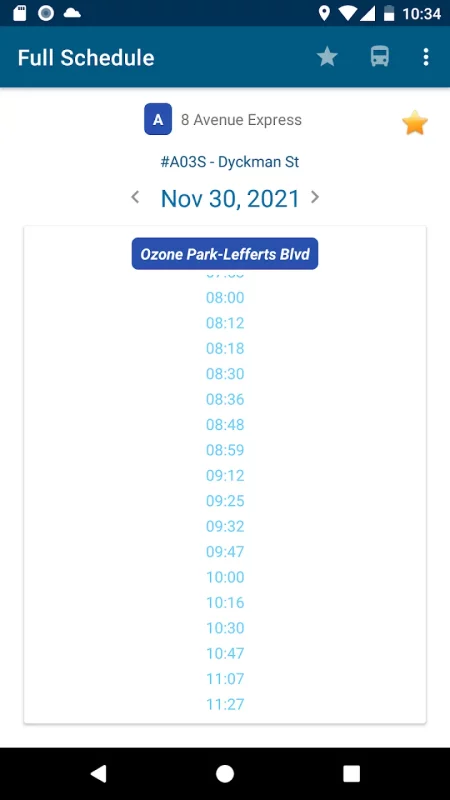
2. Route schedules and departure time for all bus routes and stops
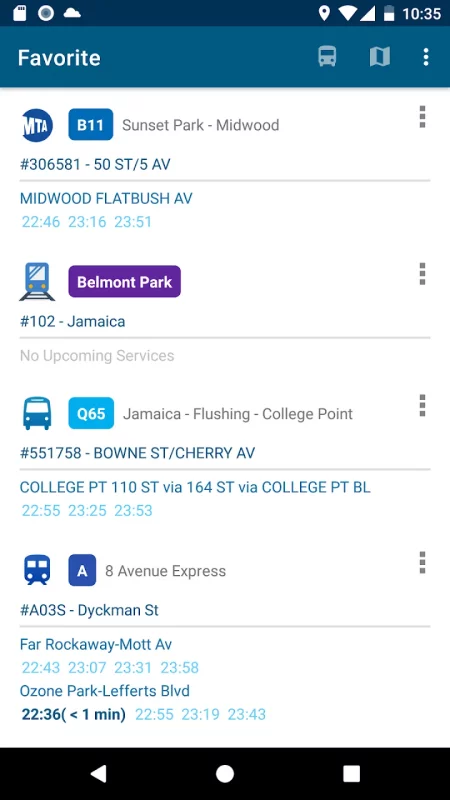
3. Save favorite stops and routes
4. Stops and routes are sorted by your current location. The nearest stop appears at the top.
5. Search for stop id or route name
6. No Internet connection is required to get bus schedules
Download Bus Schedules in NYC for Android for free
How to install XAPK
- Download the XAPK file to your Android device.
- Install one of these installers from our website:
- Open the installer and select the downloaded file from the Downloads folder.
- Allow installation from this source if Android asks for permission.
- Start installation. To update the app, install the newer file without uninstalling the current version.
⚠If the download fails or gets stuck, try enabling a VPN, disabling your ad blocker, or switching to a different network.
See also

Uber - Request a ride
Join millions of riders who trust Uber for their everyday travel needs. Whether you’re running

MapQuest: Get Directions
Get where you need to go with the MapQuest turn-by-turn GPS Navigation app. Whether it’s using
Comments (0)
Loading comments...