
- Update11.09.2026
- Latest Version10.21.0
- Android OS7.0+
- LicenseFree
- Content RatingEveryone
- DeveloperMapQuest
- Package Namecom.mapquest.android.ace
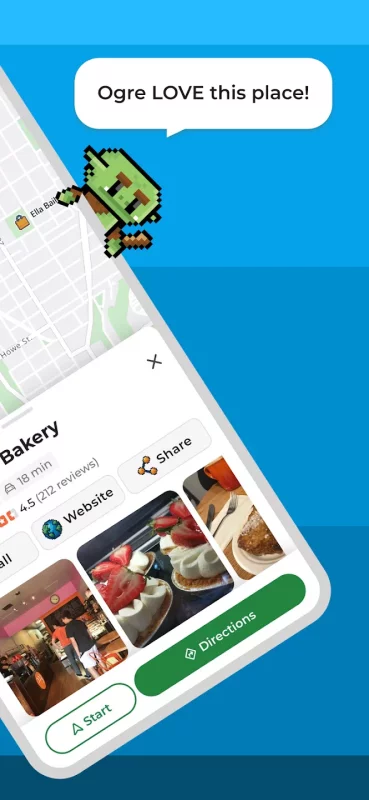
Get where you need to go with the MapQuest turn-by-turn GPS Navigation app. Whether it’s using voice navigation for walking or driving directions or exploring points of interests on the map, MapQuest has the tools you need to navigate the United States and Canada.
Map and Navigation Features:
• Up-to-date satellite imagery and maps
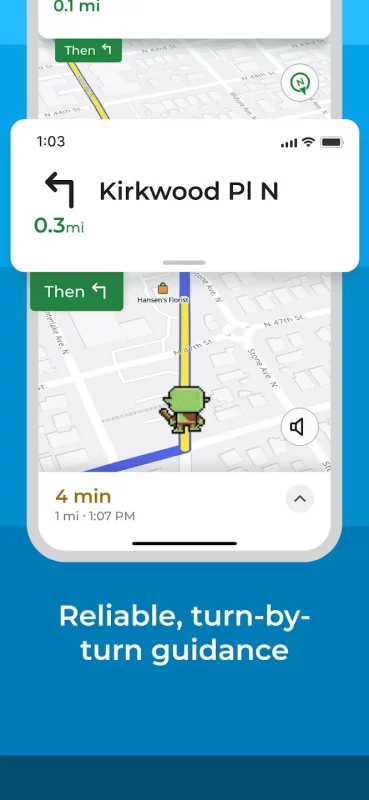
• Turn-by-turn voice navigation for walking and driving directions
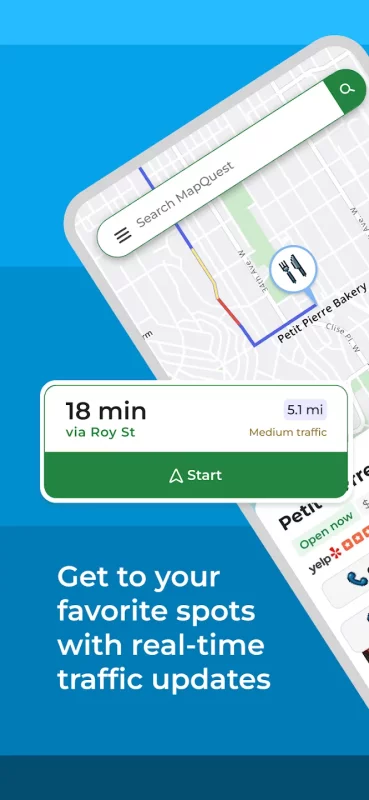
• Real-time traffic updates to help you find the fastest ways to your destination
• Optimized routing to help save you time, gas and money
• A speedometer so you can compare your current speed to the speed limit along your route
• Favorites so you can store locations, like your home and work addresses, for quick-and-easy maps and directions
• Alternate route choices so you have multiple options to get where you need to go
• Route settings that help you avoid things like highways and toll roads
• Multipoint routes so you can include more than just one stop
• Planning: create routes starting from somewhere other than your current location
Do More than Get Directions:
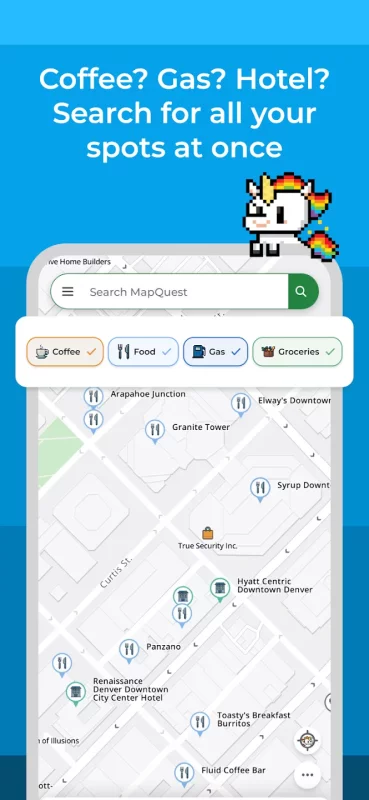
• Search and explore nearby points of interests like restaurants, bars, gas stations and hotels, with our layers bar
• Find great hotel deals and book them through MapQuest
• Feed your inner foodie and discover new places to eat: browse menus, make reservations and order food through OpenTable and GrubHub points of interest
• Save money by comparing prices of nearby gas stations
• View local weather so you can plan ahead
• Car broken down? Directly access on-demand roadside assistance for help
• Get directions on-the-go with our corresponding Android Watch app
Please Note: Continued use of GPS running in the background can dramatically decrease battery life.
Download MapQuest: Get Directions for Android for free
- Download the XAPK file to your Android device.
- Install one of these installers from our website:
- Open the installer and select the downloaded file from the Downloads folder.
- Allow installation from this source if Android asks for permission.
- Start installation. To update the app, install the newer file without uninstalling the current version.