
- Update14.09.2026
- Latest Version87.1
- Android OS6.0+
- LicenseFree
-
LanguagesEnglish English, Afrikaans, አማርኛ, العربية, অসমীয়া, Azərbaycan dili, Беларуская, Български, বাংলা, Bosanski, Català, Čeština, Dansk, Deutsch, Ελληνικά, Español, Eesti, Euskara, فارسی, Suomi, Français, Galego, ગુજરાતી, हिन्दी, Hrvatski, Magyar, Հայերեն, Bahasa Indonesia, Íslenska, Italiano, עברית, 日本語, ქართული, Қазақ тілі, ខ្មែរ, ಕನ್ನಡ, 한국어, Кыргызча, ລາວ, Lietuvių, Latviešu, Македонски, മലയാളം, Монгол, मराठी, Bahasa Melayu, မြန်မာ, Norsk bokmål, नेपाली, Nederlands, ଓଡ଼ିଆ, ਪੰਜਾਬੀ, Polski, Português, Română, Русский, සිංහල, Slovenčina, Slovenščina, Shqip, Српски, Svenska, Kiswahili, தமிழ், తెలుగు, ไทย, Tagalog, Türkçe, Українська, اردو, Oʻzbekcha, Tiếng Việt, 中文, isiZulu
- Content RatingEveryone
- Developerquality apps (recorder, weather, music)
- Package Namecom.media.bestrecorder.audiorecorder
Voice recorder
Best recorder for sound recording with high quality
Voice recorder application is totally free. It is simple and easy to use. You can reliably record your meetings, personal notes, speeches, lectures, songs. There is no time limits. This application can record most of your voice. You can record a business meeting, a lecture, an interview. This app is a best choice.
Features:
1. record voice with high quality
2. simple user interface, easy to use.
3. Supported operations in this Version
- Recording with high quality.
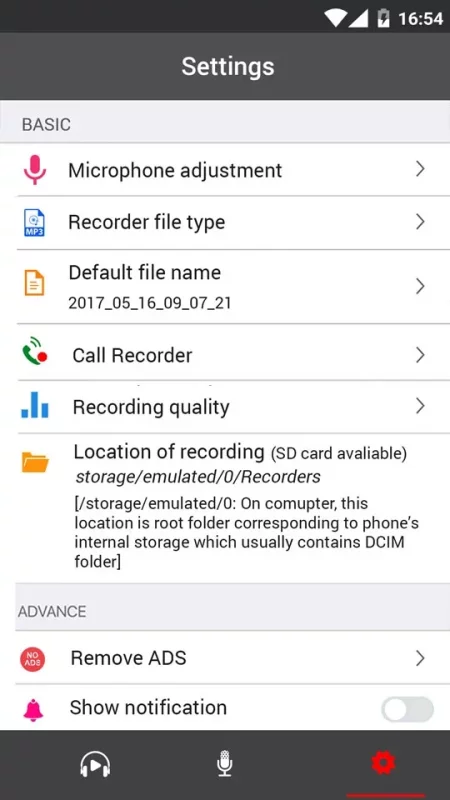
- Format file: mp3, ogg
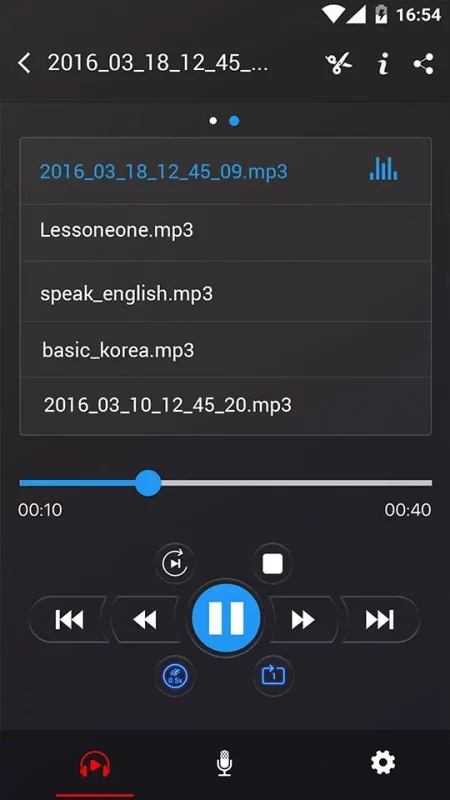
- Play, pause, stop audio file.
- Send/Share your recording.
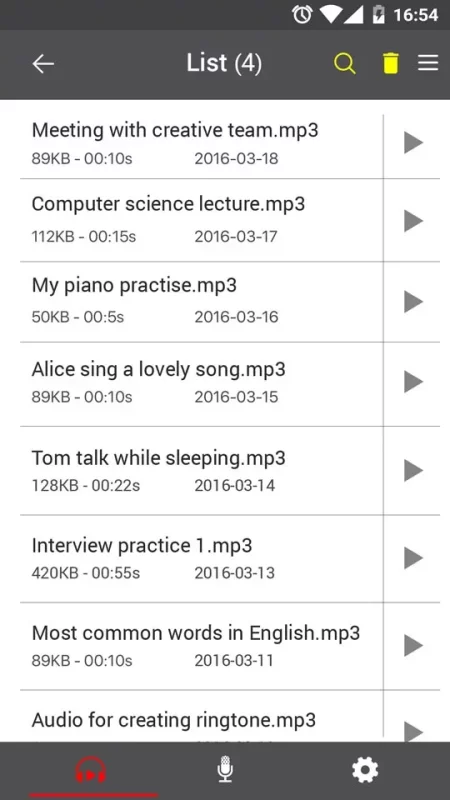
- Delete your recording right from the app.
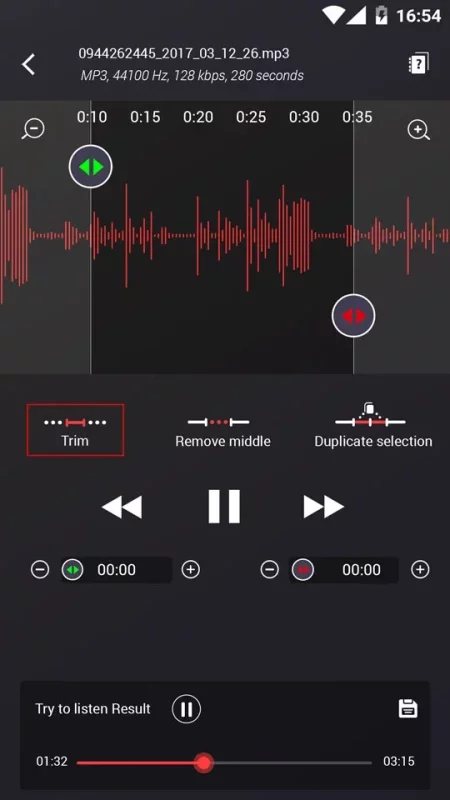
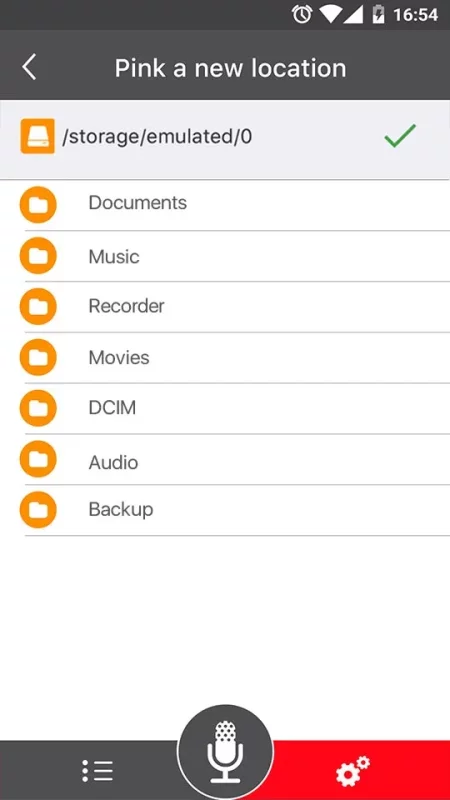
- Save the recording file.
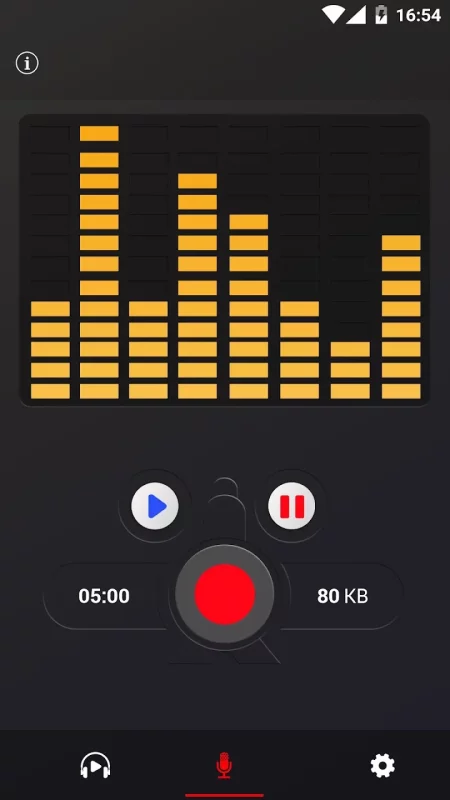
- live audio spectrum analyzer
- mp3 encoding with adjustable sample rate (8-44 kHz)
- recording in background (even when display is off)
- microphone gain calibration tool
- save/pause/resume/cancel recording process control
- easy to use recordings list
- send/share a recording via email, sms, mms, facebook, whatsapp, dropbox, etc.
- not support call recorder
Hope you love this application.
Download Voice Recorder for Android for free
- Download the APK file to your Android device.
- Find the file in the Downloads folder and open it.
- Allow installation from this source if Android blocks it.
- Tap Install. To update the app, install the newer APK without uninstalling the current version.