- Update15.10.2026
- Latest Version3.5.9
- Android OS6.0+
- LicenseFree
-
Languagesالعربية, Deutsch, Español, Français, हिन्दी, Bahasa Indonesia, Italiano, 日本語, 한국어, မြန်မာ, Português, Русский, ไทย, Türkçe, Tiếng Việt, 中文
- Content RatingEveryone
- DeveloperSIMPLE APPS DIGITAL
- Package Namecom.bng.calculator
[Key features]
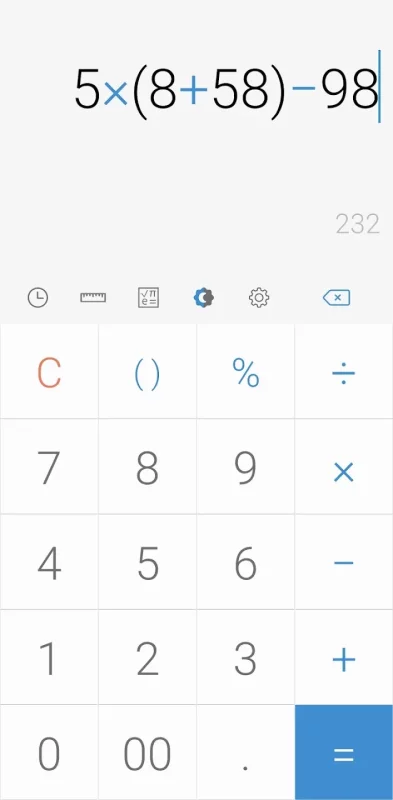
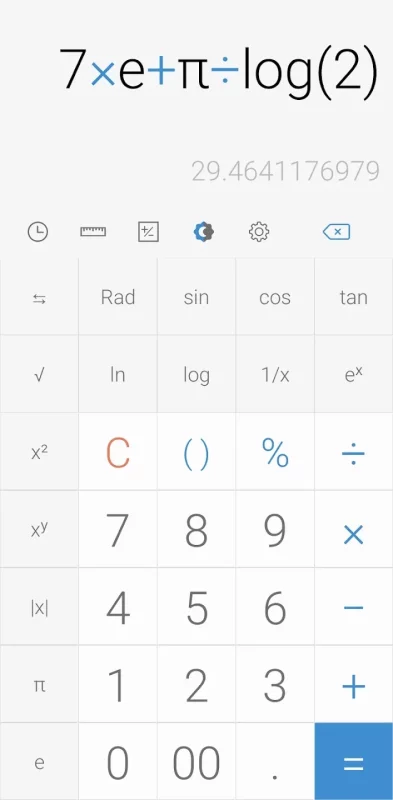
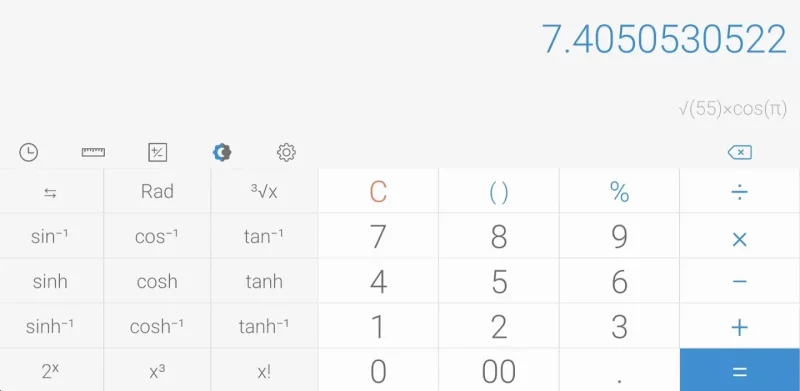
Perform four fundamental operations and engineering calculations.
To start the engineering calculator, tap the engineering calculator icon.
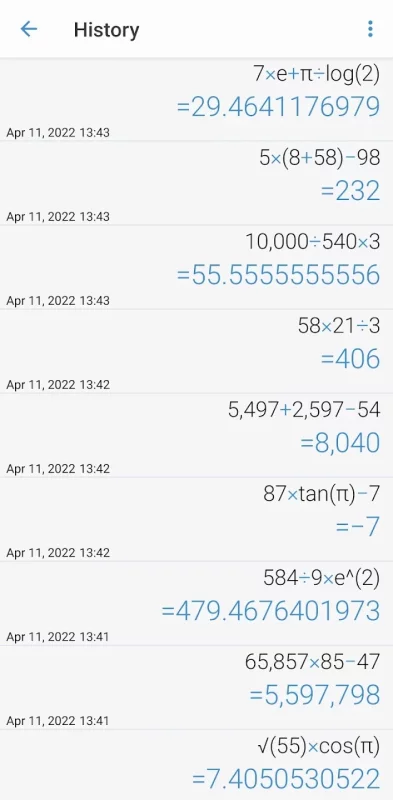
To check the calculation history, tap the calculation history icon.
You can use all the previously inputted formulas. Tap the formula you need from the calculation history.
[Additional features]
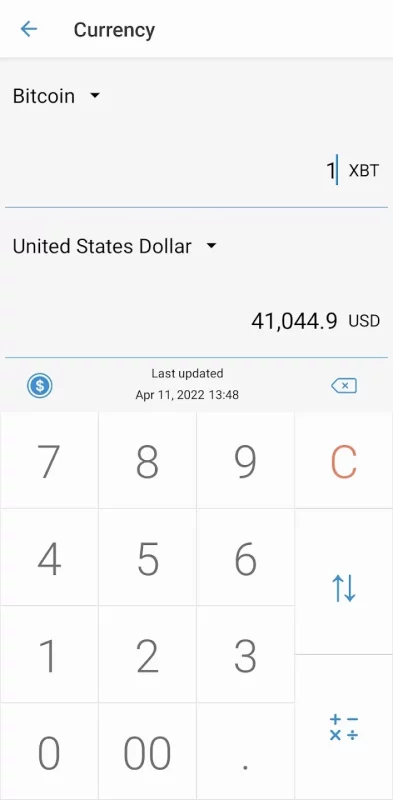
To convert units, tap the unit calculator button. You can easily convert various types of
Currency,
Area,
Length,
Temperature,
Volume,
Mass,
Data,
Speed,
Time,
Date,
BMI,
Discount,
Age,
Numeral System,
GST,
Split bill,
Frequency,
Fuel,
Angle,
Pressure,
Force,
Power,
Loan
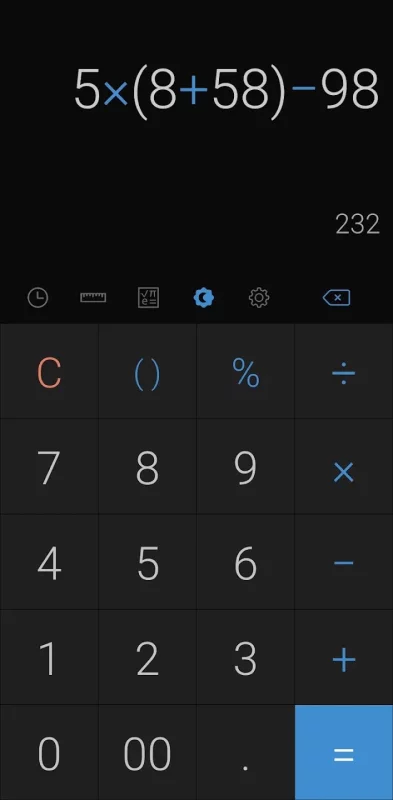
To change theme mode, tap the night mode icon.
To specify the time of night mode, select time range from settings.
To change color, chose the color you want from settings
To delete a history, long press on it in the history page
To change language, select preferred language from settings.
To play a beep or vibrate when pressing a button, go to settings.
To change numerals, select preferred numerals from settings (All numerals are supported)
To change number format, select the preferred format from settings
To change decimal places after the comma, select the number of decimal places from settings
To enable / disable full screen, enable / disable it from settings.
To keep calculation record, enable/disable it from settings.
To keep the screen on, enable/disable it from settings.
To hide an icon, go to settings.
*****
Last but not least, all of these features come in small size and it is completely free.
Download Simple Calculator for Android for free
- Download the XAPK file to your Android device.
- Install one of these installers from our website:
- Open the installer and select the downloaded file from the Downloads folder.
- Allow installation from this source if Android asks for permission.
- Start installation. To update the app, install the newer file without uninstalling the current version.