USA TODAY: US & Breaking News

USA TODAY: US & Breaking News

0 votes
  • Update
    14.09.2026
  • Latest Version
    8.13.2
  • Android OS
    8.0+
  • License
    Free
  • Languages
    English
  • Content Rating
    Everyone 10+
  • Developer
  • Package Name
    com.usatoday.android.news

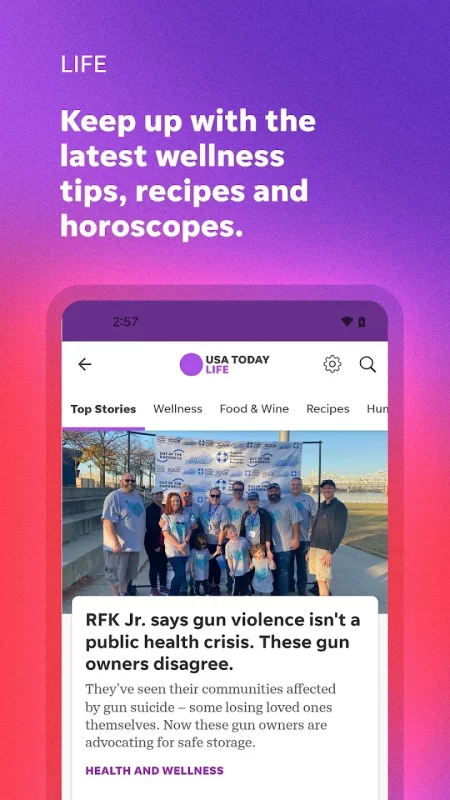
The USA TODAY news app gets you to the heart of the matter — fast. Whether it's money, sports, entertainment, or breaking news, get succinct, personalized coverage along with award-winning videos, captivating photography, and interactive user features. The point is — get major news coverage all in a compact device that fits right in the palm of your hand.

APP FEATURES
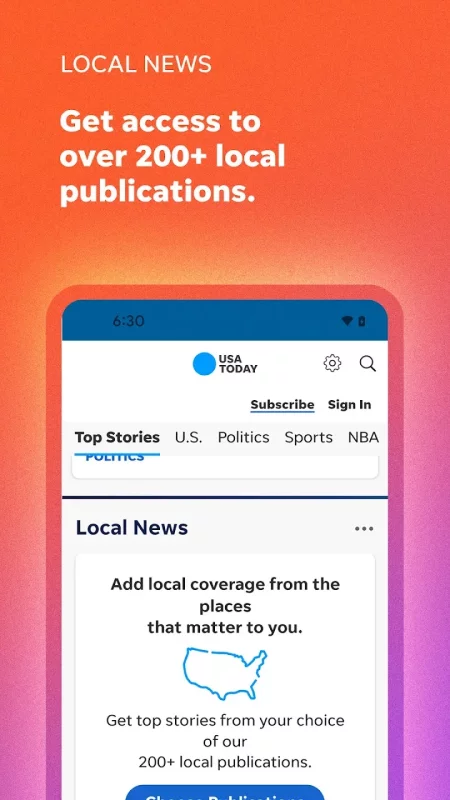
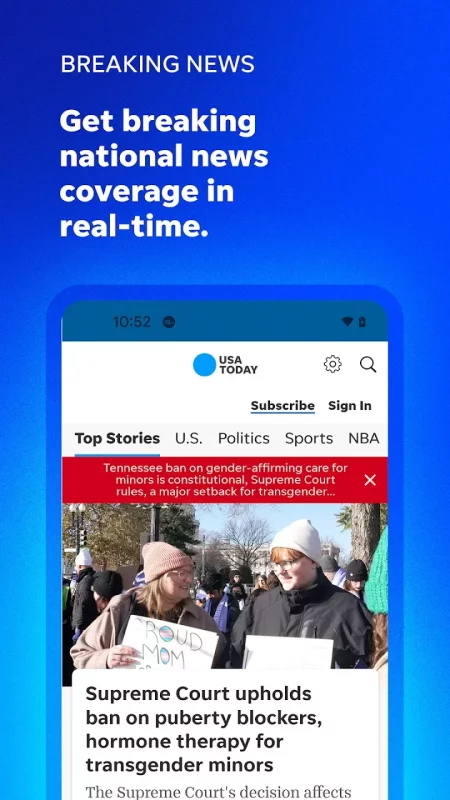
• National and breaking news, including access to 200+ local publications.
• News to the point: Easily keep up with news, sports, money, entertainment, health, and more with quick reads.
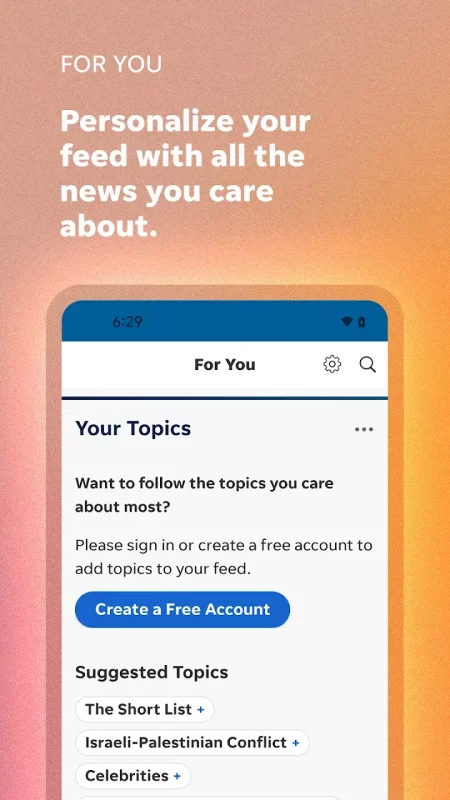
• A personalized feed: Pick your favorite subjects in My Topics and receive a curated feed on the For You page.
• eNewspaper: Just like our print edition but accessible on your mobile devices. And access to 200+ local eNewspapers.
• Puzzles: Play Crossword, QuickCross, and Sudoku (tablet only) to keep your mind sharp.
• Award-winning podcasts: Listen to your favorite USA TODAY NETWORK podcasts on demand.
• Stay up-to-date with election news, analysis, and results.

Subscription Information:
• The USA TODAY app is free to download and all users can access a sampling of free articles every month.
• Subscriptions are charged to your account at confirmation of purchase and automatically renew each month or year, unless turned off in your account settings at least 24 hours before the end of the current period. See "Subscription Support" in the app's Settings for more details and customer service contact information. 
Download USA TODAY: US & Breaking News for Android for free

Download USA TODAY: US & Breaking News 8.13.2 xapk Android 8.0+ ARMV7
152.15 Mb
No viruses found
Permissions (20)
Detections: 0
Check date: 14 September 2026, 14:35
The file was scanned for viruses using VirusTotal.
ACCESS_COARSE_LOCATION - allows an app to access approximate location.
ACCESS_NETWORK_STATE - allows applications to access information about networks.
ACCESS_WIFI_STATE - allows applications to access information about wi-fi networks.
BLUETOOTH - allows applications to connect to paired bluetooth devices.
BLUETOOTH_ADMIN - allows applications to discover and pair bluetooth devices.
BROADCAST_STICKY - allows an application to broadcast sticky intents.
CHANGE_WIFI_STATE - allows applications to change wi-fi connectivity state.
FOREGROUND_SERVICE - allows a regular application to use service.startforeground.
FOREGROUND_SERVICE_MEDIA_PLAYBACK - allows a regular application to use service.startforeground with the type "mediaplayback".
GET_ACCOUNTS - allows access to the list of accounts in the accounts service.
INTERNET - allows applications to open network sockets.
POST_NOTIFICATIONS - allows an app to post notifications
READ_EXTERNAL_STORAGE - allows an application to read from external storage.
READ_PHONE_STATE - allows read only access to phone state, including the current cellular network information, the status of any ongoing calls, and a list of any phoneaccounts registered on the device.
RECEIVE_BOOT_COMPLETED - allows an application to receive the intent.action_boot_completed that is broadcast after the system finishes booting.
VIBRATE - allows access to the vibrator.
WAKE_LOCK - allows using powermanager wakelocks to keep processor from sleeping or screen from dimming.
WRITE_EXTERNAL_STORAGE - allows an application to write to external storage.
RECEIVE_BOOT_COMPLETED - allows an application to receive the intent.action_boot_completed that is broadcast after the system finishes booting.
SHA1 signature: dda79555e6f812cd26a62a7fcde977fdb5b48dab
SHA256 signature: 564013538d8a8f0b2da4425a2b73e9f33a5e890f5184c71d19a4031df6f51d30
How to install XAPK
  1. Download the XAPK file to your Android device.
  2. Install one of these installers from our website:
  3. Open the installer and select the downloaded file from the Downloads folder.
  4. Allow installation from this source if Android asks for permission.
  5. Start installation. To update the app, install the newer file without uninstalling the current version.

⚠If the download fails or gets stuck, try enabling a VPN, disabling your ad blocker, or switching to a different network.
See also
NewsBreak: Local News & Alerts
Get daily news alerts & updates on current events sent straight to your phone, because a small
Google News - Daily Headlines
Google News is a personalized news aggregator that organizes and highlights what’s happening in the
HuffPost - News & Politics
Follow breaking news, top stories, and politics on the go. The HuffPost is the leading source for
Comments (0)
Loading comments...