- Update14.09.2026
- Latest Version2026.7.2
- Android OS7.0+
- LicenseFree
-
LanguagesEnglish English, Afrikaans, አማርኛ, العربية, অসমীয়া, Azərbaycan dili, Беларуская, Български, বাংলা, Bosanski, Català, Čeština, Dansk, Deutsch, Ελληνικά, Español, Eesti, Euskara, فارسی, Suomi, Filipino, Français, Galego, ગુજરાતી, हिन्दी, Hrvatski, Magyar, Հայերեն, Bahasa Indonesia, Íslenska, Italiano, עברית, 日本語, ქართული, Қазақ тілі, ខ្មែរ, ಕನ್ನಡ, 한국어, Кыргызча, ລາວ, Lietuvių, Latviešu, Македонски, മലയാളം, Монгол, मराठी, Bahasa Melayu, မြန်မာ, Norsk bokmål, नेपाली, Nederlands, Norsk, ଓଡ଼ିଆ, ਪੰਜਾਬੀ, Polski, Português, Română, Русский, සිංහල, Slovenčina, Slovenščina, Shqip, Српски, Svenska, Kiswahili, தமிழ், తెలుగు, ไทย, Tagalog, Türkçe, Українська, اردو, Oʻzbekcha, Tiếng Việt, 中文, isiZulu
- Content RatingEveryone 10+
- DeveloperHuffPost
- Package Namecom.huffingtonpost.android
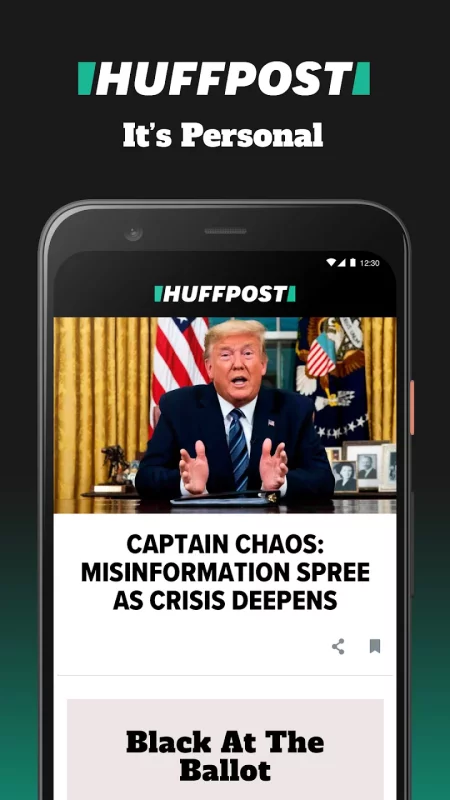
Follow breaking news, top stories, and politics on the go. The HuffPost is the leading source for politics, world news, entertainment, global issues, lifestyle tips and personal stories.
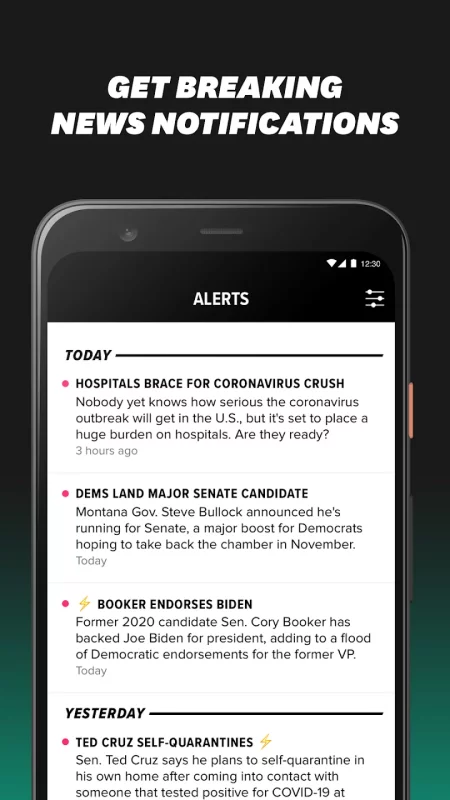
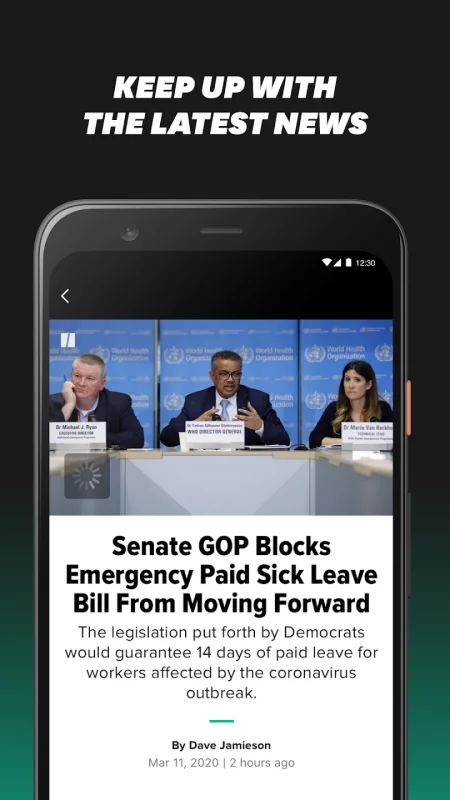
Download the app to get snappy, customizable news alerts on the top stories of the day, no matter where you are.
When you download the app, you’ll be able to:
• Stay informed with breaking political news and top story alerts.
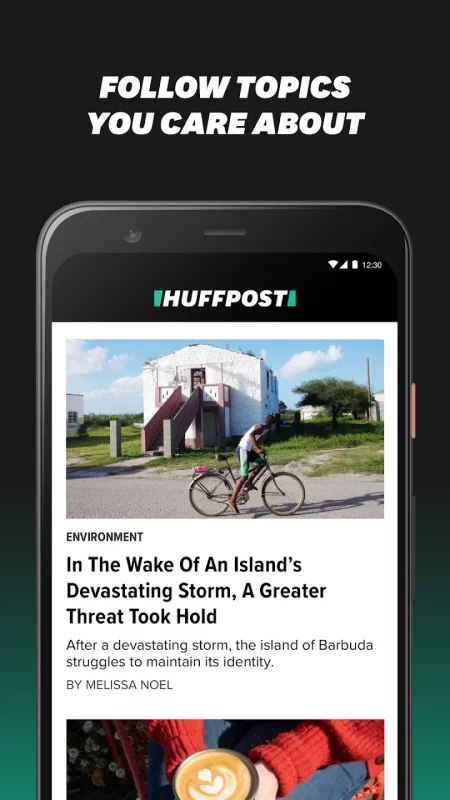
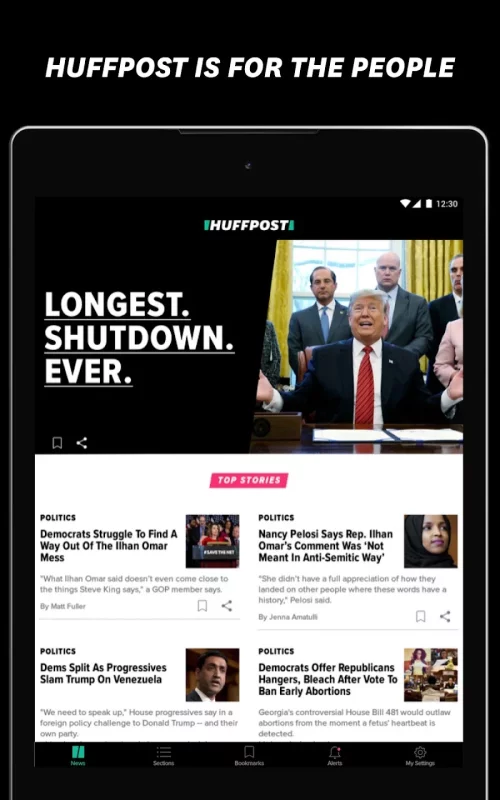
• Personalize your news with custom sections. Whether you enjoy entertainment, politics or global news, HuffPost has you covered.
• Browse Pulitzer-prize winning articles, videos and interactive content about a diverse range of topics and perspectives.
• Enjoy all of HuffPost’s editions in one app to stay up on world news. HuffPost is truly both global and local, with locally staffed newsrooms and editions around the world.
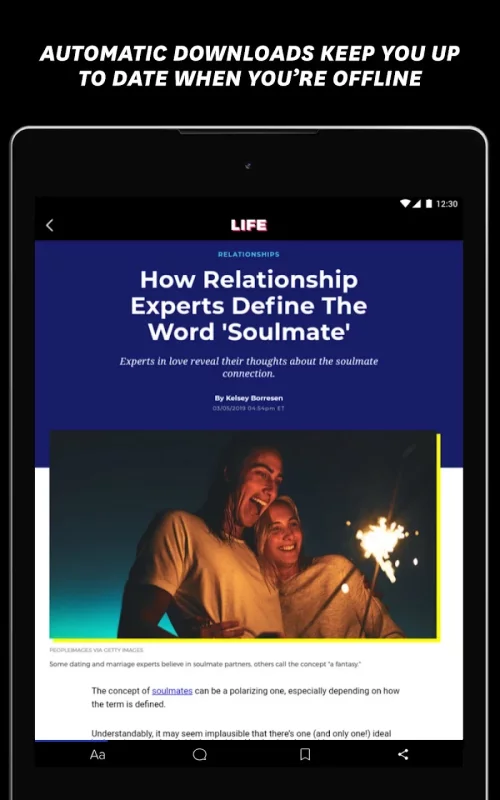
• Download articles from your favorite sections for easy offline reading on the go.
• Bookmark articles to come back to later.
Download HuffPost - News & Politics for Android for free
- Download the APK file to your Android device.
- Find the file in the Downloads folder and open it.
- Allow installation from this source if Android blocks it.
- Tap Install. To update the app, install the newer APK without uninstalling the current version.