
- Update12.10.2026
- Latest Version5.1.13
- Android OS7.0+
- LicenseFree
-
LanguagesEnglish العربية, Deutsch, English, Español, Eesti, Suomi, Français, हिन्दी, Magyar, Bahasa Indonesia, Italiano, 日本語, 한국어, Bahasa Melayu, Nederlands, Polski, Português, Русский, Svenska, ไทย, Türkçe, Українська, Tiếng Việt, 中文
- Content RatingEveryone
- DeveloperSplend Apps
- Package Namecom.splendapps.splendo
What is SplenDO?
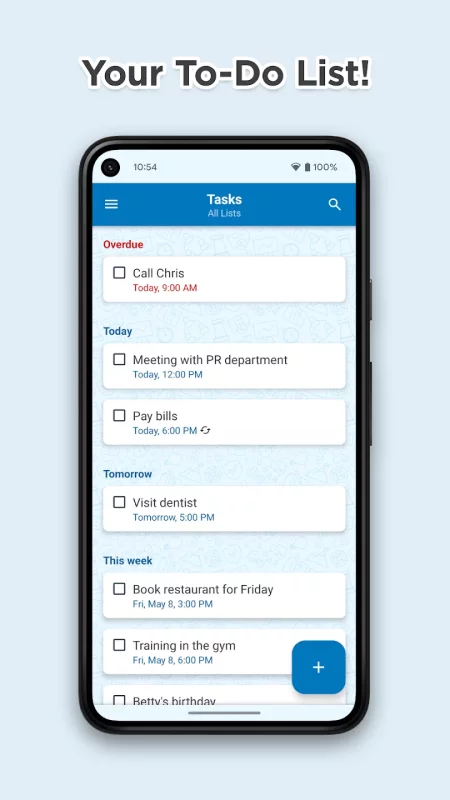
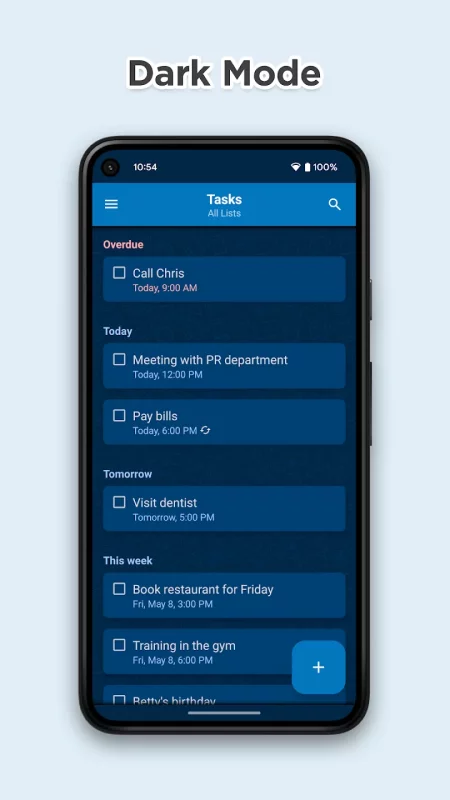
SplenDO is smart task list for everyday use.
It is truly usable with great user experience.
No matter who you are and what you do - you will be better organized!
At home, at work and in your free time - you will focus on really important things!
SplenDO is powerful in its simplicity and convenience of use.
Key Features
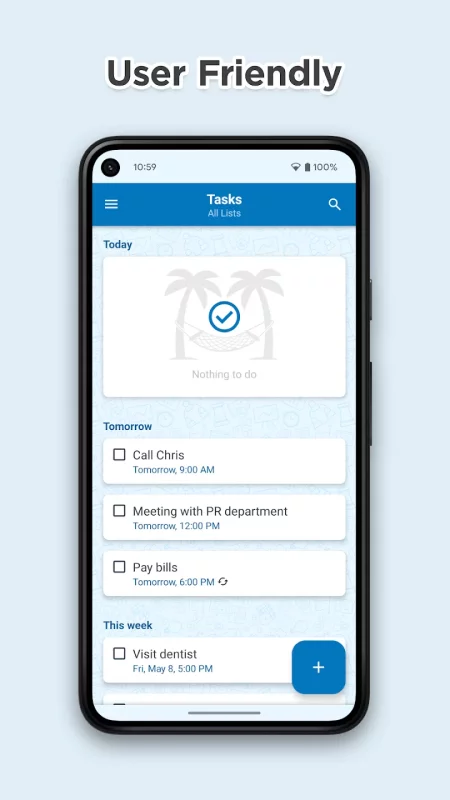
• User friendly task management
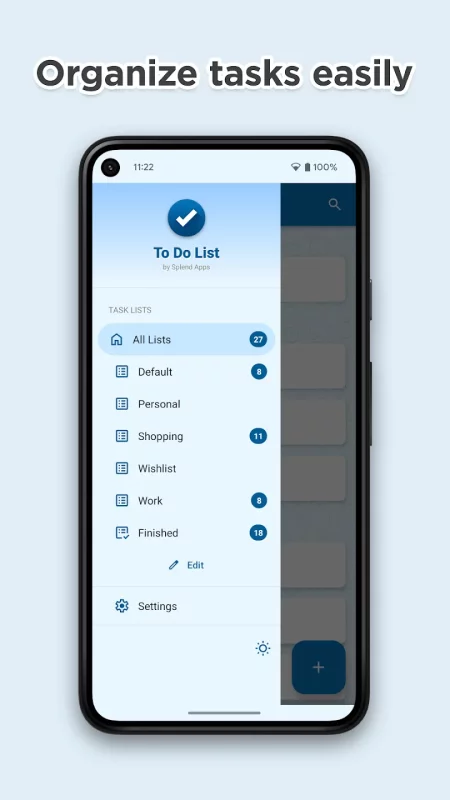
• Grouping tasks in handy task lists
• Smart home screen widgets show instantly what to do
• Intelligent notifications exactly when you need them
• Syncing with Google that just works
More Details
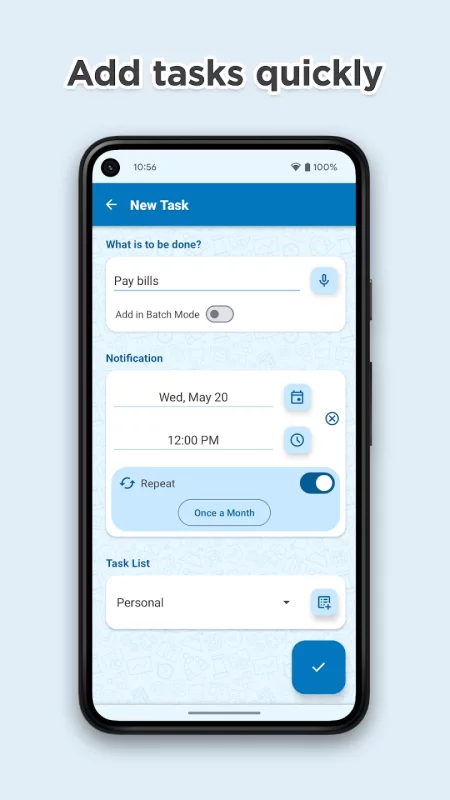
• Adding tasks via voice
• Notifications use sounds, vibrations and built-in speech synthesizer (TTS)
• Icon widget - icon with optional today's and overdue tasks counter
• List Widget - resizable widget displays upcoming tasks
• Status bar - component (in the notifications area) keeping you up to date
• Quick Task Bar - to add something hot quickly
• Support for recurring tasks
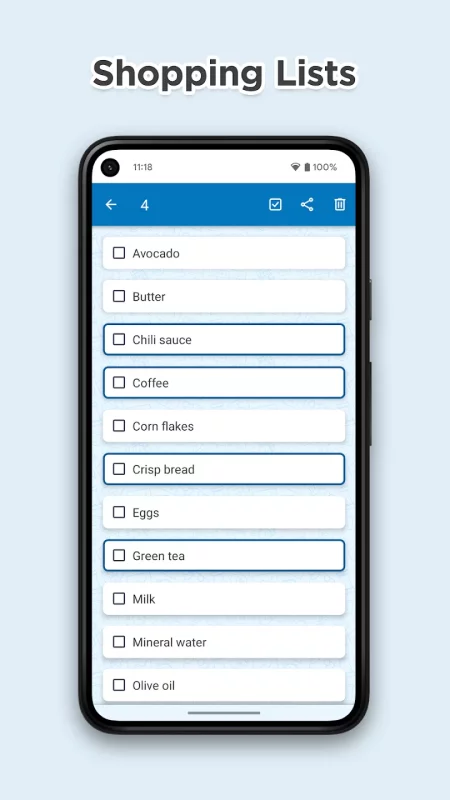
• Time for shopping? Need to add many tasks at one go? Great, batch mode is on-board!
• Support for tasks without a due date, all-day-long tasks and tasks at a specific hour of the day
• Bidirectional synchronization with Google Tasks
• Many useful configuration options
• Predefined task lists
• Actions on group of tasks (bulk actions, long-click selection support)
• Integration with sharing on Android - sharing tasks with other apps and receiving shared data
• Creating tasks from the content of system clipboard
• SplenDO is free to download and use
• Splend Apps support and more!
About Us
• Visit SplendApps.com: http://splendapps.com/
• Our Privacy Policy: http://splendapps.com/privacy-policy
• Contact Us: http://splendapps.com/contact-us
Follow Us
• Facebook: https://www.facebook.com/SplendApps/
• Instagram: https://www.instagram.com/splendapps/
• Twitter: https://twitter.com/SplendApps
Download To Do List for Android for free
- Download the XAPK file to your Android device.
- Install one of these installers from our website:
- Open the installer and select the downloaded file from the Downloads folder.
- Allow installation from this source if Android asks for permission.
- Start installation. To update the app, install the newer file without uninstalling the current version.