
- Update10.10.2026
- Latest Version6.2.0
- Android OS12.1+
- LicenseFree
-
LanguagesEnglish English
- Content RatingEveryone
- DeveloperSpeechify - Voice AI Assistant
- Package Namecom.cliffweitzman.speechify2
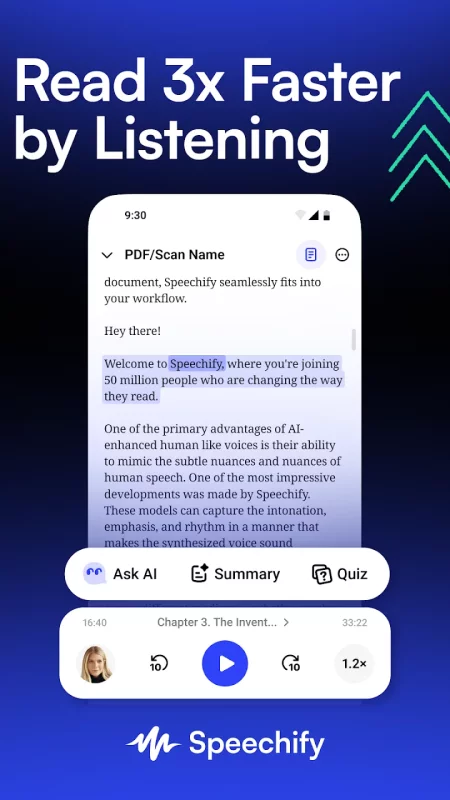
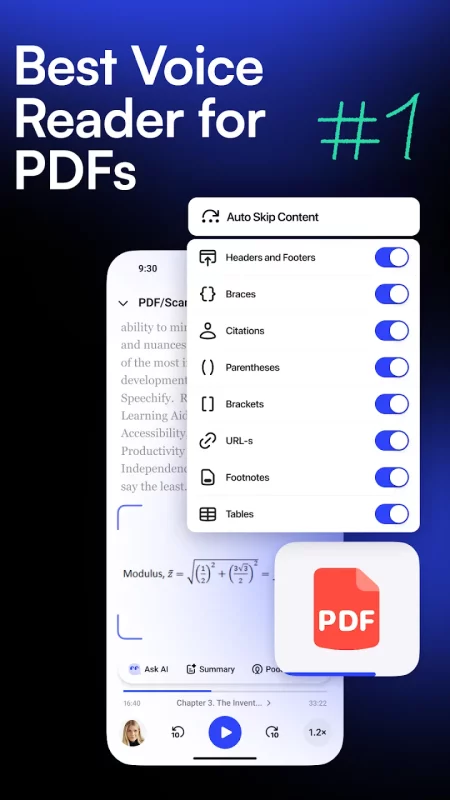
Speechify lets you listen to docs, articles, PDFs, emails, websites - anything you read – and talk to your own Voice AI Assistant. Install Speechify today for Free.
With 50M+ users, it is the top-rated and most used Voice AI Assistant & text to speech (TTS) app on Android. 50M+ users around the world.
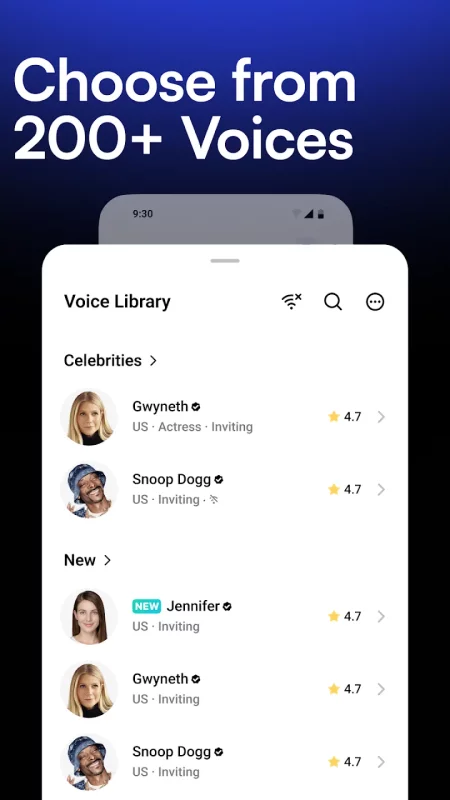
Human sounding voices include Gwyneth Paltrow, Snoop Dogg, and 1,000+ more across 60+ languages.
"Speechify is brilliant. I'm so glad to have it today." - Sir Richard Branson
FEATURES YOU'LL LOVE
➤ Listen at Any Speed
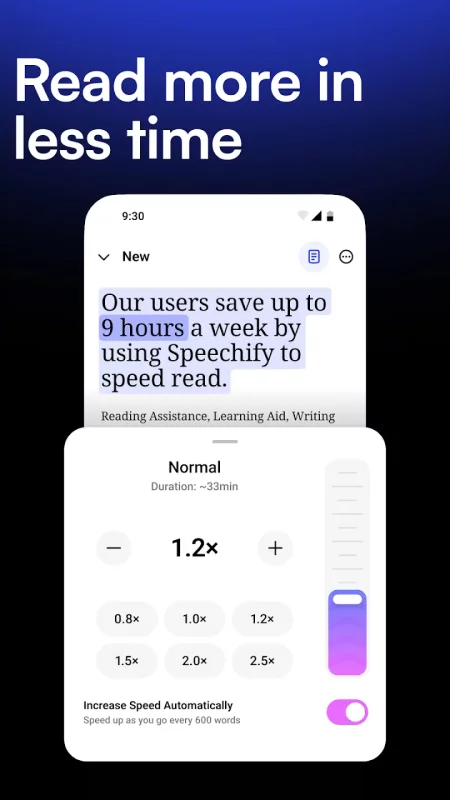
Hear anything up to 4.5× faster (900 wpm). Learn more in less time with voices that sound natural even at high speed.
➤ Human-like voices
Speechify voices feel real, including official partners like Snoop Dogg, Gwyneth Paltrow and 200+ others.
➤ Snap a photo to audio
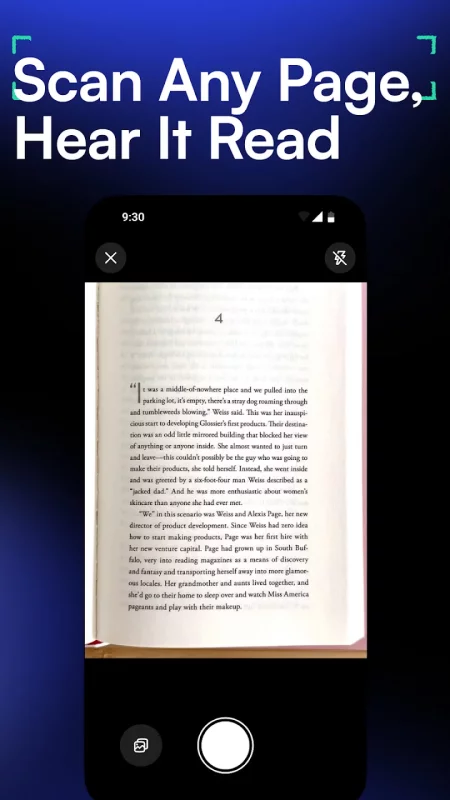
Take a photo or screenshot of any text and Speechify will read it aloud instantly.
➤ Talk to your Voice AI Assistant
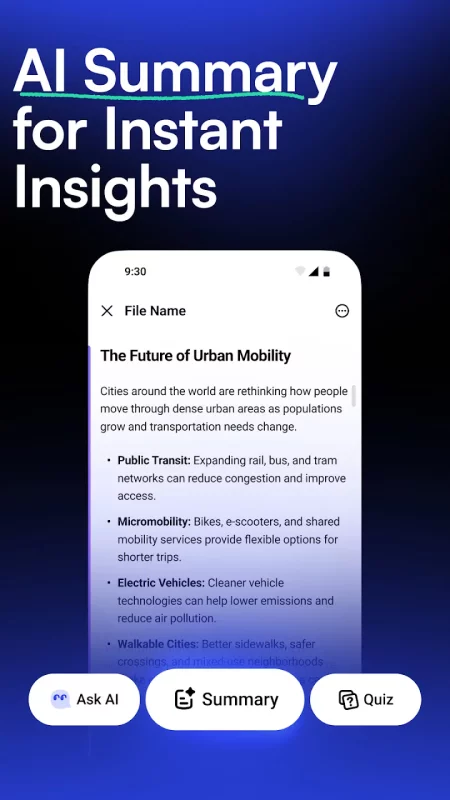
Ask: “What are the main takeaways?” or “Quiz me on this essay.” Speechify understands your articles, documents, and anything on your screen – it’s your personal AI reader, assistant, and tutor in one.
➤ Listen on desktop or mobile devices.
Your library syncs instantly across desktop and mobile. Start reading on Chrome, continue on iOS or Android – anytime, anywhere.
➤ AI Podcasts
Create an AI podcast from any document or any prompt. Speechify allows you to pick from styles like "Thoughtful Talk" and "Lecture" to create podcasts tailored to the exact topics you want to learn and enjoy.
➤ Hundreds of Free Timeless Books
Titles you get for free with Speechify: Pride and Prejudice by Jane Austen; The Adventures of Sherlock Holmes by Arthur Conan Doyle; Alice's Adventures in Wonderland by Lewis Carroll; Frankenstein by Mary Shelley; Moby Dick by Herman Melville; A Tale of Two Cities by Charles Dickens; Ulysses by James Joyce; War and Peace by Leo Tolstoy; The Great Gatsby by F. Scott Fitzgerald
➤ Other features
Note taking tools
Save audio bookmarks
Responsive customer experience
Inline player seamlessly integrates into all your websites
Cloud sync makes for a seamless listening across all your devices
== Use cases ==
➤ Students
Read, listen, and talk your way through study materials. Ask Speechify to summarize long readings, quiz you on key ideas, or type out your essays as you speak – perfect for faster learning and retention.
➤ People with Dyslexia, ADHD, or Vision Challenges
Originally built by founder Cliff Weitzman, who has dyslexia and ADHD, Speechify removes every barrier to reading and writing. It reads aloud, types what you say, and answers your questions about the text, helping millions learn and communicate more easily.
➤ Professionals
Whether you’re drafting emails, summarizing reports, or reviewing PDFs, Speechify works like your personal AI assistant. Dictate notes hands-free, ask for quick takeaways, and breeze through reading-heavy workloads effortlessly.
➤ Parents
Turn story time or homework time into an interactive experience. Speechify can read aloud, help kids write by voice, and even answer their curious follow-up questions about the stories they love.
➤ Productivity Hackers
Automate your reading and your writing. Listen to webpages or dictate responses while multitasking, then ask Speechify to summarize, rephrase, or explain anything you’re working on.
➤ Podcast & Audiobook Lovers
Turn any article, PDF, or blog into something you can listen to or talk about. Ask Speechify to explain or expand on what you’re hearing – it’s like having a co-host that knows your reading list.
➤ Avid Readers
Listen to books, documents, and research at any speed, then engage with them conversationally – ask for insights, notes, or summaries. With Speechify, reading becomes a two-way dialogue.
Install Speechify today for free!
Privacy Policy: https://speechify.com/privacy/
Terms of Service: https://speechify.com/terms/
Download Speechify – Text to Speech for Android for free
- Download the XAPK file to your Android device.
- Install one of these installers from our website:
- Open the installer and select the downloaded file from the Downloads folder.
- Allow installation from this source if Android asks for permission.
- Start installation. To update the app, install the newer file without uninstalling the current version.