
- Update30.09.2026
- Latest Version2.1.4
- Android OS12.1+
- LicenseFree
-
LanguagesEnglish English
- Content RatingEveryone
- DeveloperSynosure Tech
- Downloads2
- Package Namecom.synosuretech.studfinder
Stud Finder and Stud Detector Wall App-
Are you looking to seamlessly to locate studs behind walls, wood, or even within the earth? Look no further – Stud Finder app is designed to assist you in identifying all metal studs effortlessly.
Stud Finder for wall App uses your smartphone’s built-in sensors to detect and pinpoint the exact location of studs hidden behind drywall, plaster, or other materials. Forget about the guesswork that comes with traditional stud finders. With this app, you’ll get quick and accurate results every time, helping you make better decisions before you start your drilling or hanging projects.
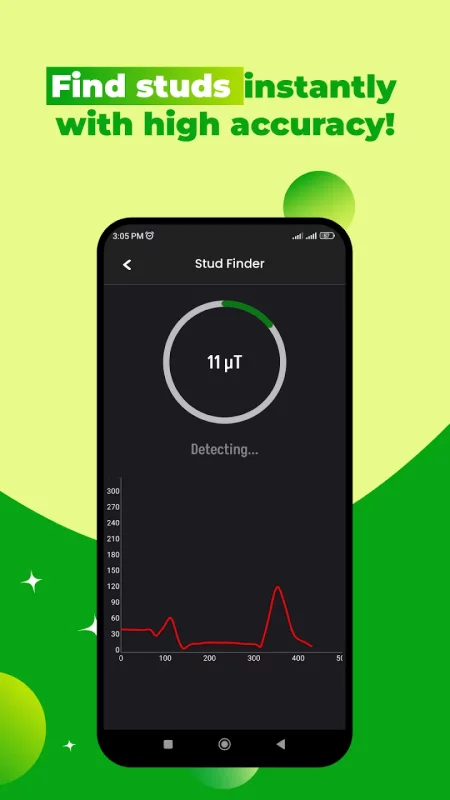
Stud finder app leverages your phone’s magnetic field sensor (magnetometer) to detect changes in the density of the wall. These changes are caused by the presence of a stud, which the app then identifies and marks on the screen. By simply moving your phone slowly across the wall, the stud finder app will alert you when a stud is detected.
Stud finder and stud detector app simplifies your tasks and provides a reliable solution for detecting studs without the need for extra tools or experience. Whether you're working on home renovations, repairs, or hanging decorations, this app is the ultimate tool to make your projects easier, safer, and more precise.
Stud detector Multi Modes: Our stud detector app boasts advanced multiple scanning modes. From detecting studs and metal objects to uncovering AC wiring and hidden devices like microphones, cameras, and bugs, it covers it all.
Stud Finder Wall Scanner: For enhanced accuracy, utilise the deep scan mode, allowing you to detect hidden objects through drywalls, wood, plaster, or any material up to 30 mm thick.
Perfect for Home and Office: Whether you're hanging a heavy TV screen, mirror, or photo frame on drywall, our Stud Finder app is your go-to tool. It reveals metal studs that are invisible to the naked eye.
Stud Locator: Experience top-notch scanning features that not only identify studs but also uncover AC wires, metal pipes, and hidden metals with ease.
Stud Finder Smart Usage Tips:
Use your phone's magnetic sensor for scanning.
Avoid electronic devices nearby during scanning to prevent interference.
Magnetic stud finder: Simply start scanning your wall or desired surface, moving your phone smoothly to pinpoint stud locations. The app will notify you with beeps or vibrations upon finding hidden studs.
Accurate Stud Detection:
Stud finder app consist on multiple detection modes.
Stud finder for wall app is Easy to Use:
Just hold your phone against the wall, and the app does the rest.
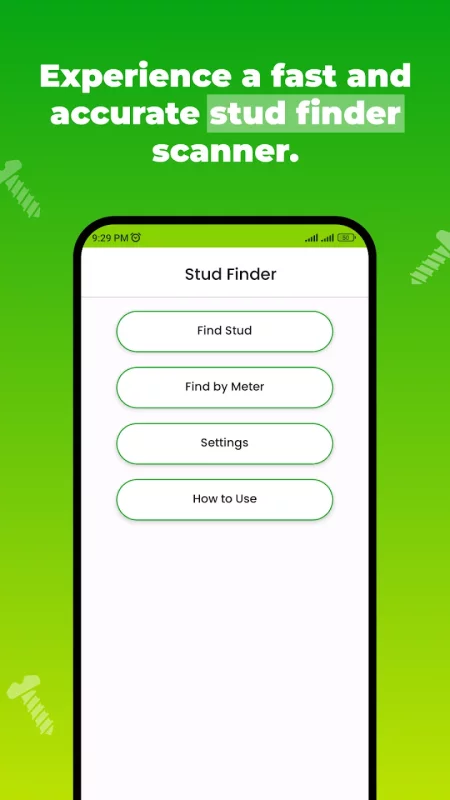
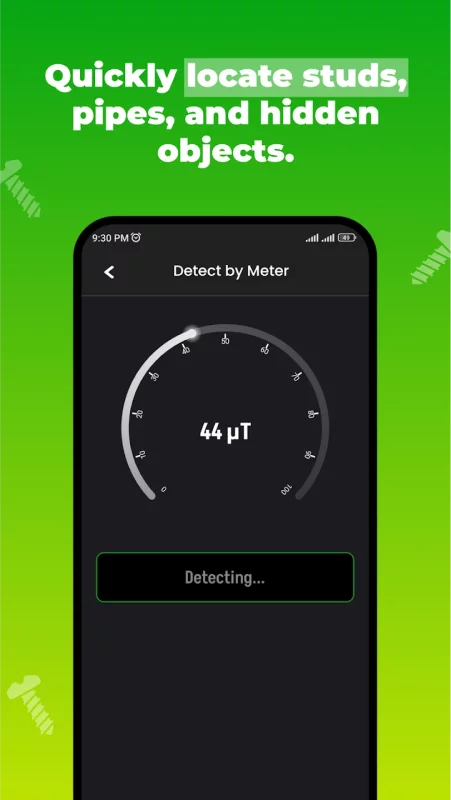
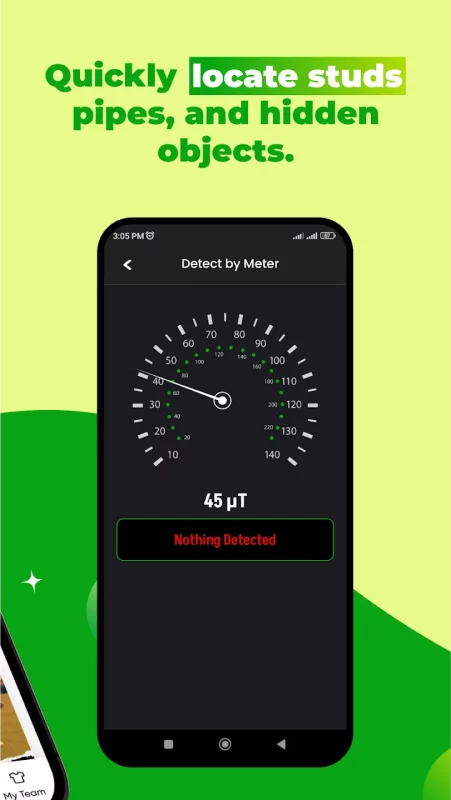
Choose Your Scan Method: Whether using the magnetic sensor, graph, or meter, you can effortlessly search and scan for studs in walls with just a few clicks.
User-Friendly Experience: With an intuitive interface, Stud Finder app ensures an easy-to-use experience. Locate studs by smoothly moving your phone over the wall or wood surface.
Stud Finder app Ensure Compatibility: Before use, confirm that your phone is equipped with a magnetic sensor, as the app relies on this feature for optimal performance.

Download Stud Finder Stud Detector Wall for Android for free
- Download the XAPK file to your Android device.
- Install one of these installers from our website:
- Open the installer and select the downloaded file from the Downloads folder.
- Allow installation from this source if Android asks for permission.
- Start installation. To update the app, install the newer file without uninstalling the current version.