
- Update26.09.2026
- Latest Version1.5.6
- Android OS6.0+
- LicenseFree
-
LanguagesEnglish العربية, বাংলা, Deutsch, English, Español, Français, ગુજરાતી, Bahasa Indonesia, Italiano, ქართული, ಕನ್ನಡ, Bahasa Melayu, Norsk bokmål, Norsk, Română, Русский, Українська
- Content RatingEveryone
- DeveloperFORBIS s.r.o.
- Package Namecom.recommended.videocall
Simple and secure high quality video calls for smartphones and tablets.
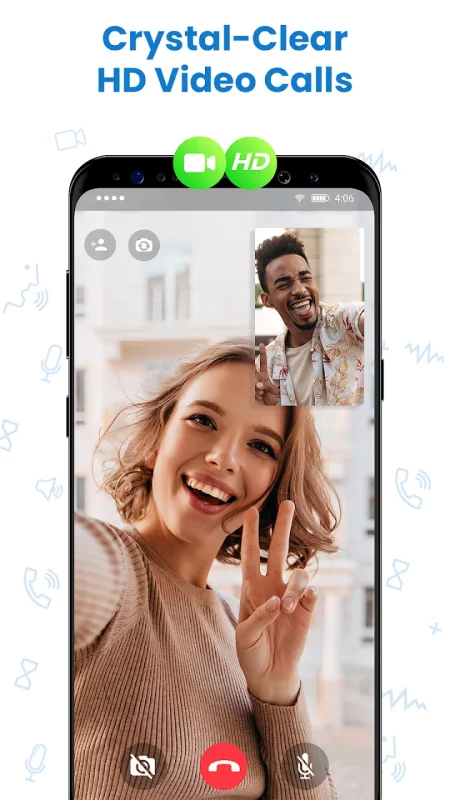
Video Call is free high quality video calling app focused on security and low internet data usage.
It’s simple and works on smartphones and tablets.
FEATURES
= Group calls 👫
Invite friends during video call to make a group call
= File sharing 📎
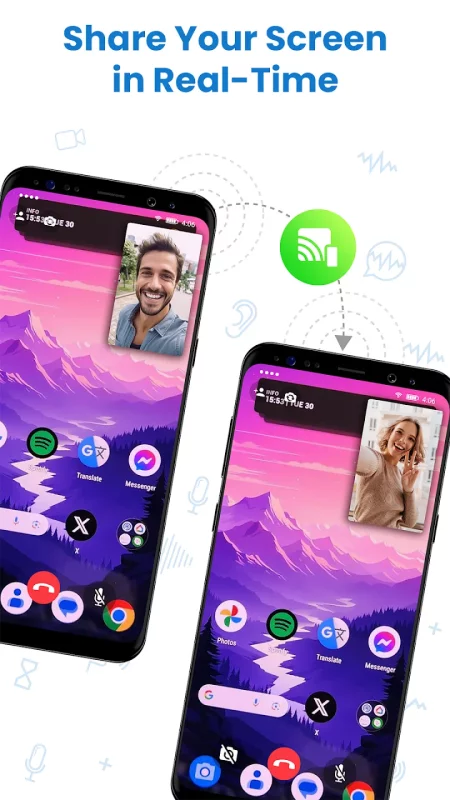
Share various type of files, videos and photos
= Video Call with worldwide availability 🌎
Connect with friends and family around the world to share your moments, with High Video quality and low internet data consumption.
= Wide range connections support 📡
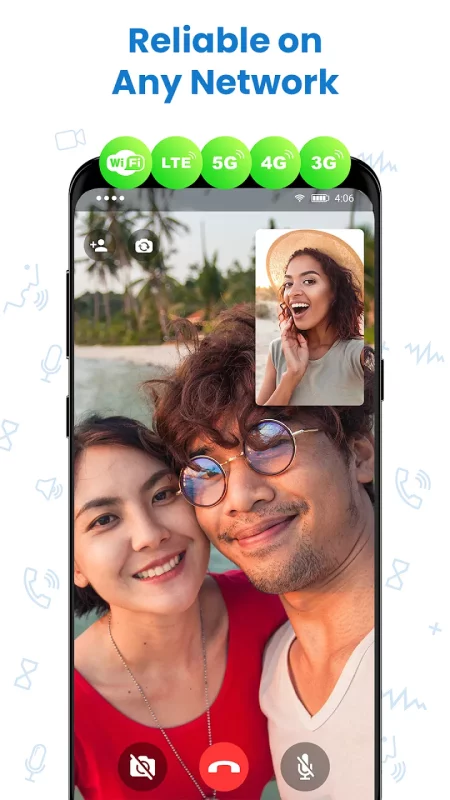
To make Video call you can use every available connection type from your device.
= High level of Privacy 🔒
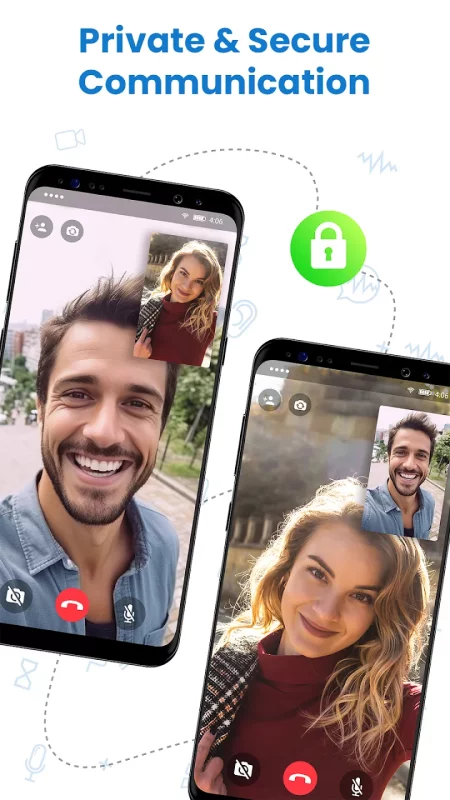
Through Peer-to-peer networking are Video data transmitted directly between devices.
= Send Video Messages 💬
Catch your moments and share them with friends when they can't response to call.
= For smartphones and tablets 📞
Video Call works on Android smartphones and tablets.
With Video Call App, you have access to a world of communication. Video Call App will help you to be in touch with your friends and family.
We are constantly working hard to bring you new features. In the Video Call app we help you to connect with friends and family faster, easier and secure. Please feel free to email us if you have any problems or tips. We would also love to hear from you, so just say hello. If you enjoyed Video Call, please rate us ⭐️⭐️⭐️⭐️⭐️ on Google play store.


Download Video Call for Android for free
- Download the XAPK file to your Android device.
- Install one of these installers from our website:
- Open the installer and select the downloaded file from the Downloads folder.
- Allow installation from this source if Android asks for permission.
- Start installation. To update the app, install the newer file without uninstalling the current version.