
- Update04.09.2026
- Latest Version2.375.0
- Android OS8.0+
- LicenseFree
-
LanguagesEnglish English, Afrikaans, العربية, অসমীয়া, Azərbaycan dili, Български, বাংলা, Català, Cebuano, Čeština, Cymraeg, Dansk, Deutsch, Ελληνικά, Español, Eesti, Euskara, فارسی, Pulaar, Suomi, Français, Galego, ગુજરાતી, Hausa, हिन्दी, Hrvatski, Magyar, Հայերեն, Igbo, Bahasa Indonesia, Italiano, עברית, 日本語, Basa Jawa, ქართული, Қазақ тілі, ខ្មែរ, ಕನ್ನಡ, 한국어, Kurdî, Кыргызча, Lietuvių, Latviešu, मैथिली, Malagasy, Македонски, മലയാളം, Монгол, मराठी, Bahasa Melayu, မြန်မာ, Norsk bokmål, नेपाली, Nederlands, Afaan Oromoo, ਪੰਜਾਬੀ, Polski, Português, Română, Русский, سنڌي, සිංහල, Slovenčina, Slovenščina, chiShona, Soomaali, Shqip, Српски, Basa Sunda, Svenska, Kiswahili, தமிழ், తెలుగు, ไทย, Tagalog, Türkçe, Українська, اردو, Oʻzbekcha, Tiếng Việt, Wolof, isiXhosa, Èdè Yorùbá, 中文, isiZulu
- Content RatingEveryone 10+
- DeveloperCanva
- Package Namecom.canva.editor
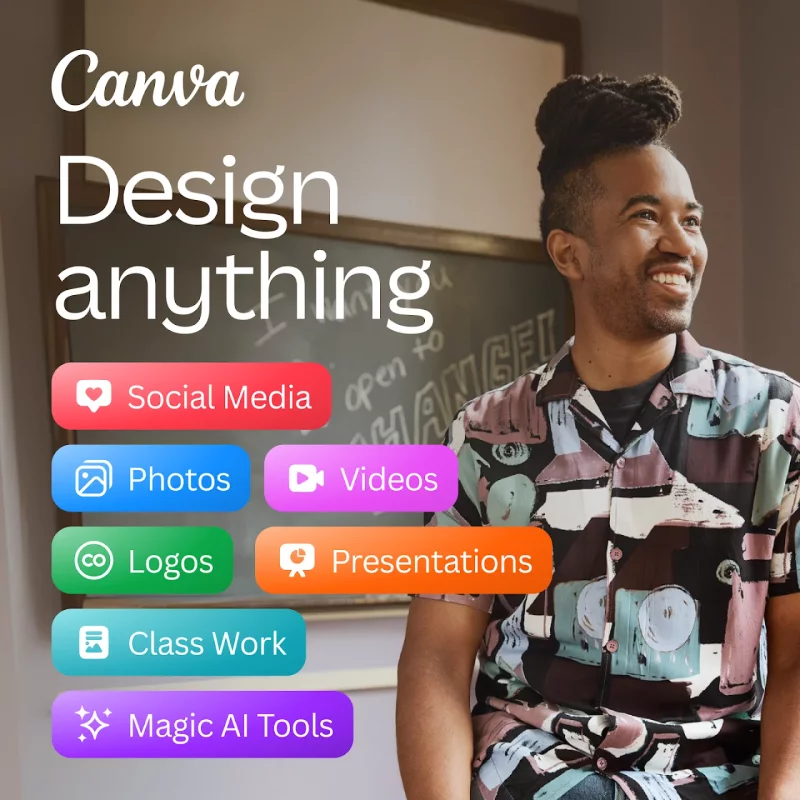
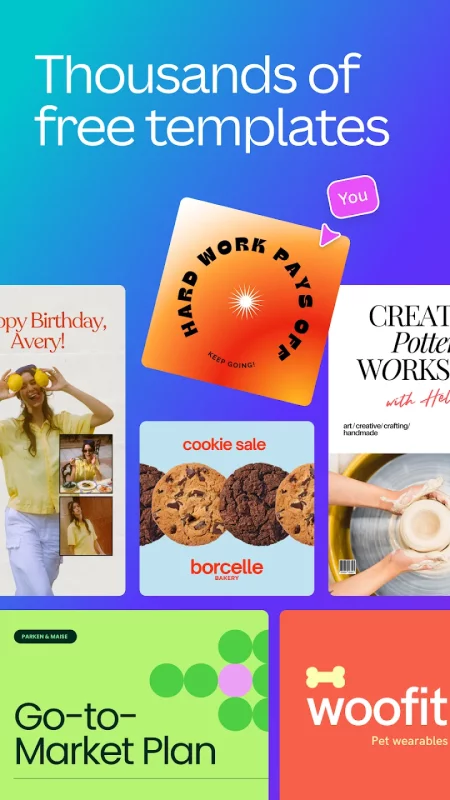
Canva is your free photo editor, logo maker, collage maker, and video editor in one editing app! Design digital art faster with powerful magic AI tools built-in, like the AI image generator that allows you to transform text to image in just a few minutes Make stunning social media posts and reels, presentations or flyers, create logos, CVs, photo collages and video collages from customizable templates.
Edit photos & design anything with the AI art generator🖌️: Video editor, collage maker, meme maker, CV maker & logo maker – Canva is a simple & easy content creation app for anyone! 🎨
Canva features: AI art generator, photo editor and video maker
• Facebook posts, Instagram layout designs, banner maker, Instagram post-maker & Instagram reels maker.
• Professional invitation maker, flyers & resume templates.
• Display data with templates, presentations & slideshow maker.
AI EDITING APP 📷 – free, no ads, no watermarks
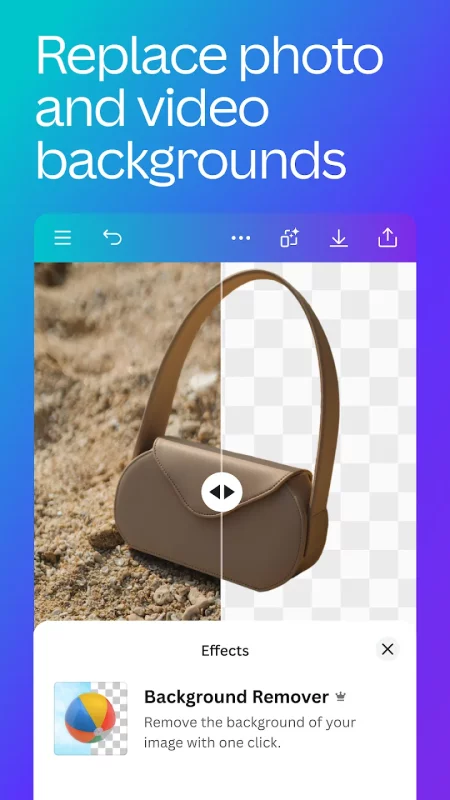
• Image editor to crop, flip, & edit photos. Background eraser and blur editor.
• Picture editor to adjust brightness, contrast, saturation, etc.
• Auto Focus to sharpen photo subject & blur background.
• Add text to photos in the picture editor.
• Use the photo grid, photo filters, photo layout & photo collage maker to create digital art.
AI VIDEO EDITOR 🎥 – create videos in a few taps
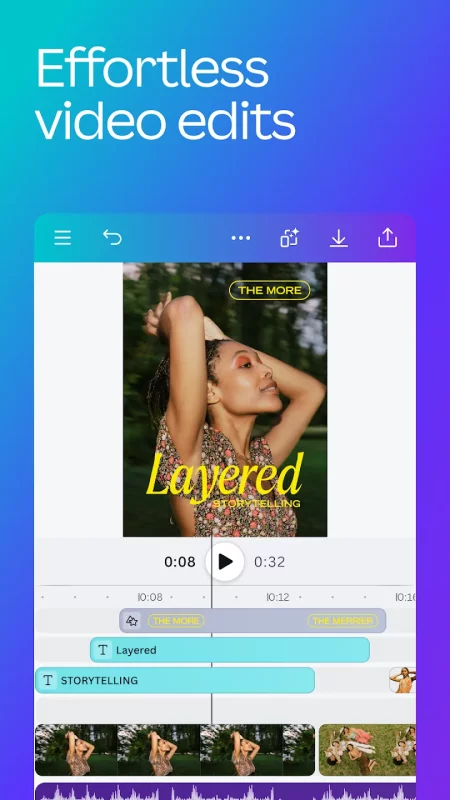
• Produce professional videos in the video editor with 5GB of cloud storage and real time collaboration.
• Explore video layout & audio tracks in the video maker.
• Crop, resize, and flip videos & images in the video editor.
• Easy video editing: Make images move with one-tap animations & page transitions in the video maker.
• Apply effects like slow motion and reverse playback, add subtitles to a video collage, or a new background to your green screen video.
• Magically sync edits to music with Beat Sync, for quick video editing
• Automatically translate captions to over 100 languages
• Add your favorite music tracks via Popular music* (regional restrictions apply)
SOCIAL MEDIA 📱 – make and match trendy content & graphic designs
• Design for Instagram, Snapchat, Facebook, YouTube or LinkedIn.
• Plan posts with Scheduler [Canva Pro].
• Use our banner maker for thumbnails & ads.
• Collage maker, picture editor & video maker to create photo grids & collages.
FREE CONTENT LIBRARY – over 2M+ assets
• 2M+ royalty-free images & photo filters
• Thousands of watermark-free videos to use in the video editor
• 25K+ pre-licensed audio & music tracks
• Add text on pictures in the photo editor with 500+ fonts & effects
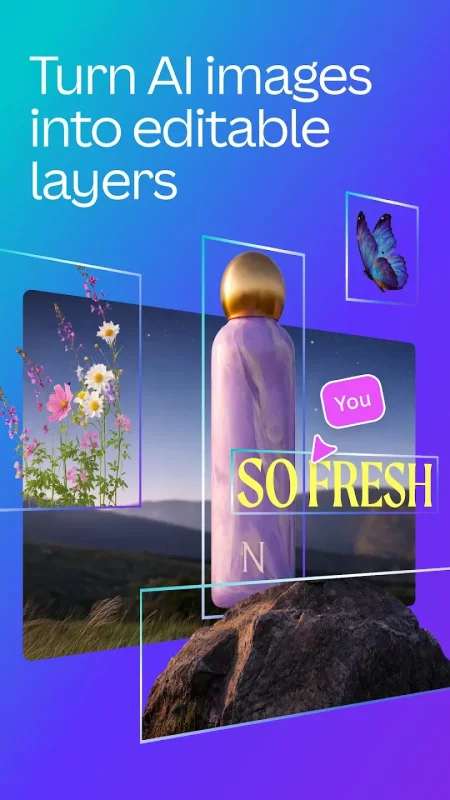
• Or create your own images with our magic Text to Image tool
AI MAGIC BUILT-IN ✨ – Bringing magic and ease of use to your designs
We’ve supercharged design across the Visual Suite with incredible magical AI-powered capabilities. Including;
• Magic Design - Upload an image and let Canva make designs for you
• Magic Edit - Swap, or add anything to your existing images
• Translate - Automatically translate designs in 100+ languages
• Magic Eraser - Remove objects from any image.
CANVA PRO – The editing app to boost your graphic design
• Access premium templates, images, videos, logo maker, audio & graphic design elements + create stunning videos in the video editor
• One-click Background Remover & Magic Resize for photos and videos
• Brand Hub - Create logos with the logo maker, fonts, & colors
• Schedule posts for Instagram & Facebook
GRAPHIC DESIGN FOR EVERYONE 🎨
• Personal - Layout designs for Instagram templates, resumes, photo editor, photo collages, logo maker, video editor, etc.
• Entrepreneurs - Grow your business with our logo maker, video editor, poster maker & Magic Presentations.
• Students & teachers - Engage with presentations & worksheets
• Social Media Managers & Content Creators - Use the photo editor, logo maker, collage maker & video editor for brand visuals & mood boards
Download Canva: AI Photo & Video Editor for Android for free
- Download the APKS file to your Android device.
- Install one of these installers from our website:
- Open the installer and select the downloaded file from the Downloads folder.
- Allow installation from this source if Android asks for permission.
- Start installation. To update the app, install the newer file without uninstalling the current version.