- Update25.09.2026
- Latest Version14
- Android OS14+
- LicenseFree
-
LanguagesEnglish Afrikaans, አማርኛ, العربية, অসমীয়া, Azərbaycan dili, Беларуская, Български, বাংলা, Bosanski, Català, Čeština, Dansk, Deutsch, Ελληνικά, English, Español, Eesti, Euskara, فارسی, Suomi, Français, Galego, ગુજરાતી, हिन्दी, Hrvatski, Magyar, Հայերեն, Bahasa Indonesia, Íslenska, Italiano, עברית, 日本語, ქართული, Қазақ тілі, ខ្មែរ, ಕನ್ನಡ, 한국어, Кыргызча, ລາວ, Lietuvių, Latviešu, Македонски, മലയാളം, Монгол, मराठी, Bahasa Melayu, မြန်မာ, Norsk bokmål, नेपाली, Nederlands, ଓଡ଼ିଆ, ਪੰਜਾਬੀ, Polski, Português, Română, Русский, සිංහල, Slovenčina, Slovenščina, Shqip, Српски, Svenska, Kiswahili, தமிழ், తెలుగు, ไทย, Tagalog, Türkçe, Українська, اردو, Oʻzbekcha, Tiếng Việt, 中文, isiZulu
- Content RatingEveryone
- DeveloperGoogle LLC
- Package Namecom.google.android.apps.wallpaper
Make the most of your display with beautiful wallpapers and advanced features. Choose one of your own photos, an image from the Google Earth collection, a scenic landscape from Google+, and more. Change it as often as you like, so your phone always represents your style.
• Enjoy a collection that keeps on growing. Access images from Google Earth, Google+, and other partners.
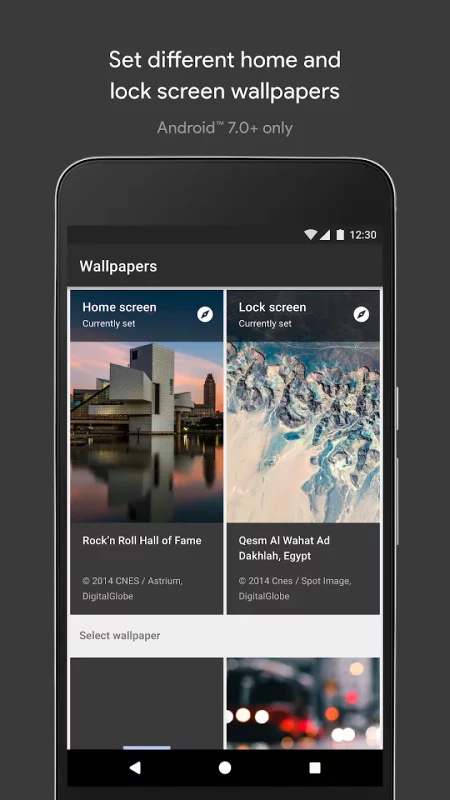
• Double your fun. Show the world one wallpaper on your lock screen, and keep one for yourself on your home screen. (Requires Android™ 7.0, Nougat, and above.)
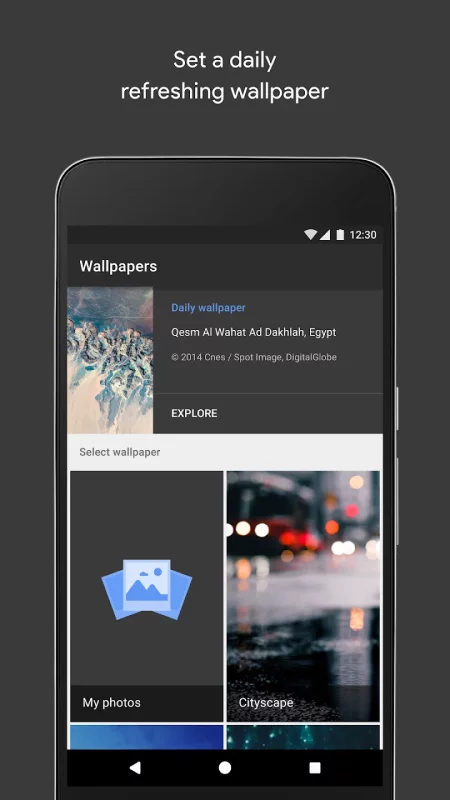
• Start each day fresh. Pick your favorite category and you’ll get a new wallpaper image each day.
Permissions Notice
Photos/Media/Files: Needed to allow you to use custom photos as wallpaper.
Storage: Needed to display the currently set wallpaper and to allow you to use custom photos as wallpaper.
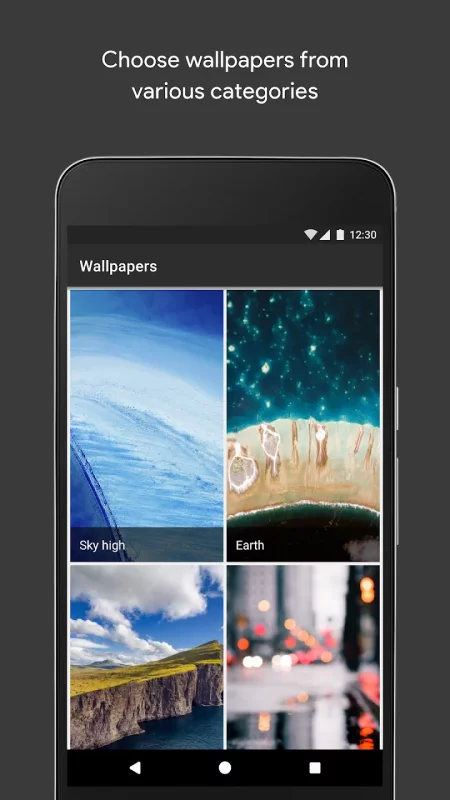
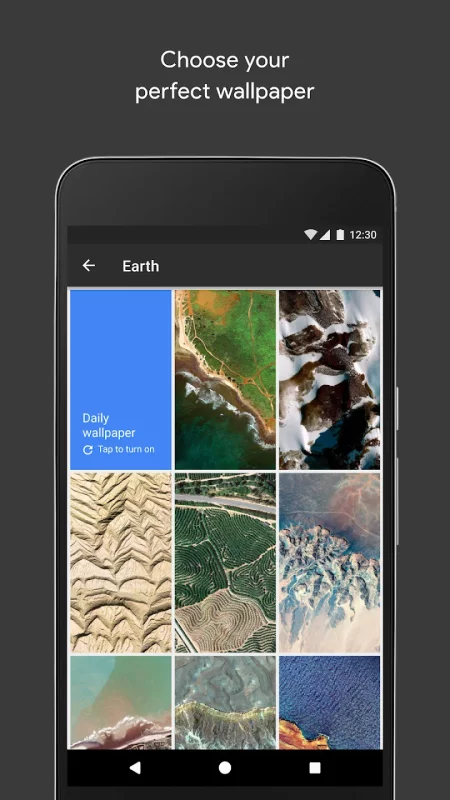
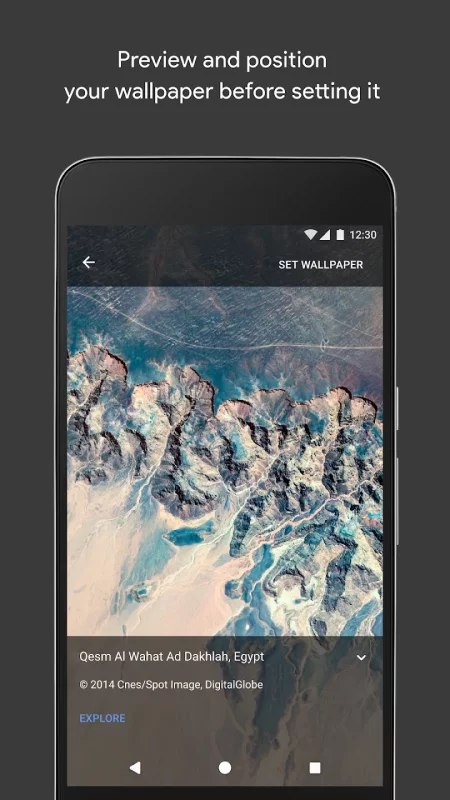
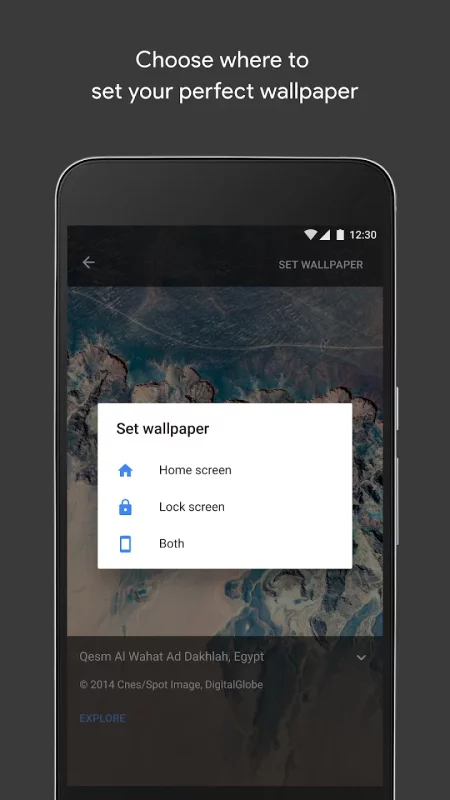
Download Wallpapers for Android for free
- Download the APK file to your Android device.
- Find the file in the Downloads folder and open it.
- Allow installation from this source if Android blocks it.
- Tap Install. To update the app, install the newer APK without uninstalling the current version.