
- Update04.09.2026
- Latest Version343.12 - Stable
- Android OS7.0+
- LicenseFree
-
LanguagesEnglish English
- Content RatingTeen
- DeveloperDiscord Inc.
- Package Namecom.discord
Discord is designed for gaming and great for just chilling with friends or building a community. Customize your own space and gather your friends to talk while playing your favorite games, or just hang out.
GROUP CHAT THAT’S ALL FUN & GAMES
∙ Discord is great for playing games and chilling with friends, or even building a worldwide community. Customize your own space to talk, play, and hang out in.
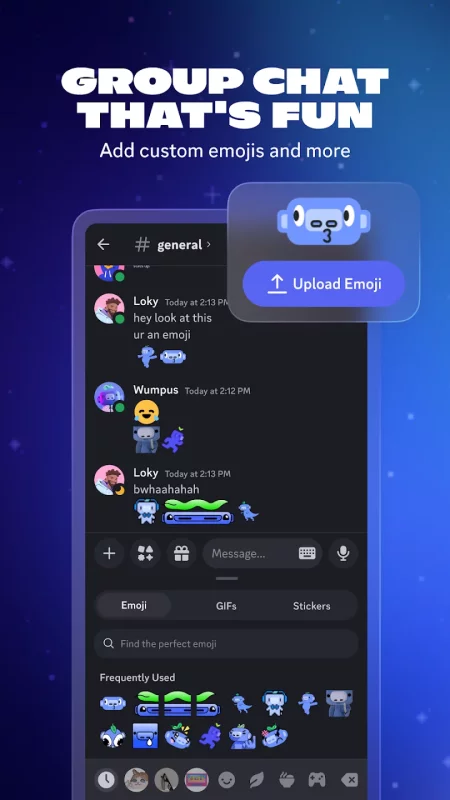
MAKE YOUR GROUP CHATS MORE FUN
∙ Create custom emoji, stickers, soundboard effects, and more to add your personality to voice, video, or text chat. Set your avatar, a custom status, and write your own profile to show up in chat your way.
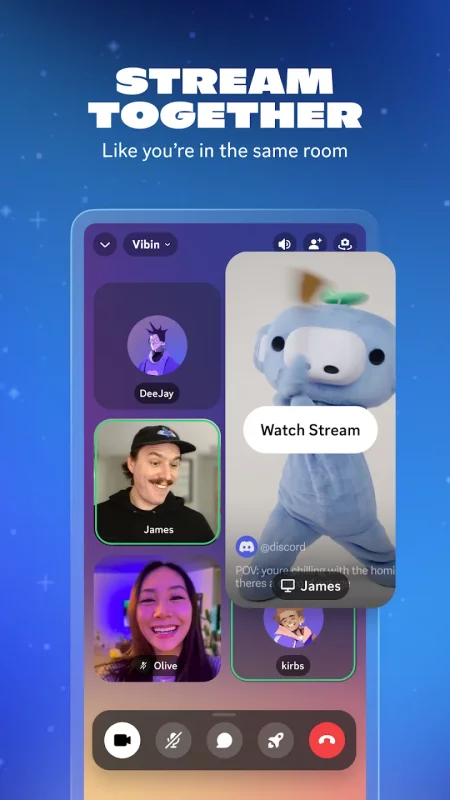
STREAM LIKE YOU’RE IN THE SAME ROOM
∙ High-quality and low-latency streaming makes it feel like you're hanging out on the couch with friends while playing a game, watching shows, looking at photos, or idk doing homework or something.
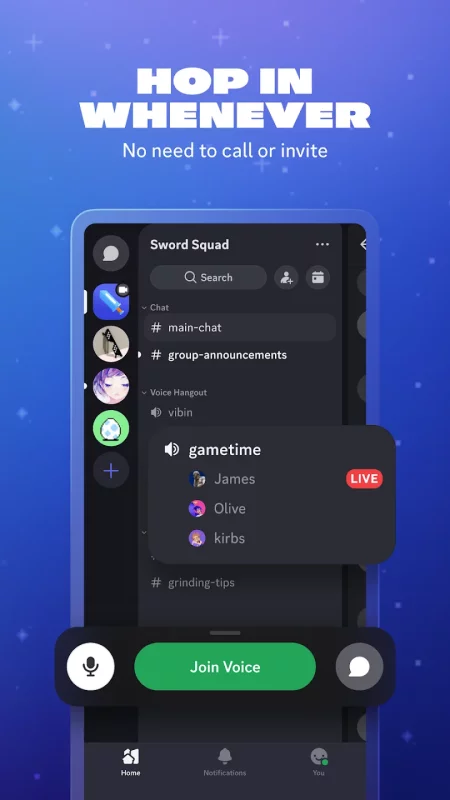
HOP IN WHEN YOU’RE FREE, NO NEED TO CALL
∙ Easily hop in and out of voice or text chats without having to call or invite anyone, so you can chat with your friends before, during, and after your game session.
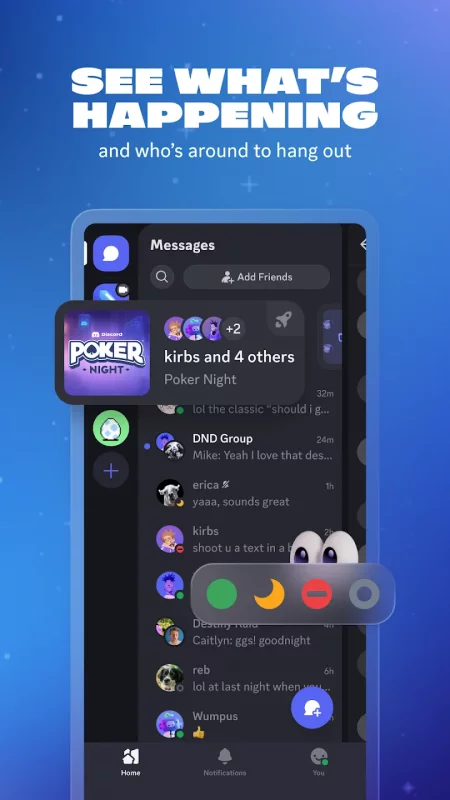
SEE WHO’S AROUND TO CHILL
∙ See who’s around, playing games, or just hanging out. For supported games, you can see what modes or characters your friends are playing and directly join up.
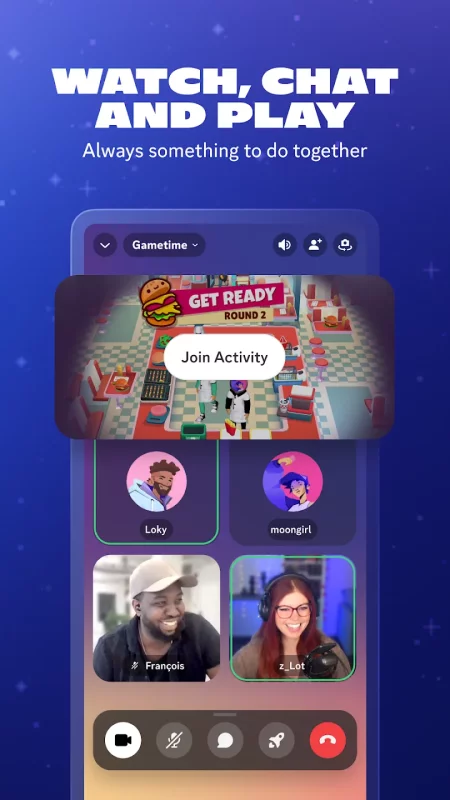
ALWAYS HAVE SOMETHING TO DO TOGETHER
∙ Watch videos, play built-in games, listen to music, or just scroll together and spam memes. Seamlessly text, call, video chat, and play games, all in one group chat.
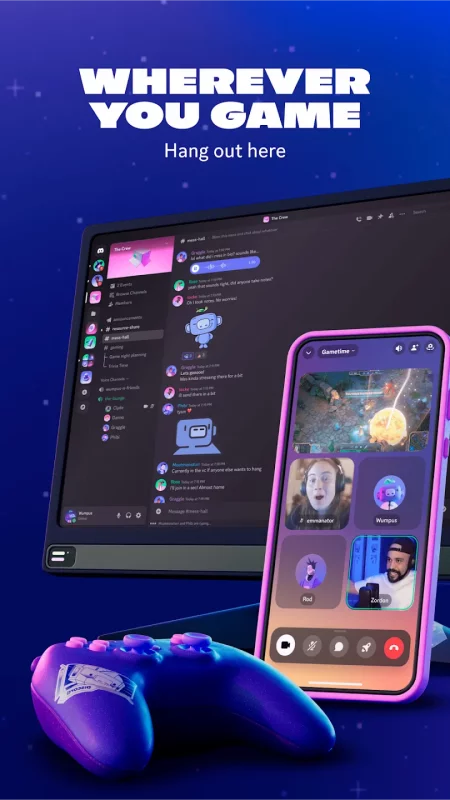
WHEREVER YOU GAME, HANG OUT HERE
∙ On your PC, phone, or console, you can still hang out on Discord. Easily switch between devices and use tools to manage multiple group chats with friends.
Download Discord - Talk, Play, Hang Out for Android for free
- Download the APKS file to your Android device.
- Install one of these installers from our website:
- Open the installer and select the downloaded file from the Downloads folder.
- Allow installation from this source if Android asks for permission.
- Start installation. To update the app, install the newer file without uninstalling the current version.