Ticketmaster-Buy, Sell Tickets

Ticketmaster-Buy, Sell Tickets

0 votes
  • Update
    04.09.2026
  • Latest Version
    273.4
  • Android OS
    9+
  • License
    Free
  • Languages
    English
  • Content Rating
    Everyone
  • Developer
  • Package Name
    com.ticketmaster.mobile.android.na

Ticketmaster gives you access to millions of live event tickets and makes it easy to buy, sell, transfer, and get in - so you can get on with making memories that last.

We are the Official Ticketing Partner of the NFL, NBA, NHL, and USTA. Add in our exclusive partnerships with thousands of venues, artists, bands, theater tours, and broadway shows and shopping with Ticketmaster gives you unparalleled access to the most memorable live events worldwide.

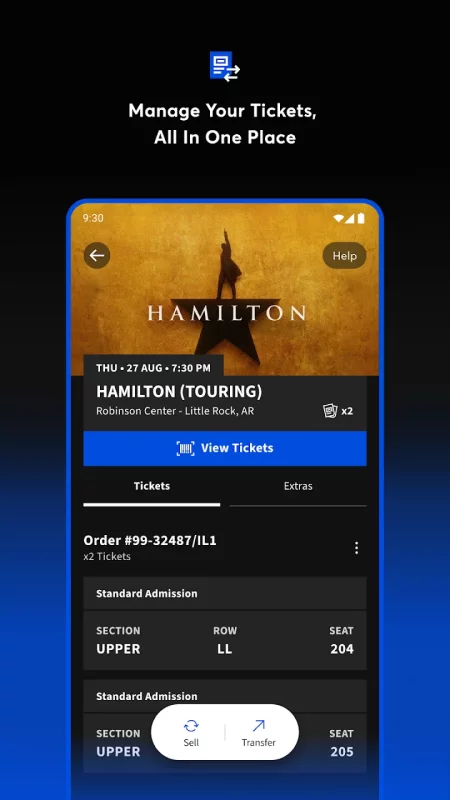
Ticket management at your fingertips. You’re always just a few clicks away from securing the perfect seats to the live events and shows you love.

BUY SIMPLY
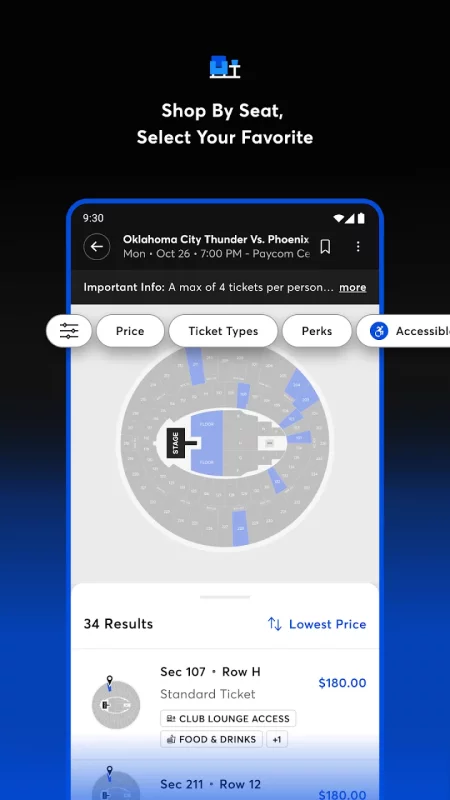
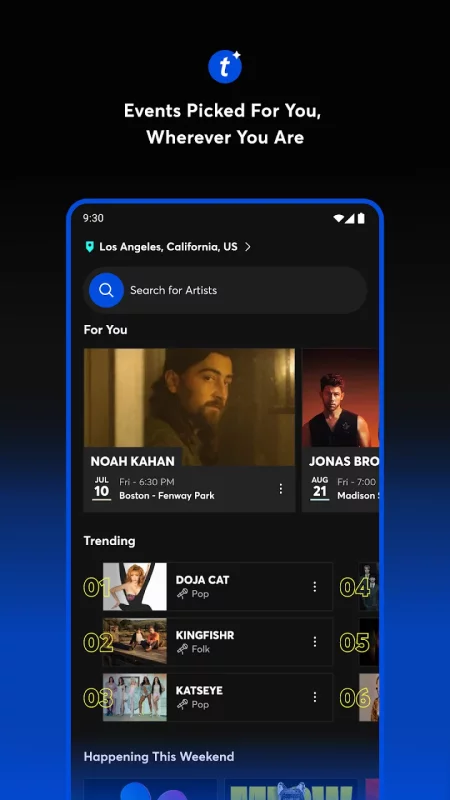
- Search millions of events and get real-time updates as new listings go live.
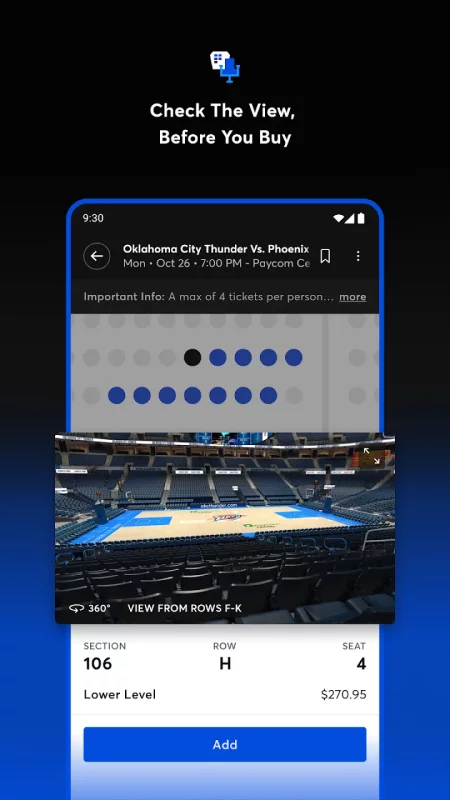
- Use interactive 3-D venue maps and see your seat view before you buy.

CHANGE OF PLANS?
- List your tickets on our trusted resale marketplace and sell to other fans.
- Transfer your seats to friends and family for free.

PROTECT YOURSELF FROM SCALPERS
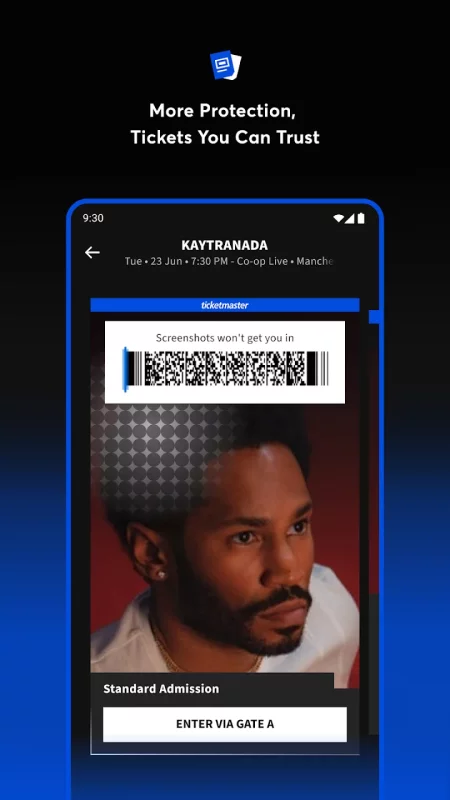
- Avoid forgeries “similar location” seats with Verified Tickets. The seats you buy the seats you’ll sit in and backed by our 100% guarantee.

YOUR PHONE IS YOUR TICKET
- Scan into your events with the app or upload your seats to Apple Wallet (mobile-entry events only).
- See all your event info in one convenient place.

NEVER MISS OUT ON AN EVENT
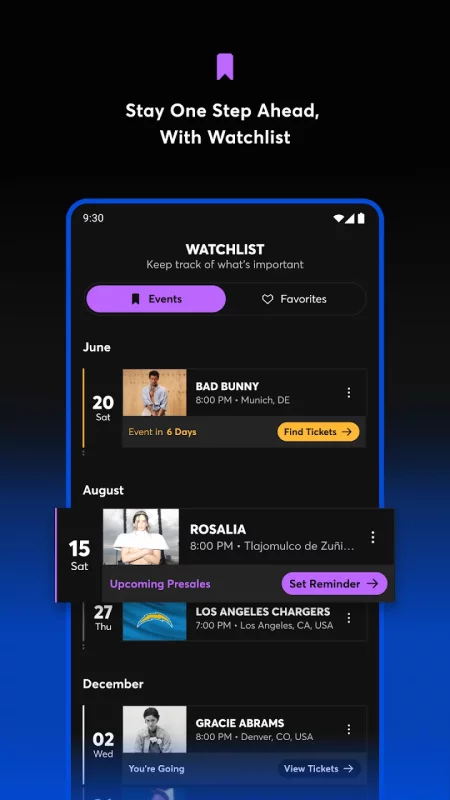
- Get alerts about your favorite events, artists, bands, and venues.

Download the Ticketmaster app and go live.
Download Ticketmaster-Buy, Sell Tickets for Android for free

Download Ticketmaster-Buy, Sell Tickets 273.4 apks Android 9+ ARMV8, ARMV7, X86, X86_64
170.35 Mb
No viruses found
Permissions (19)
Detections: 0
Check date: 04 September 2026, 04:30
The file was scanned for viruses using VirusTotal.
ACCESS_BACKGROUND_LOCATION - allows an app to access location in the background.
ACCESS_COARSE_LOCATION - allows an app to access approximate location.
ACCESS_FINE_LOCATION - allows an app to access precise location.
ACCESS_NETWORK_STATE - allows applications to access information about networks.
ACCESS_WIFI_STATE - allows applications to access information about wi-fi networks.
CALL_PHONE - allows an application to initiate a phone call without going through the dialer user interface for the user to confirm the call.
CAMERA - required to be able to access the camera device.
FOREGROUND_SERVICE - allows a regular application to use service.startforeground.
INTERNET - allows applications to open network sockets.
POST_NOTIFICATIONS - allows an app to post notifications
READ_CALENDAR - allows an application to read the user's calendar data.
READ_CONTACTS - allows an application to read the user's contacts data.
READ_EXTERNAL_STORAGE - allows an application to read from external storage.
READ_PHONE_STATE - allows read only access to phone state, including the current cellular network information, the status of any ongoing calls, and a list of any phoneaccounts registered on the device.
RECEIVE_BOOT_COMPLETED - allows an application to receive the intent.action_boot_completed that is broadcast after the system finishes booting.
VIBRATE - allows access to the vibrator.
WAKE_LOCK - allows using powermanager wakelocks to keep processor from sleeping or screen from dimming.
WRITE_CALENDAR - allows an application to write the user's calendar data.
WRITE_EXTERNAL_STORAGE - allows an application to write to external storage.
SHA1 signature: 02a13a04d22b46962b0567265d1917212982580d
SHA256 signature: 96c5fccd0b92ac823710b7951c278bbed38e65b658f41b0e52419b804173ffd9
How to install APKS
  1. Download the APKS file to your Android device.
  2. Install one of these installers from our website:
  3. Open the installer and select the downloaded file from the Downloads folder.
  4. Allow installation from this source if Android asks for permission.
  5. Start installation. To update the app, install the newer file without uninstalling the current version.
⚠If the download fails or gets stuck, try enabling a VPN, disabling your ad blocker, or switching to a different network.
Comments (0)
Loading comments...