- Update16.10.2026
- Latest Version1.29
- Android OS6.0+
- LicenseFree
-
LanguagesEnglish English
- Content RatingEveryone
- DeveloperStupendous Andro
- Package Namecom.stupendous.map.location.timeline
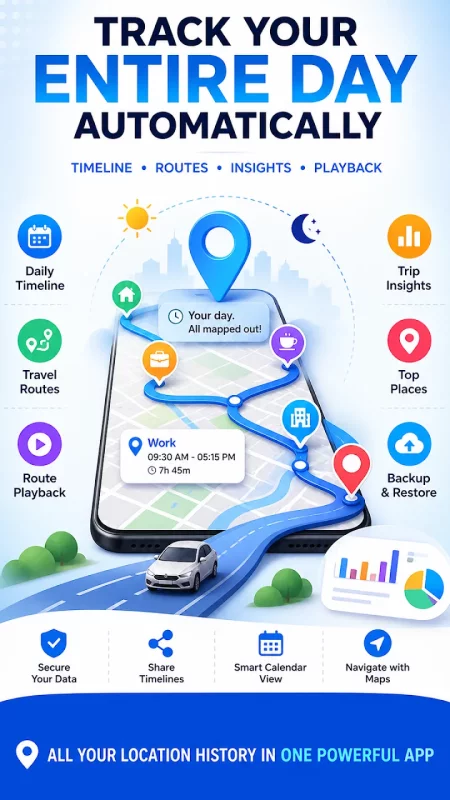
Take control of your daily movements with Location History Map Tracker – your smart GPS location tracker that automatically records, organizes & visualizes your travel history.
Whether you want to track your daily routine, review past trips or analyze your travel patterns, everything is stored in one simple, powerful timeline.
✨ Why You'll Love Location Timeline
★ Automatic Location Tracking
➤ Your location history is recorded in the background
➤ No manual check-ins needed – just open & view
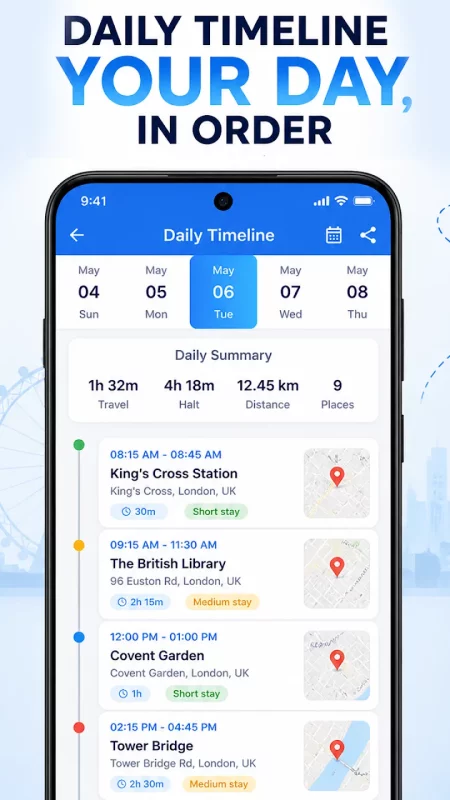
◆ Daily Timeline View
➤ See your entire day in a clean, structured timeline
➤ Know where you went & how long you stayed
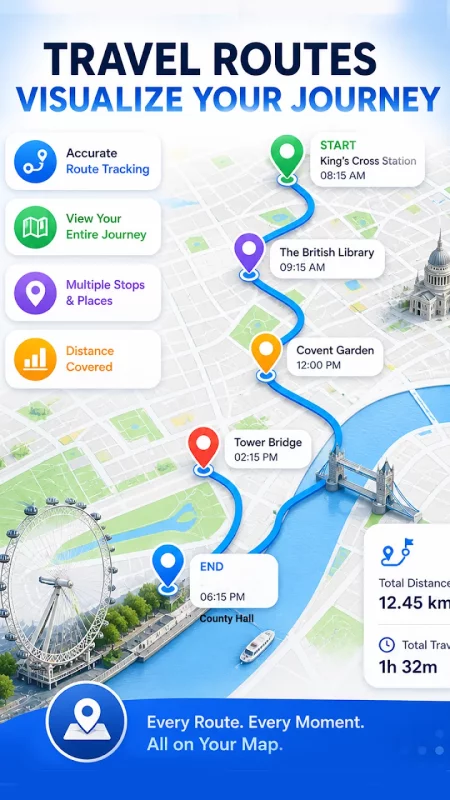
➤ Travel Route Map
➤ Visualize your routes on an interactive map
➤ Track exactly how you moved from place to place
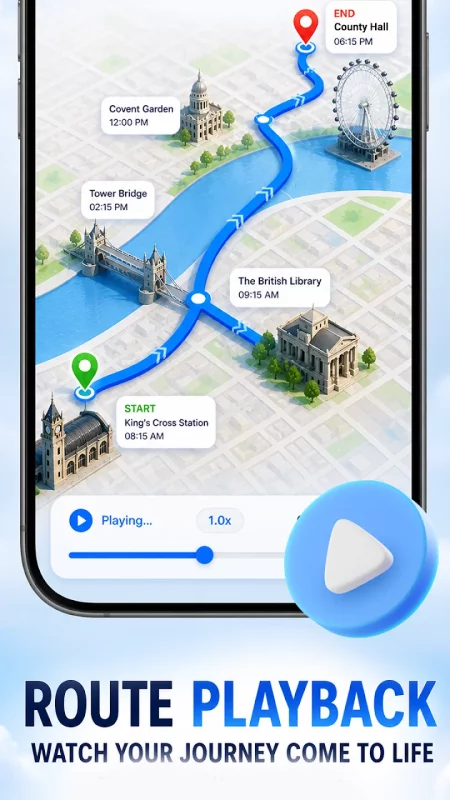
🎬 Route Playback (Travel Replay)
➤ Replay your day like a video
➤ Watch your movement step-by-step with smooth animation
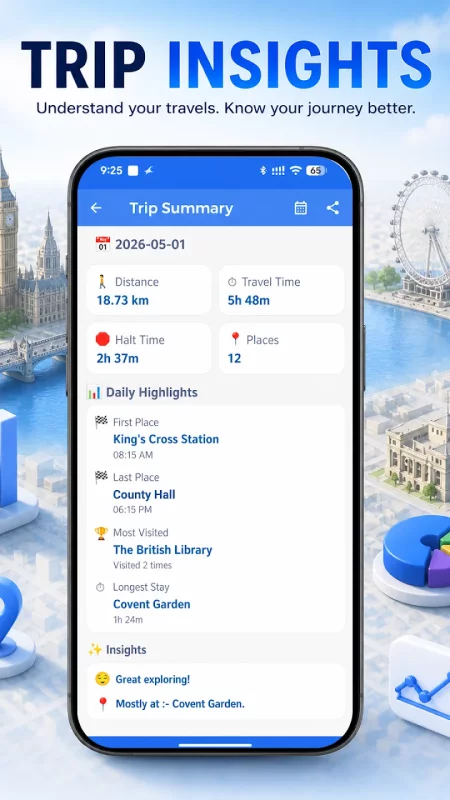
📊 Smart Insights & Analytics
★ Total travel time
★ Total stay/halts duration
★ Distance covered
★ Daily activity breakdown
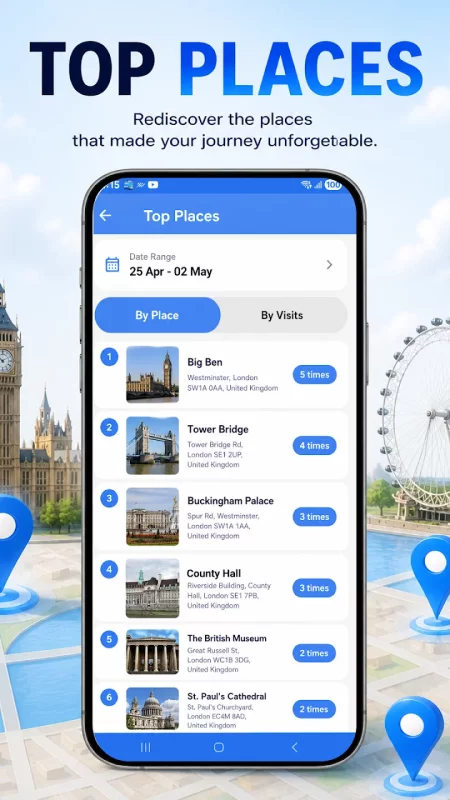
◆ Top Places Detection
➤ Automatically discover your most visited locations
➤ Understand your habits & routines better
📆 Easy Access & Smart Tools
📅 Calendar View
➤ Jump to any date & instantly view your history
📍 Navigation Support
➤ Open locations directly in Google Maps
➤ Get directions and explore places
📤 Share Your Timeline
➤ Share travel routes and daily activity with friends or family
💾 Backup & Restore (JSON)
➤ Export your data securely
➤ Restore anytime without losing your history
🎯 Perfect For
★ Daily travel tracking
★ Trip history & route review
★ Personal productivity insights
★ Habit and movement analysis
🚀 Start Your Journey Today
Turn your location data into meaningful insights.
Download Location History Map Tracker & see where your day really takes you.
Download Location History Map Tracker for Android for free
- Download the XAPK file to your Android device.
- Install one of these installers from our website:
- Open the installer and select the downloaded file from the Downloads folder.
- Allow installation from this source if Android asks for permission.
- Start installation. To update the app, install the newer file without uninstalling the current version.